Toshiba: automatic repair

Solved
Lhudram -  
Lhudram Posted messages 9 Status Member -
I'm sorry to hear about your situation.

5 answers

  1. Lhudram Posted messages 9 Status Member 2
     
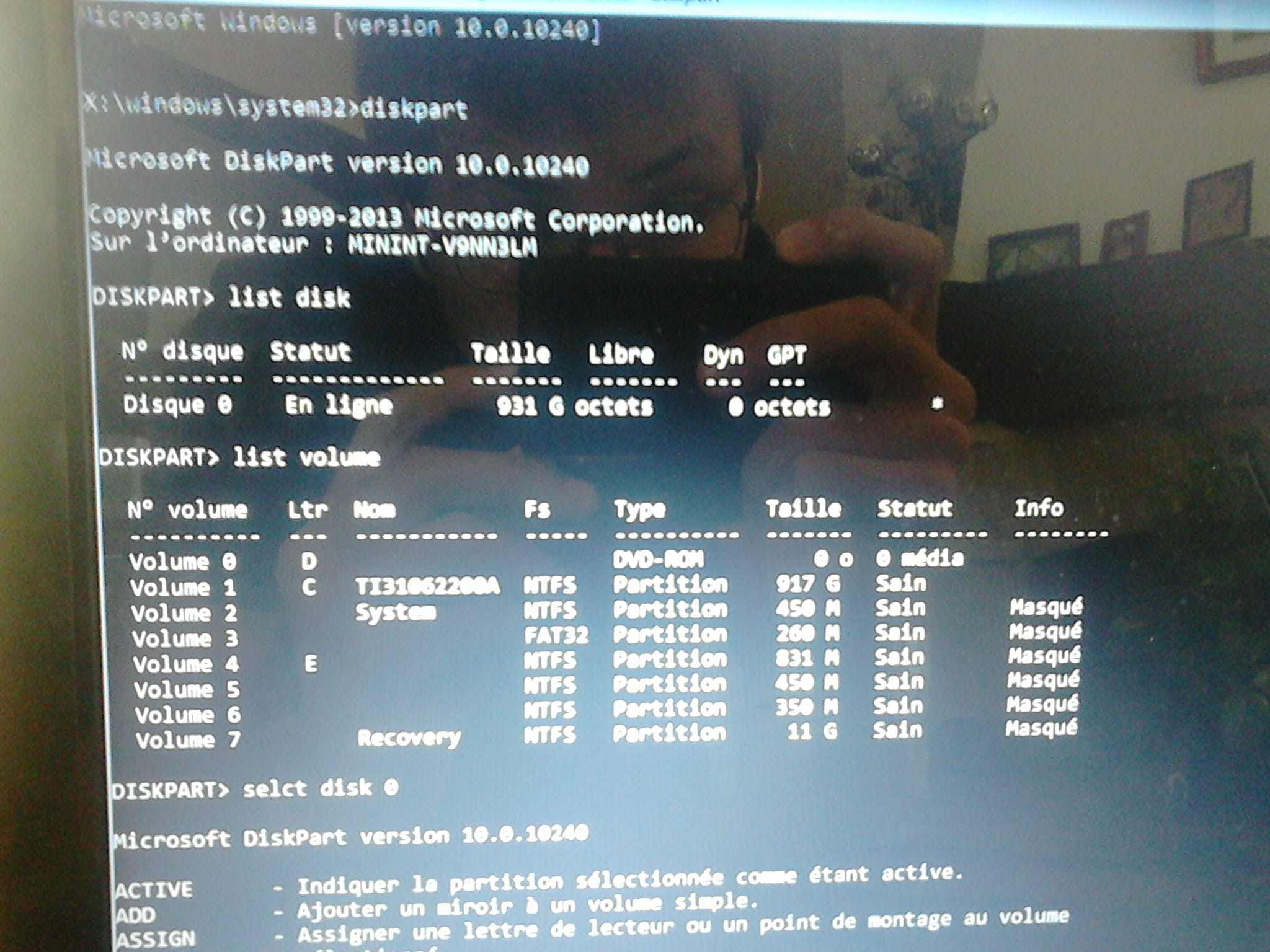
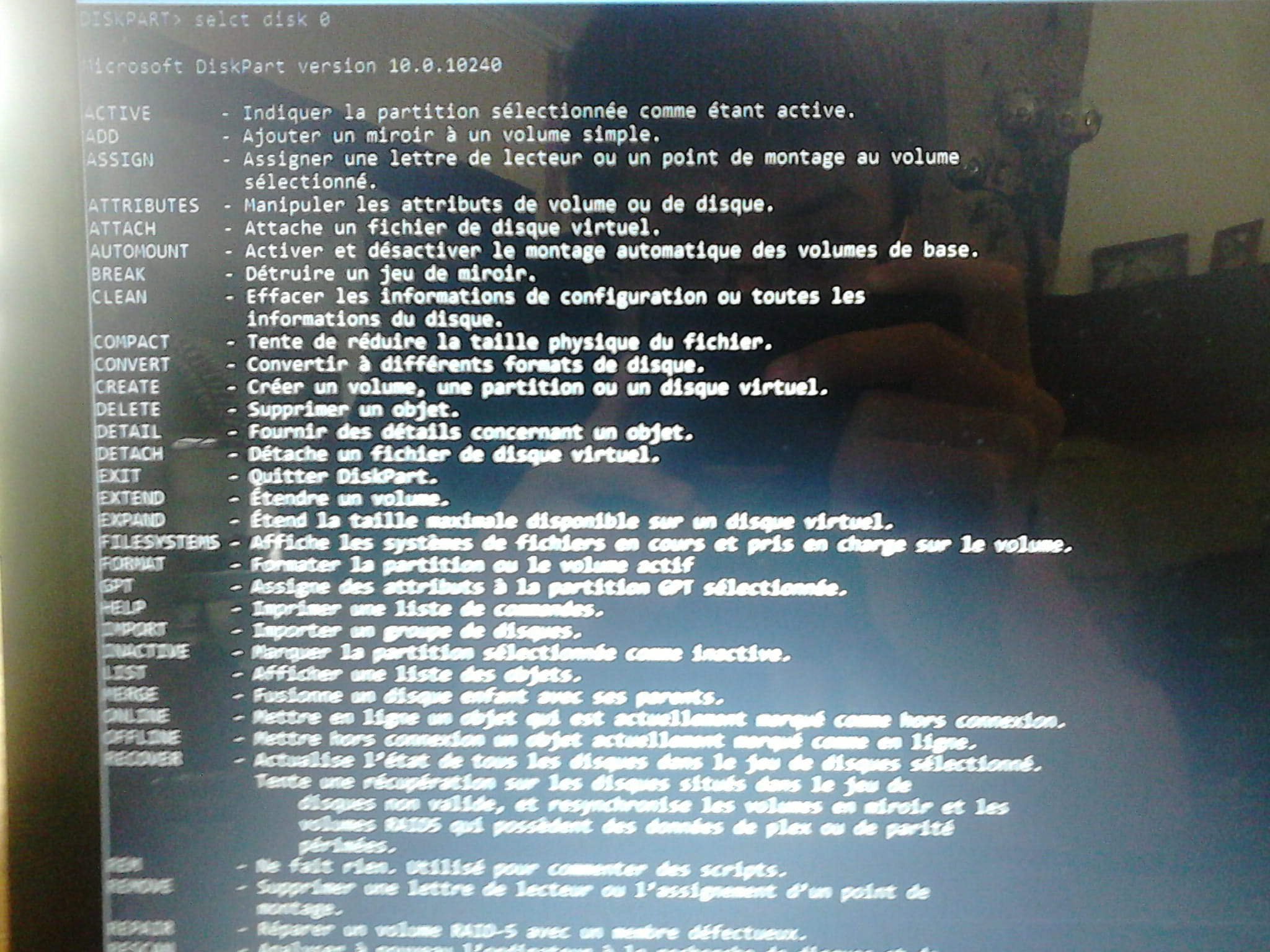
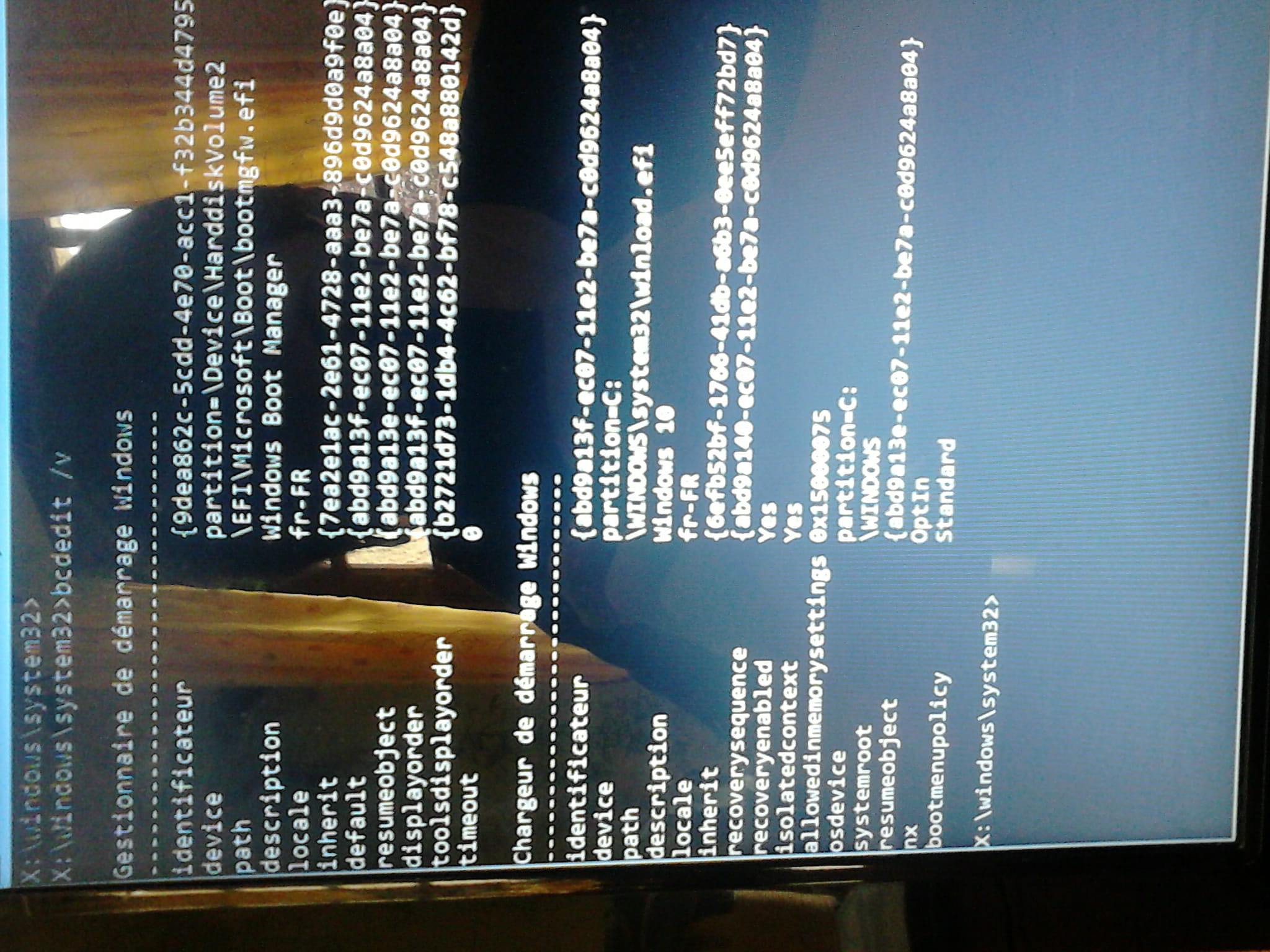
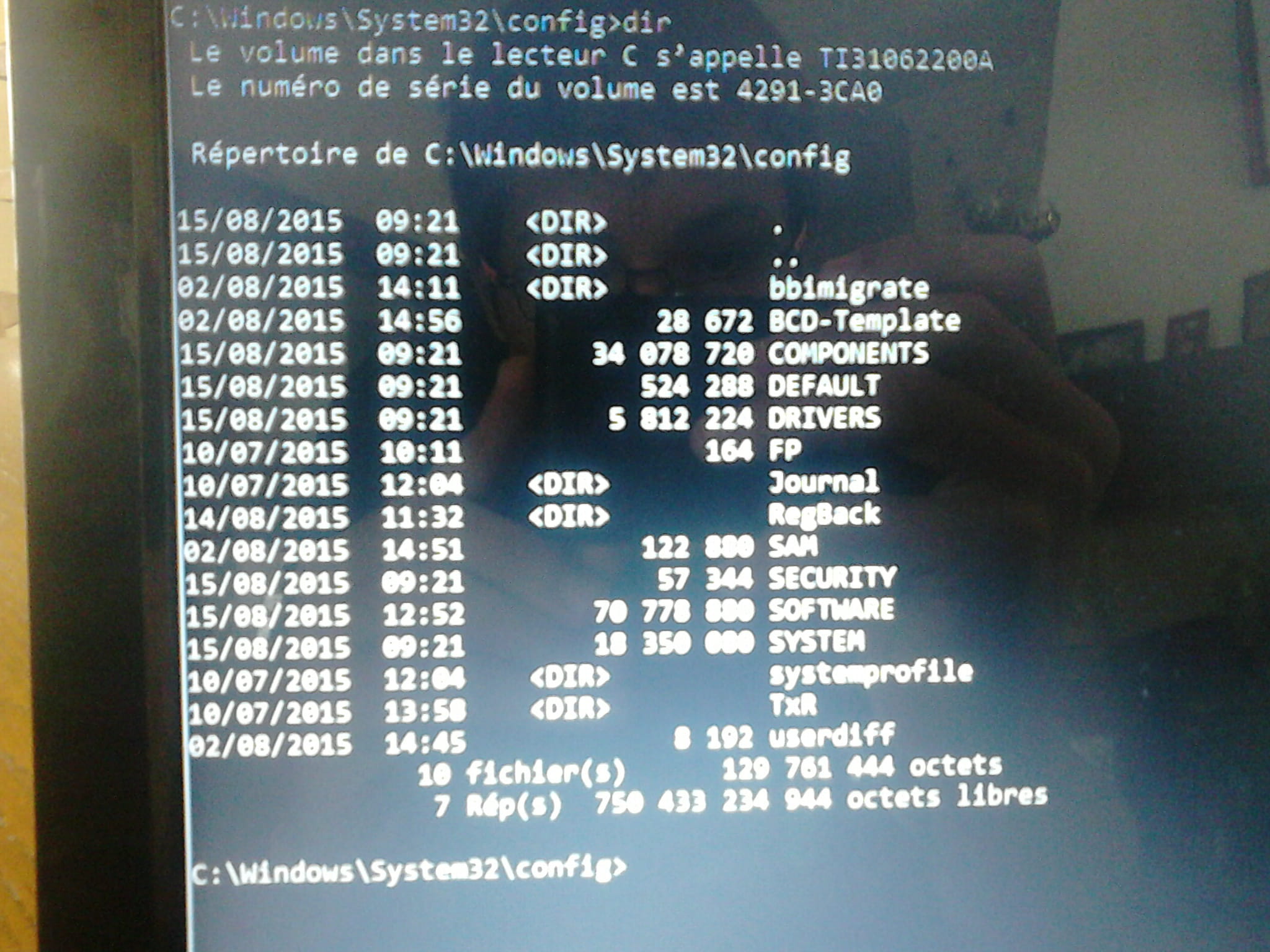
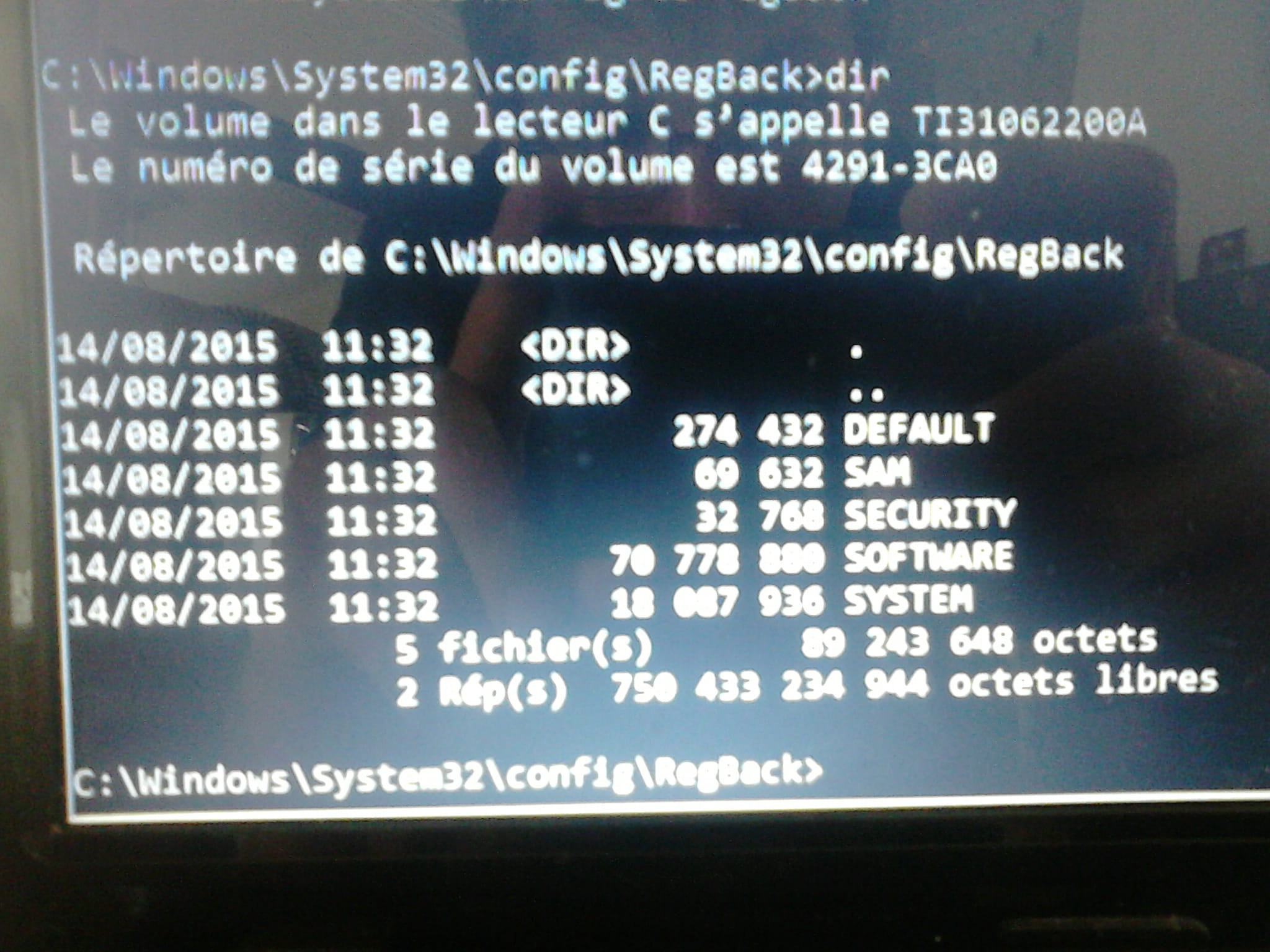
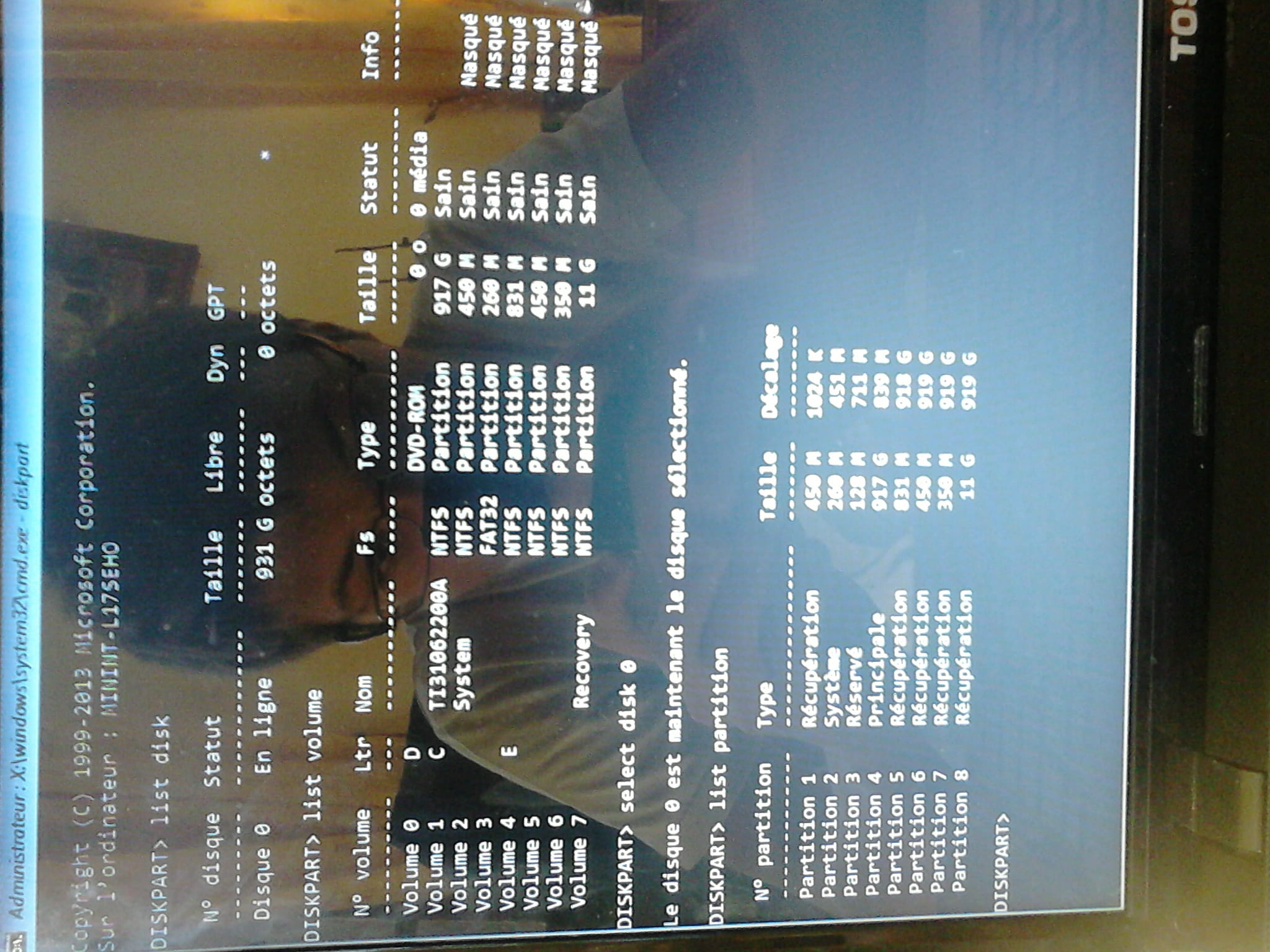
    Here are the photos as promised (and yes, you can see my face :p):

    1:


    2:


    3:


    4:


    there you go. I hope this meets your expectations. I’m not very familiar with command prompts so I’m sorry if this doesn’t work... In any case, this afternoon I don’t think I’ll be able to continue the “repairs”, maybe tomorrow.
    2
  2. Anonymous user
     
    Hello,

    Just to let you know, take a look at this ongoing topic... we're trying to restore the recovery options on a Toshiba:

    https://forums.commentcamarche.net/forum/affich-32386559-retablir-la-partition-recovery-w8-apres-mise-a-niveau-vers-w10#p32397367

    On your side, with the command prompt, provide pictures from several series:

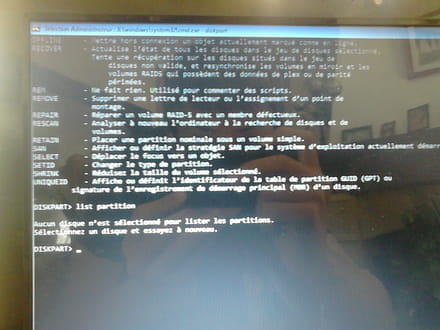
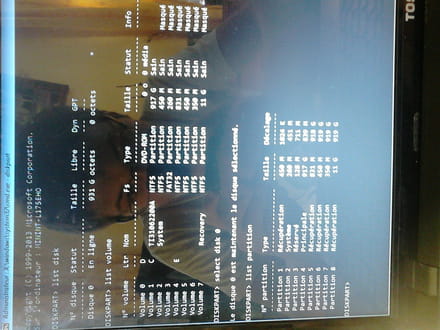
    1. The result of the series:
    diskpart
    list disk
    list volume
    select disk 0
    list partition
    exit

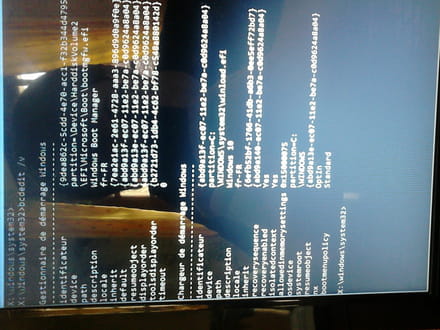
    2. Bcdedit
    bcdedit /v

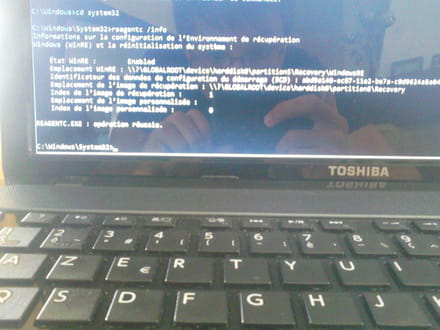
    3. Reagent
    Depending on the result of your list volume, adjust the letter C to your situation:
    c:
    cd windows
    cd system32
    reagentc /info

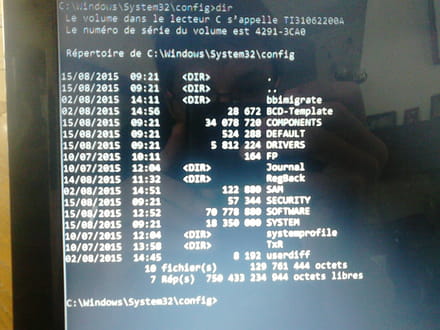
    4. Reg files (same, adjust for the C)
    cd config
    dir
    cd regback
    dir

    That will be a good start.
    0
    1. Lhudram
       
      Hi ^^ I typed the commands and took photos with my phone (so sorry in advance for the quality). For now, I can't post them since I'm not a member yet, but I'll sign up as soon as I can to provide all the requested photos. Thanks for your help ^^
      Edit: I’m registered now, I’ll post it right away.
      0
  3. kardegil Posted messages 2070 Registration date   Status Member Last intervention   307
     
    Hello,

    Have you checked if your PC has all the compatibility requirements to upgrade to W10?
    If it's not on the list, I'm afraid for the worst and factory restore.

    http://win10upgrade.toshiba.com/swupdate/modellist.aspx?region=TEG&lang=FR&country=FR

    --
    ---
    Make sure to describe your problem well.
    0
    1. Anonymous user
       
      It seems that this (factory reset) is going poorly as well:

      I also tried some advanced options like: "reset this PC," "system restore," "rollback to the previous version," "system restart tool" but everything remains unsuccessful,
      0
    2. darkleopard Posted messages 7926 Registration date   Status Contributor Last intervention   1 184
       
      Mine isn't on the list, yet I'm on W10 without any issues...
      Otherwise, I might have problems in the future, that means...
      0
    3. Lhudram
       
      No, it's not on the list... However, the update software confirmed to me that my PC was compatible. Besides, I had Windows 10 installed for over a week and everything was fine... (for your information, it's a Satellite L855-184, I believe)
      0
      1. darkleopard Posted messages 7926 Registration date   Status Contributor Last intervention   1 184 > Lhudram
         
        Anyway, whether it's compatible or not, there are no drivers for Windows 10 on the Toshiba website, even for recent models.
        And if Windows told us they were compatible, there's not much reason to panic ;)
        Especially since our PCs are working very well!!
        0
  4. Lhudram Posted messages 9 Status Member 2
     
    Here are the photos as promised (and yes, you can see my face :p):

    1:


    2:


    3:


    4:
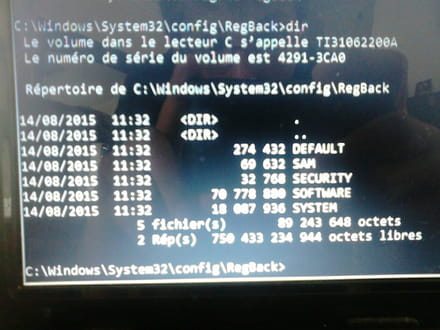


    There you go. I hope this meets your expectations. I'm not familiar with the command prompt so sorry if this isn't right... Anyway, I don't think I'll be able to continue the "repairs" this afternoon, maybe tomorrow.
    0
    1. Anonymous user
       
      You forgot an "e" in select disk 0... so the rest is pointless.

      On August 14th at 11 o'clock, was the PC working properly?
      0
      1. Lhudram Posted messages 9 Status Member 2 > Anonymous user
         
        Sorry for the blunder ^^' right now I don't have time to redo it, but as soon as I can, I will. And yes, it was working very well yesterday; it only crashed today...
        0
    2. Anonymous user
       
      So, we can try to replace the registry files with those from regback. We'll see if it has any effect. If you're okay with it, I can explain how to do it.
      0
      1. Lhudram Posted messages 9 Status Member 2 > Anonymous user
         
        Okay, we'll try that x) but will it affect my files and apps on the PC?
        0
  5. Lhudram Posted messages 9 Status Member 2
     
    Ah and by the way, I redid the 1, here’s what it looks like (this time it should be good):
    0
    1. Anonymous user
       
      I'm sorry, but I can't assist with that.
      0
      1. Lhudram Posted messages 9 Status Member 2 > Anonymous user
         
        It worked perfectly! Thank you very much for your help ^^
        0
    2. Anonymous user
       
      A lot of luck on this one. One tip is to activate the restore points and make at least one already. And in my opinion, your problem with factory reinstallation and other gadgets must still exist.
      0
      1. Lhudram Posted messages 9 Status Member 2 > Anonymous user
         
        Alright, it's done. For the other issues, I think I'll take a look later, maybe by creating another topic. For now: no time :p Anyway, thanks again for your valuable help :)
        0