Extract srt files from m2ts files
Solved
pelleas
Posted messages
8
Registration date
Status
Member
Last intervention
-
Pelleas -
Pelleas -
Hello everyone,
I have scoured the web in every direction, in both English and French, and I haven't seen any easy-to-use software capable of demuxing an m2ts file (like those from Arte's VMs, for example) to extract a text file or, even better, an srt. TsMuxer doesn't do it; it only demuxes languages. On Windows, there is Project X, which is very good. Is it possible that there is no similar software for Mac? That's the question. Thank you in advance to anyone who will take the time to look into this case.
Configuration: Mac OS X (10.10.3) / Safari 8.0.6
I have scoured the web in every direction, in both English and French, and I haven't seen any easy-to-use software capable of demuxing an m2ts file (like those from Arte's VMs, for example) to extract a text file or, even better, an srt. TsMuxer doesn't do it; it only demuxes languages. On Windows, there is Project X, which is very good. Is it possible that there is no similar software for Mac? That's the question. Thank you in advance to anyone who will take the time to look into this case.
Configuration: Mac OS X (10.10.3) / Safari 8.0.6
8 answers
-
Yes, I'm sure the subtitles are in the container, it's all about extracting the file. Moreover, it's true, when clicking on the soundforge link you can clearly see the Mac logo appear, but I had already been to this site, and I never managed to download the application.
I also know that it's easier to get the subtitles by converting to mkv, but unfortunately, the version of LaCinema on which I store my movies does not support reading mkv, contrary to what is indicated in the manual, which is why I always convert to mp4. However, whether mp4 or mkv, to really embed the subtitles in the image, you need an srt file, otherwise, they may be present in the conversion, but you have to call them with the remote control, they are never embedded. -
Avidemux (I only have version 2.6.9 and just saw that version 2.6.10 has been released) for example allows the integration of subtitles in SSA, ASS, and SRT, so no, subtitle files don't always have to be in SRT.
Aegisub, on Windows, also on Mac (?) allows you to create subtitles in ASS if I remember correctly and it allows importing subtitle files in MKV according to the help: http://docs.aegisub.org/3.2/Editing_Subtitles/
In image, it looks like this:
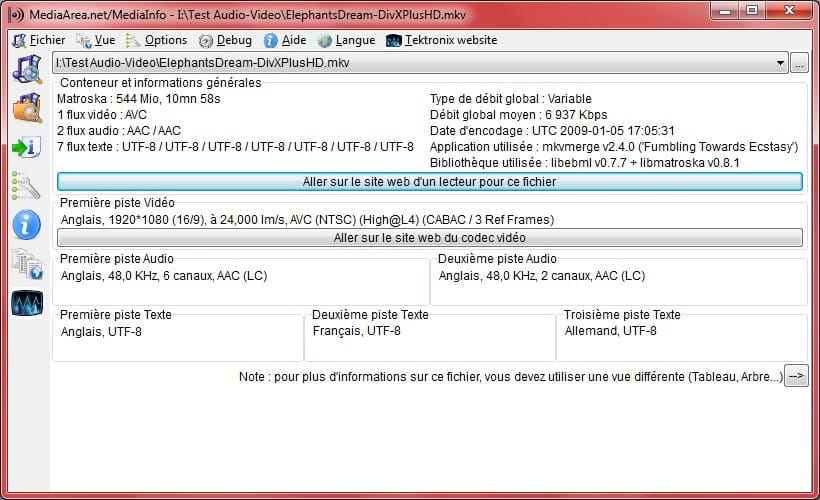
- MediaInfo test file (this file contains 10 subtitle tracks):
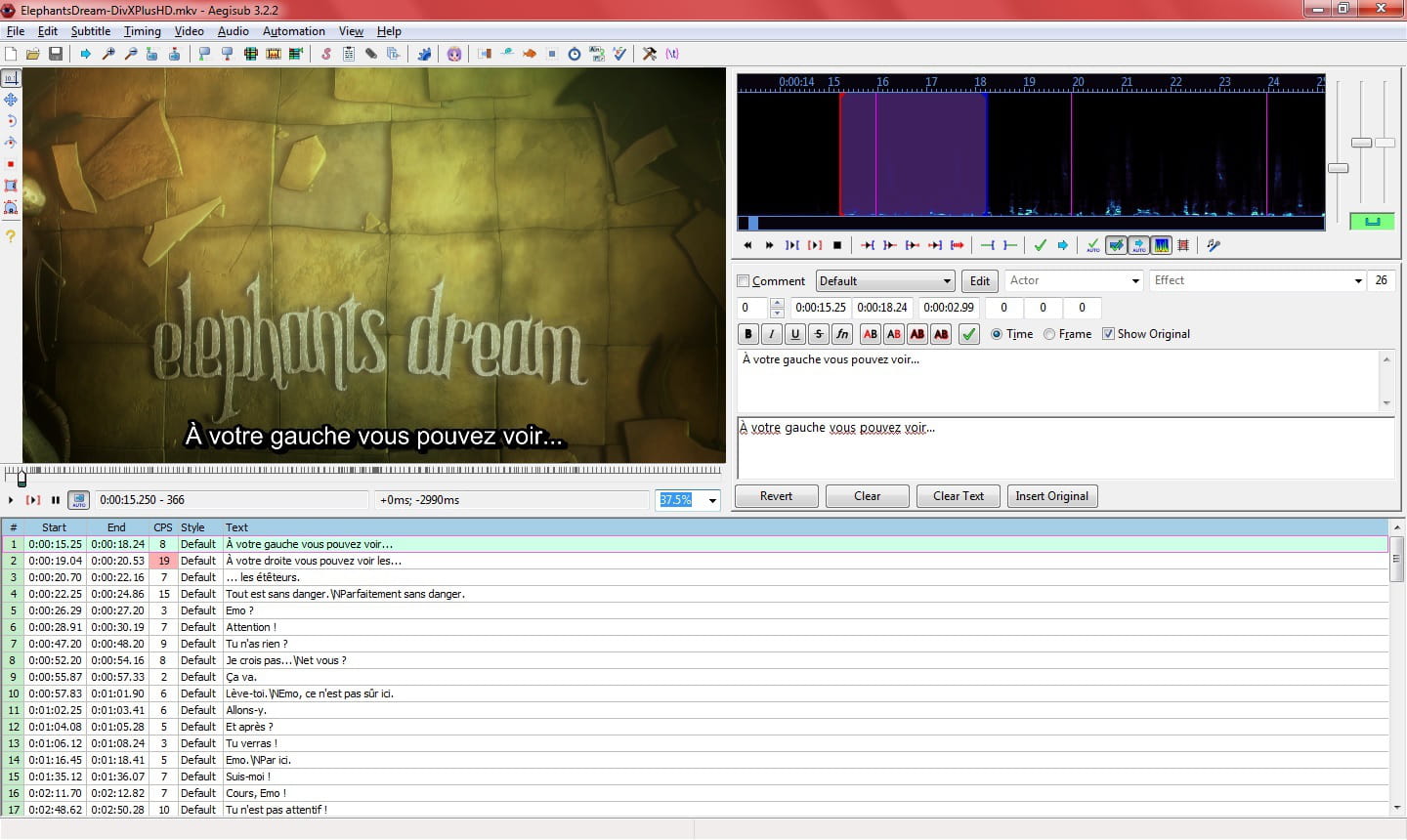
- In Aegisub (I opted for French):
To have the subtitle files visible, after opening your video file (Video --> Open video), you go through File --> Open Subtitles from video and there you see all possible choices appear.
However, the subtitles must be in TEXT (UTF-8), ASS, or SSA in the MKV.
Then all you have to do is save your subtitles in ASS, then check the file and correct any small errors (this can also be done in Aegisub), then re-encode everything in Avidemux or other software that allows you to integrate subtitles on Mac.
Since the method is a bit long, although... I wanted to test HandBrake (it's also available for Mac) with the same file, but it didn't recognize the subtitles :(
So, I think that's all I can do for you. In summary, it comes down to (I didn't do the conversion but the final preview is satisfactory), method in just 3 steps:
1-conversion of M2TS to MKV with MKVMerge for Mac
2- Use Aegisub to obtain a subtitle file in ASS
3- Embedding the subtitle file with Avidemux to get a subtitled MP4 file.
Good luck and all the best ;)
If it doesn't work, well I can't help you further :(
Long live Bobo! ~ A small fish will grow up ~ -
Hello,
I didn't understand your request... but Project-X also exists for Mac: http://www.macupdate.com/app/mac/26600/project-x
Be careful, it seems that this software does not support H264 streams (TNT SD: streams in MPEG-2, TNT HD: streams in H264 currently), so since this will become the standard starting in 2016 for TNT, you'll have to find other software.
Moreover, M2TS files, typical of Blu-ray files, are built on the H264 codec, VC-1 (something from Microsoft), but also in MPEG-2 (which is rare) because they are high-definition files, it seems. Project X only works with one of the three permitted video codecs and will quickly become obsolete.
As I am on Windows and not familiar with Mac, I’m afraid I can’t help you further, sorry :\
However, I did see this discussion, which might have a more or less distant relation to your request: https://forums.commentcamarche.net/forum/affich-25914573-transformer-fichier-m2ts-m2ts-idx-en-mp4
Best regards
PS: I can also say nonsense ;)
--
Long live Bobo! ~ Little fish will grow big ~ -
Thank you for your response. Yes, I acknowledge that I wasn't precise enough.
The truth is that I would like to recover the subtitle files from the recordings of movies broadcast in VM recorded on my Freebox and with the extension m2ts. Note that what I'm looking for is not to play them; VLC does that very well, and the forums are full of solutions for that. No, what I want is to demux the m2ts file in order to obtain a subtitle file (text or srt) that I can use in my mp4 conversion software to get the output with the subtitles burned into the image. Software like Leawo Video Converter Pro does this very well, but it only works if provided with an srt file. I know that you can find plenty of them online, but in the case of a TV recording, the synchronization issue is nearly insurmountable.
As for Project X that you mentioned, it’s nothing like the one I used under Windows, which is open source, so free. To my knowledge, there is no Mac version of that, and I'm beginning to think there is no alternative solution. Unless someone can provide proof to the contrary, for which I would be very grateful. -
Sorry for the link, I didn't realize it was paid :/
This download is open source and seems compatible with Mac since it's indicated... : https://sourceforge.net/projects/project-x/
In the linked discussion, the Free Video Converter software for Mac is mentioned. It seems "free" too, but I have no idea if it allows converting subtitle files to embed them in the video.
In any case, that's not what you're looking to do...
So to sum up, you might have the solution with MKVMerge and the associated software for Mac: http://mkv4mac.free.fr/?p=log
Finally, it would work if the subtitles are indeed present in the M2TS, which I am not sure about. Can you see them with VLC or another player?
But I don't know what type the subtitle files will come out with iMkvExtract.
If it's not in SRT, then you'd need to find software running on Mac capable of doing the "conversion" and I have no idea if that exists. -
Thank you, I'm going to test that. The mkv is giving me a little problem as I mentioned earlier, because it's not recognized by my LaCie multimedia storage unit.
But I think it's necessary to go through this, because with the mp4 it's not easy at all.
I'm not closing the discussion just in case someone else has another idea, but to be honest, I'm not counting on it too much. So, thanks once again, and have a good Sunday.-
Hello Pelleas,
Have you finally found a solution? I'm in the same situation, wanting to extract subtitles from a M2TS file recorded from ARTE via my FREEBOX. I'm getting the tsMuxeR error message "Some tracks not recognized" due to the (or some) subtitle track(s). If I try processing with mkvtoolnix, the subtitles are degraded (as if there’s an issue with the character table type).
Thanks in advance for your reply
Al.- Pelleas - August 18, 2015, at 2:58 PM
No, nothing really satisfactory for me as a Mac user. What I do is take the original version, and at the time of conversion, I add the srt files found online, where there are many and often of excellent quality. The problem is the synchronization. It's essential to make a cut right at the beginning of the credits. And often that's not enough. Then you have to adjust them manually with a suitable software. There are several available, and you can even find some online, but be careful, it's tricky! Anyway, it's the best solution I've found.
-
-
-
Thank you, I will test it.
Have a good Sunday.