
Time Machine Backup Recovery
elin94360
Posted messages
3
Status
Member
-
iGone69 Posted messages 31 Status Member -
iGone69 Posted messages 31 Status Member -
Hello,
I'm new to the forum and not very tech-savvy.
The problem is as follows: my MacBook Pro (2009) has been acting up for a few days (I have the spinning wheel at startup that turns indefinitely). I tried to figure out the issue and received this message: "You need to repair the partition map because there is a problem with the file system of the EFI system partition."
In short, I think I need to reformat everything. I have a Time Machine backup on a LacieCloudBox. My problem is that the external hard drive (Lacie Cloudbox) has never been formatted by me to hold the TM backup – I didn't know it had to be done and it doesn't seem to have been done by default since I can read documents on my PC from this external hard drive.
However, the TM backup was running regularly until the crash last week. When I try to restart my Mac from TM, I see the backup but cannot access it; I get an error 0 (I think it's due to the original formatting of the external hard drive). I have files that are over 4 GB so that's an issue...
My question is: is it possible to recover this backup to reuse it on my Mac once I've reformatted everything (considering that the data doesn't seem to have been saved on an external hard drive with the correct format)? I can see the backup on my PC (the external hard drive is networked).
So, in summary, is it possible that the backup was made on TM while the external hard drive was not in the correct format (ExFAT???) and that I can still recover it?
Thank you for your help!!!
Eline The novice
I'm new to the forum and not very tech-savvy.
The problem is as follows: my MacBook Pro (2009) has been acting up for a few days (I have the spinning wheel at startup that turns indefinitely). I tried to figure out the issue and received this message: "You need to repair the partition map because there is a problem with the file system of the EFI system partition."
In short, I think I need to reformat everything. I have a Time Machine backup on a LacieCloudBox. My problem is that the external hard drive (Lacie Cloudbox) has never been formatted by me to hold the TM backup – I didn't know it had to be done and it doesn't seem to have been done by default since I can read documents on my PC from this external hard drive.
However, the TM backup was running regularly until the crash last week. When I try to restart my Mac from TM, I see the backup but cannot access it; I get an error 0 (I think it's due to the original formatting of the external hard drive). I have files that are over 4 GB so that's an issue...
My question is: is it possible to recover this backup to reuse it on my Mac once I've reformatted everything (considering that the data doesn't seem to have been saved on an external hard drive with the correct format)? I can see the backup on my PC (the external hard drive is networked).
So, in summary, is it possible that the backup was made on TM while the external hard drive was not in the correct format (ExFAT???) and that I can still recover it?
Thank you for your help!!!
Eline The novice
33 answers
- 1
- 2
Next
-
Hello,
It is normal for the Mac not to be able to boot from a Time Machine backup. In no case is this possible. A Time Machine backup does not contain a bootable system. However, during the installation or reinstallation of Mac OS X, it is possible to restore your files and data from a Time Machine backup. Normally the system will prompt you automatically at the end of the installation. You just need to accept.
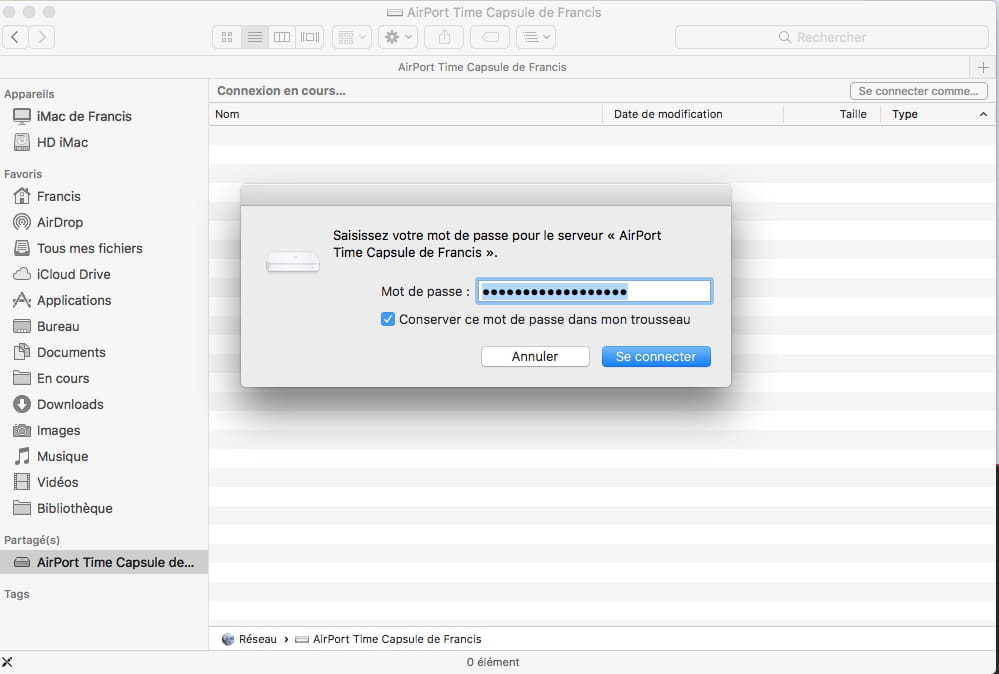
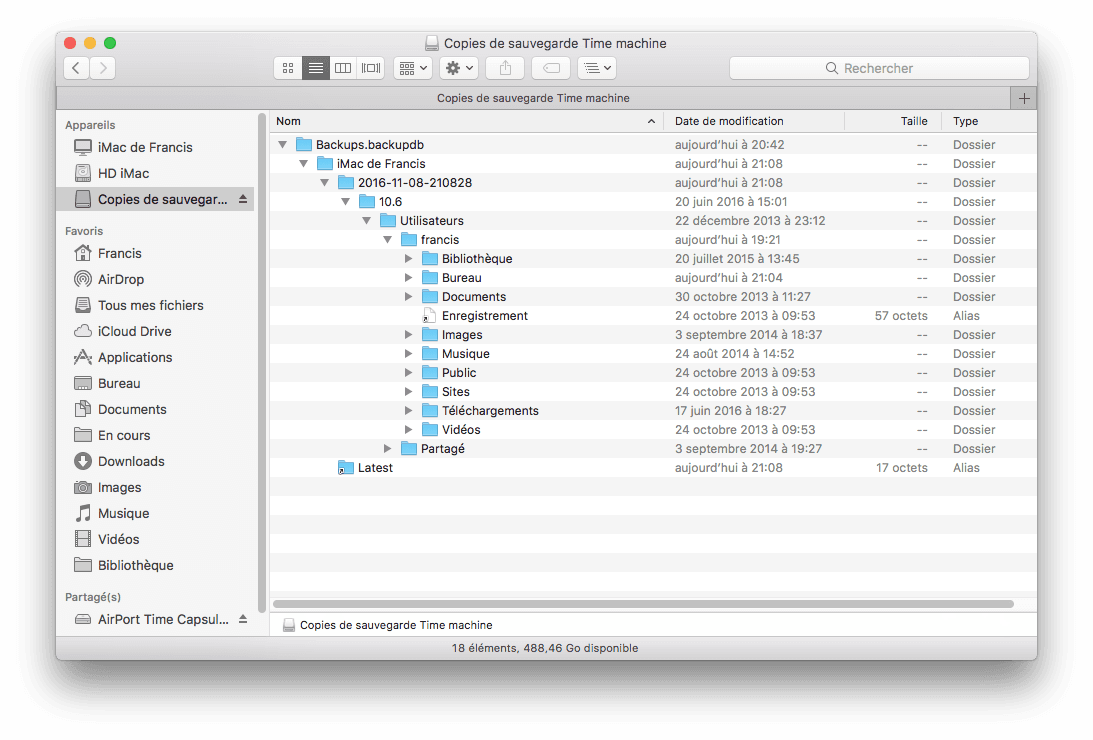
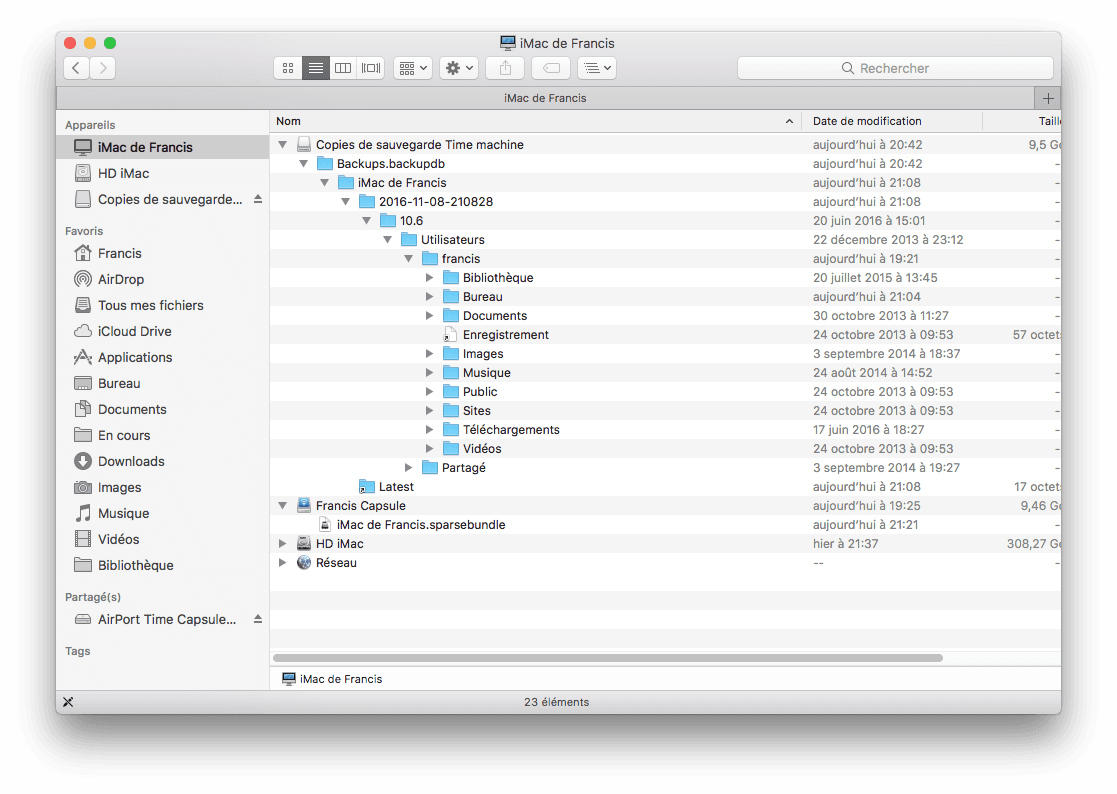
When you designate an external disk for Time Machine, it automatically erases and reformats it to Mac OS Extended, except that if it is a network disk, it is not reformatted to Mac OS. For example, an Apple Time Capsule, which is a network disk, cannot even be "formatted" by the Mac using Disk Utility. On these network disks, when Time Machine is activated, it simply creates a disk image (a virtual disk) in which it stores its backups.
So, if you reinstall the system, you will have the option to restore your data with Time Machine. Sometimes, it’s preferred to do all the updates first, and then only reintegrate the data from a Time Machine backup; this is possible with the Migration Assistant found in the Mac Applications Utilities. See this help:
https://support.apple.com/fr-fr/HT204320
--
Have a good day or Good Night..:).
Francis



- 1
- 2
Next