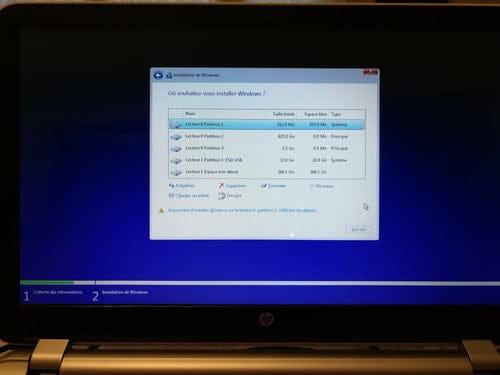
Unable to format SSD
Solved
Hello everyone,
I want to format my SSD because it was under Linux and it is impossible for me to format or partition it under Linux while it's working.
Despite my inexperience in computing and thanks to a YouTuber, I was able to follow step by step the disassembly of it.
Now, I don't know how to format it because I don't have compatible media with my SSD.
I have available an all-in-one screen, another HP laptop, and an old desktop.
Do you have a solution for me to install the original Windows?
Thank you.

P.S.: Sorry for the spelling mistakes.
I want to format my SSD because it was under Linux and it is impossible for me to format or partition it under Linux while it's working.
Despite my inexperience in computing and thanks to a YouTuber, I was able to follow step by step the disassembly of it.
Now, I don't know how to format it because I don't have compatible media with my SSD.
I have available an all-in-one screen, another HP laptop, and an old desktop.
Do you have a solution for me to install the original Windows?
Thank you.
P.S.: Sorry for the spelling mistakes.
14 answers
-
ContributorHello,
The Google photos are readable, on CCM it's not really the case... and it's a bit blurry..
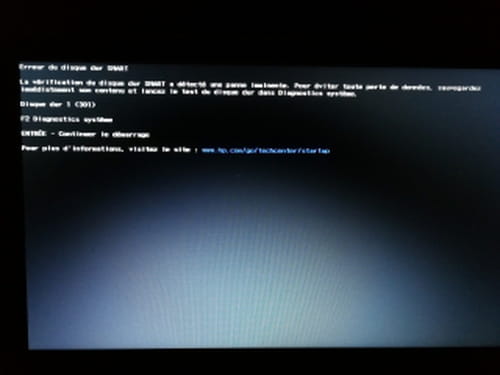
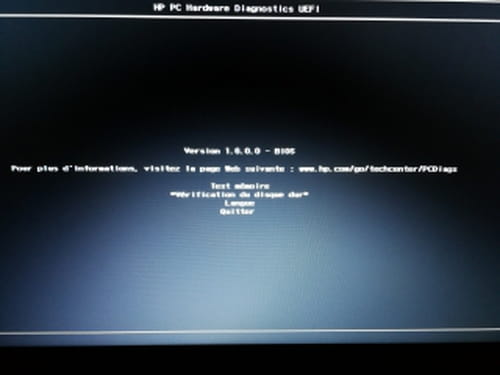
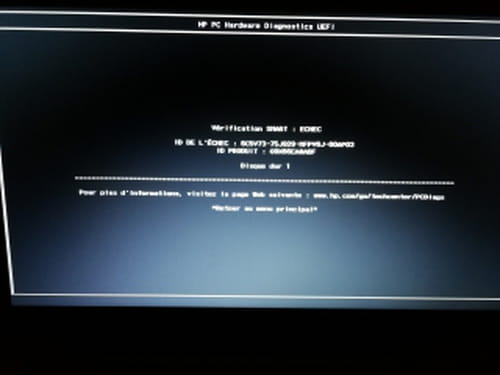
Anyway, you have a hard drive problem... or it’s coming soon.
A SMART table reserved for the manufacturer in the hard drive monitors several error criteria of the disk. Some errors are corrected, up to a certain limit... when the reserve becomes very small, there is an alert, which is what is happening to you.
Very often, these are bad sectors... reallocated to reserved areas... it's a bit like "a lifeboat"... when it's full, there's no more space... the others are doomed to sink with the ship (Titanic).. Not reassuring, but that’s what you risk with the contents of your disk...
It’s an HDD, we can read this table https://www.mesoutils.com/ordi/smart.php and you can use HD_Tune offered on the site ... Knowing the SMART table would be a plus, we would know what the defect is..
... In any case, you need to prepare to know the contents of your disk to back up the parts that are dear to you...! and if possible all the rest... The best being to have a new disk and clone the old one onto the new one... with a real cloning software like "Acronis True Image" or AOMEI https://www.ubackup.com/fr/windows-10/creer-disque-recuperation-windows-10.html check out this site, get yourself "trained" on the subject and prepare the CDlive that will save you..
If you can have a Tower (not too old) it would be best to install your two drives (the old and the new)
in addition to the system disk of this PC... you put your CD in the drive and Boot the PC from this CDlive... It’s with the menus of this CD that you can manage the cloning of your disk...
That's it, I don’t know if there is a major urgency or a minor urgency..? but I’m giving you the tools to prepare yourself.-
-
-
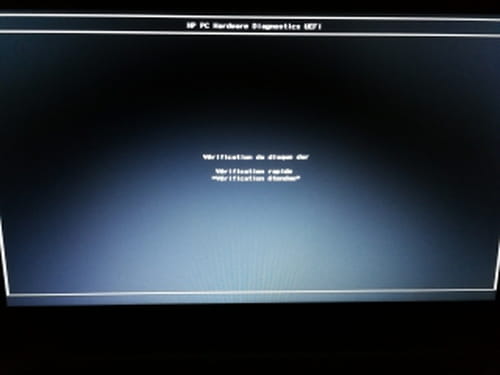
ContributorOK, your disk is dying.. the Benchmark is that of a cardiac patient in crisis... Your "Error Scan" is not significant because you checked the "Quick Scan" box, it's actually just a surface scan and not an analysis of each sector (needs to be redone without the Quick Scan)... and the Smart specifies that there have already been numerous reallocations and now you have overflowed by one sector that could not be relocated...
Your computer is still working, as long as the vital sectors are not affected... but if it starts on track Zero, you won't even be able to start your PC.
This is exactly what I announced in my previous post...
And given the state of the situation, in my opinion, you won't even be able to clone it because the disk is giving error messages... You can't clone a disk with errors.
So, for you, the most urgent thing is to save the personal files that are precious or dear to you.. and if possible to extract the Windows key, so that you can use it to activate your future reinstallation..
I don't have anything better to offer you... -
-
-