
G502 X mouse does not charge on Powerplay
Panth33ra Posted messages 23145 Registration date Status Member Last intervention -
Hello,
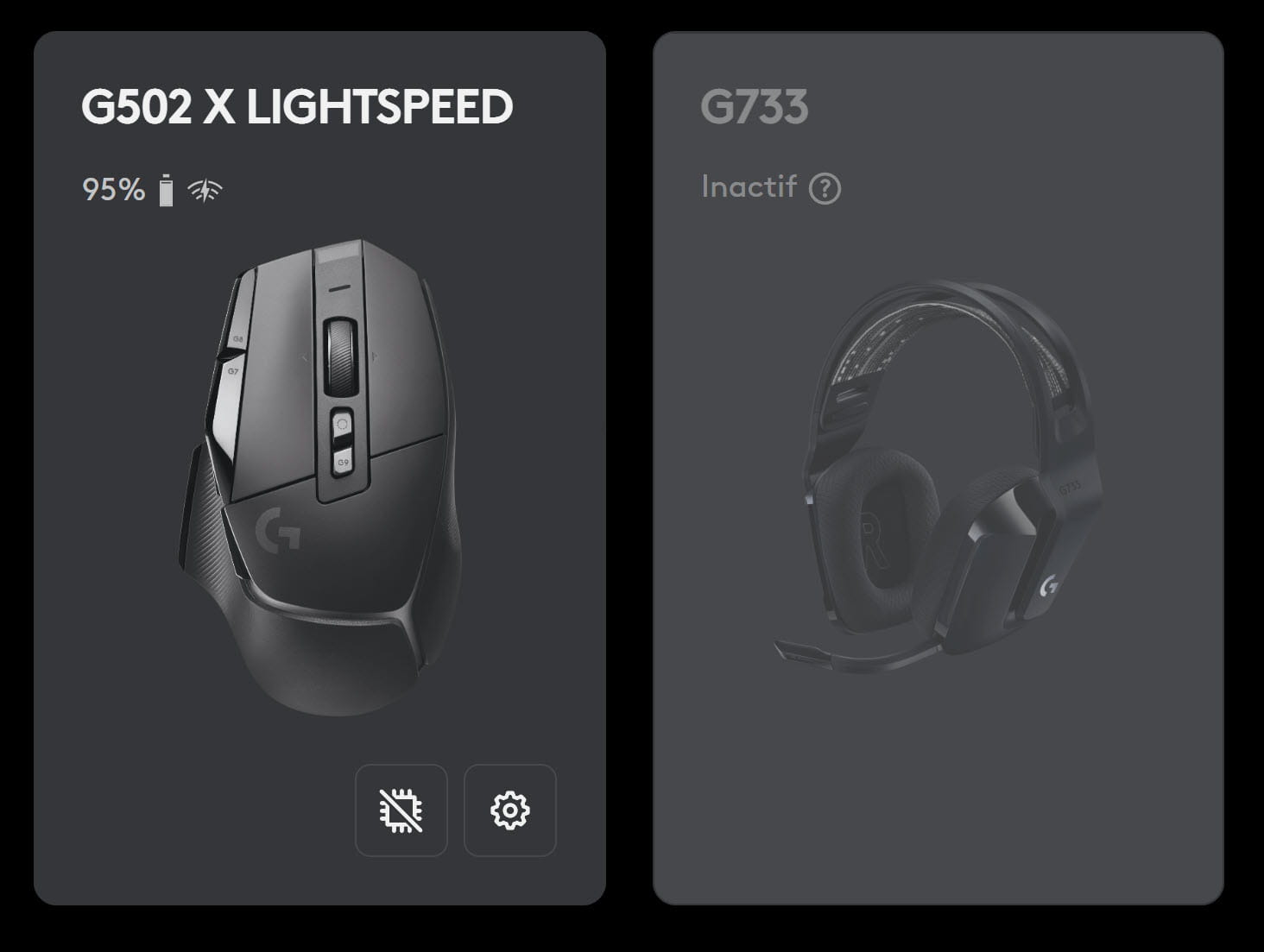
I had to change my mouse (a G502) because it wasn’t working well anymore (it would occasionally lose clicks), so I got a Logitech G502 X Lightspeed.
Plugged in today, it works perfectly on its Logitech Powerplay pad, and the latest software version: 2026.4.919028.
But it doesn’t charge: the battery level gradually drops: 50% -> 49% -> 48%, ...
I plugged the Powerplay pad into another USB port directly on the motherboard, I followed the advice in this thread:
https://www.reddit.com/r/logitech/comments/tfwha2/powerplay_not_charging_g502_mouse/?tl=fr
and I cleaned the contacts on the Powerplay puck on the mouse, but still no charge...
I should mention that the previous mouse charged perfectly about an hour ago.
Do you have a solution?
I'm a bit desperate...
Thank you
3 answers
-
I found the explanation!
The mice designed to recharge on the Powerplay mat must be equipped with a small module called Powercore. It appears in the form of a magnetic disc that sits under the mouse.
This Powercore module is systematically provided with the Powerplay mat, but not necessarily with all mice...
And on mine it was replaced by a simple magnetic plastic disc!
I recovered the Powercore module that I had put in my previous mouse, which earned me a trip to my trash bag, and it seems to work...
-
Good evening, You can also refrain from using the mat.
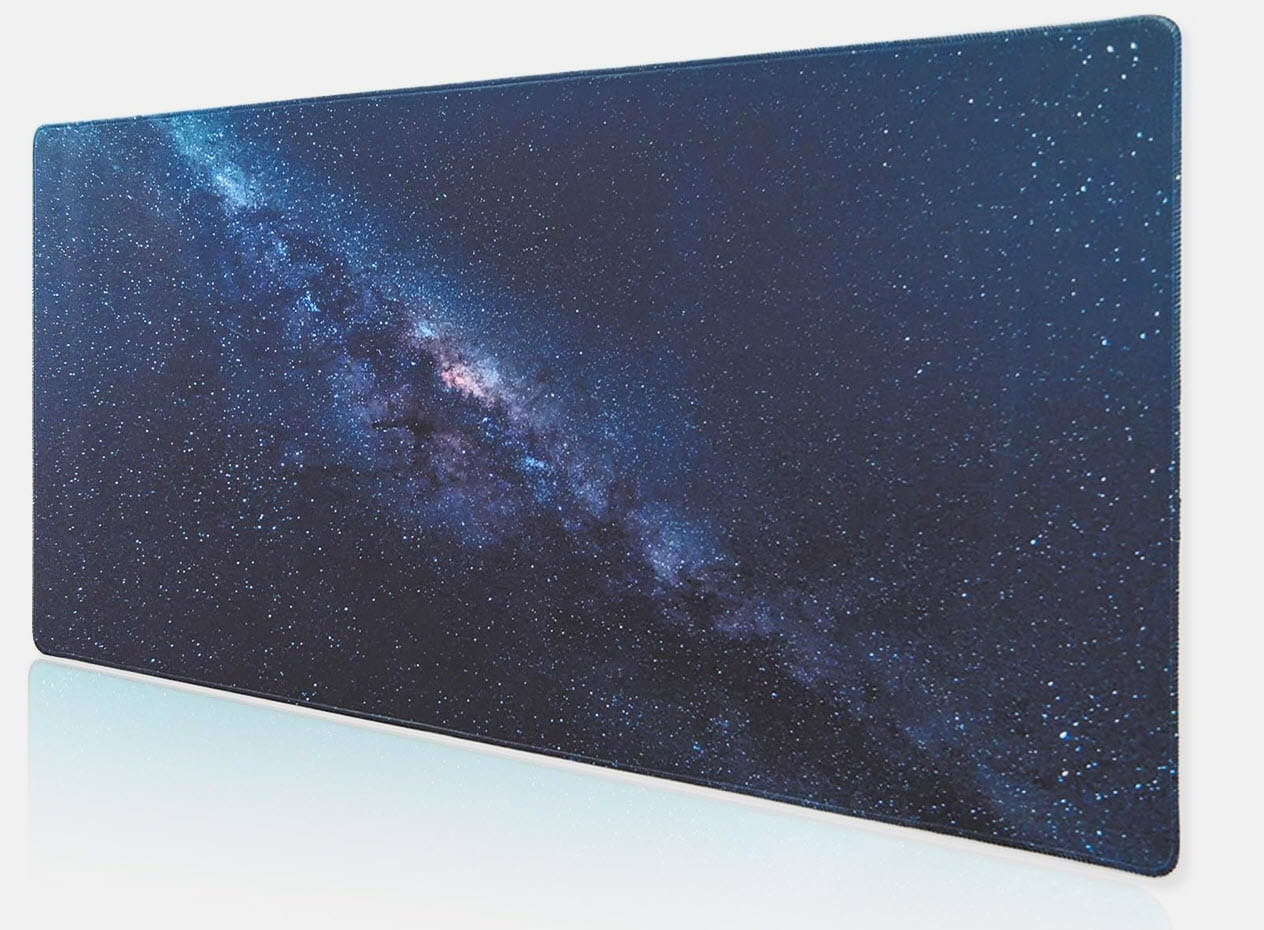
I don’t use it anymore for a few years, preferring a mouse pad at -€20 like this one, just as effective...
-
Yes, of course we can refrain from using the Powerplay mat, but in that case you have to recharge your mouse from time to time with a cable: doesn’t that bother you, after you no longer have to do it when you were using the Powerplay mat ??
