How to plug a USB cord into a TV
MPMP10 -
Hello, how to connect a USB cord to a TV that does not have a USB port. Is it possible to put an adapter on the HDMI input? Thank you for your response.
21 answers
- 1
- 2
-
Hello.
could you tell us the brand and exact model of the TV, as well as the intended use of this USB cable?
From that, we will be able to provide you with precise indications regarding the possibilities.
-
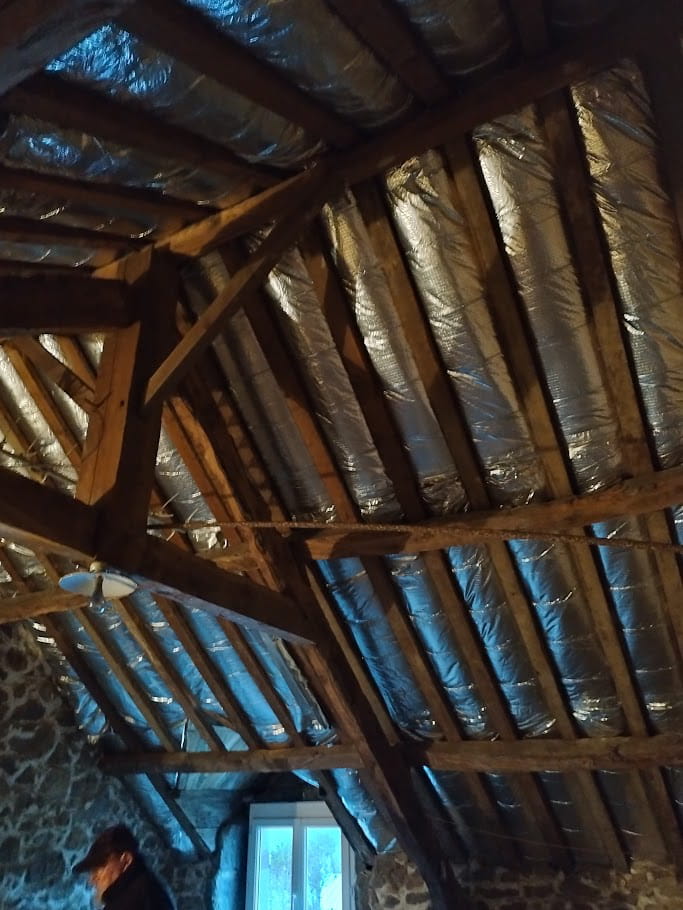
Hello and thank you for your response. The TV is a Sony Bravia. I would like to connect an indoor antenna to receive TNT. I have an old rooftop antenna in the attic and I only get 10 channels left (with an Optex HD 8910 decoder).
-
Hello,
Indoor antennas, in 99% of cases, do not work. In order to function they need to be at a short distance and in direct line of sight of the transmitter.
You say you only have 10 channels left; did you have them all before?
Have you redone a search for digital channels with your TNT set-top box?
Which channels are you missing? Which transmitter are you depending on?
-
-
On the Rennes St Pern transmitter, multiplex R1 is on channel 21 and R6 on channel 24.
Try to perform a manual search for the digital channels on these two channels (21 first, then 24).
With your exact address, check here https://www.arcom.fr/television-et-video-la-demande/ma-couverture-tnt that it is indeed the best transmitter for you.
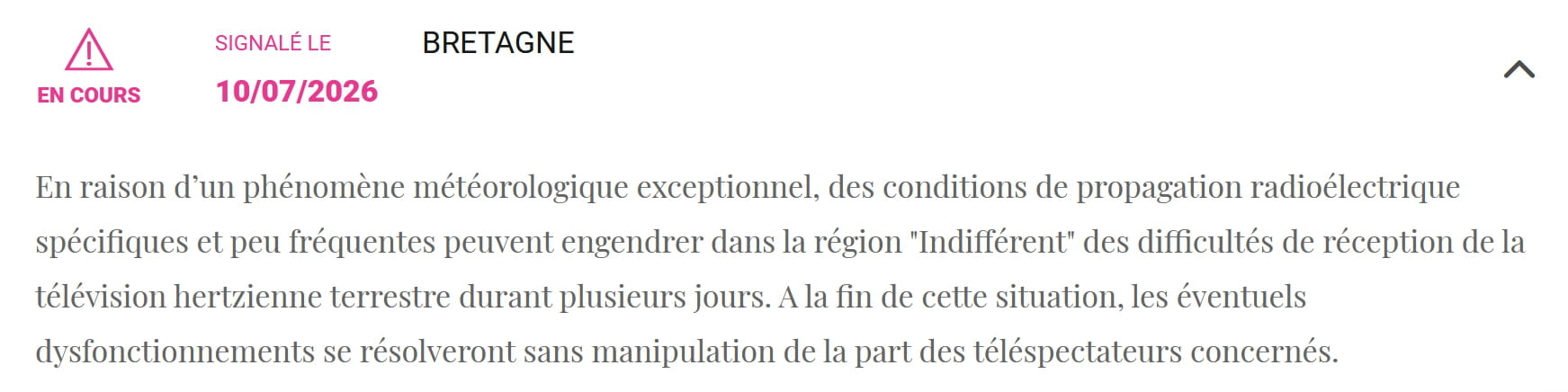
However in Bretage they report as an incident ongoing this
Very difficult to catch a black cat in a dark room.
Especially when it’s not there...-
Hello and thank you. I’m having trouble understanding because in manual search I already had multiplex R1 and R6 on channel 05. If I enter another channel, 24 for example, I still have the same 10 channels on R1 and R6.
Then when I return to manual search, it always shows channel 05 automatically.
yes, manual search with the set-top box remote - attached are the photos as supporting documents
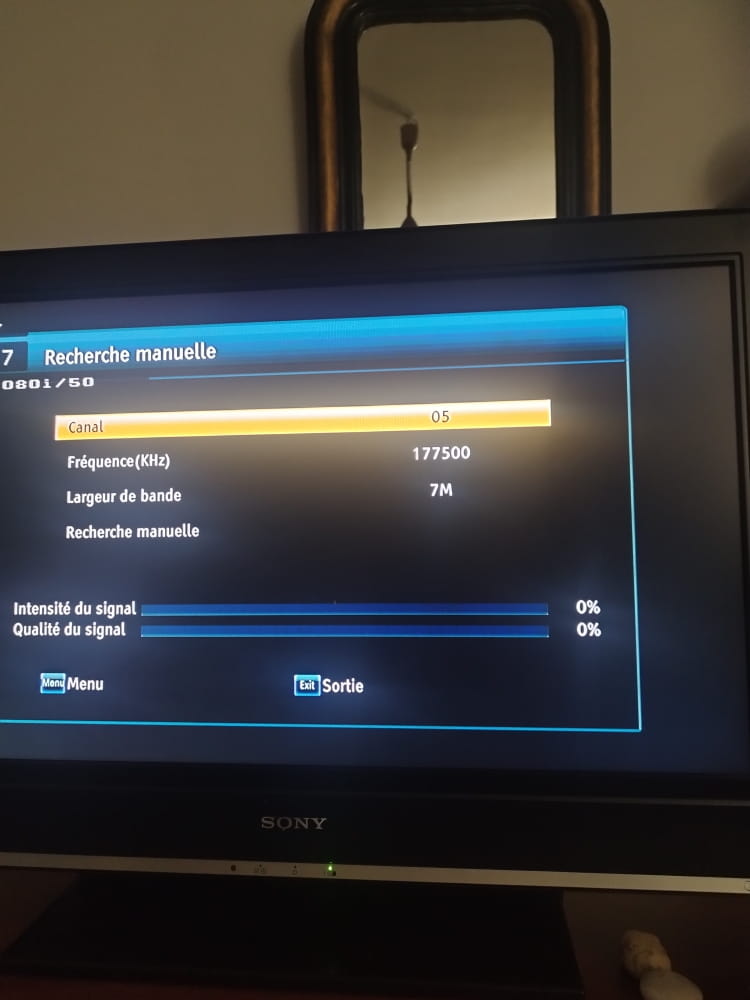
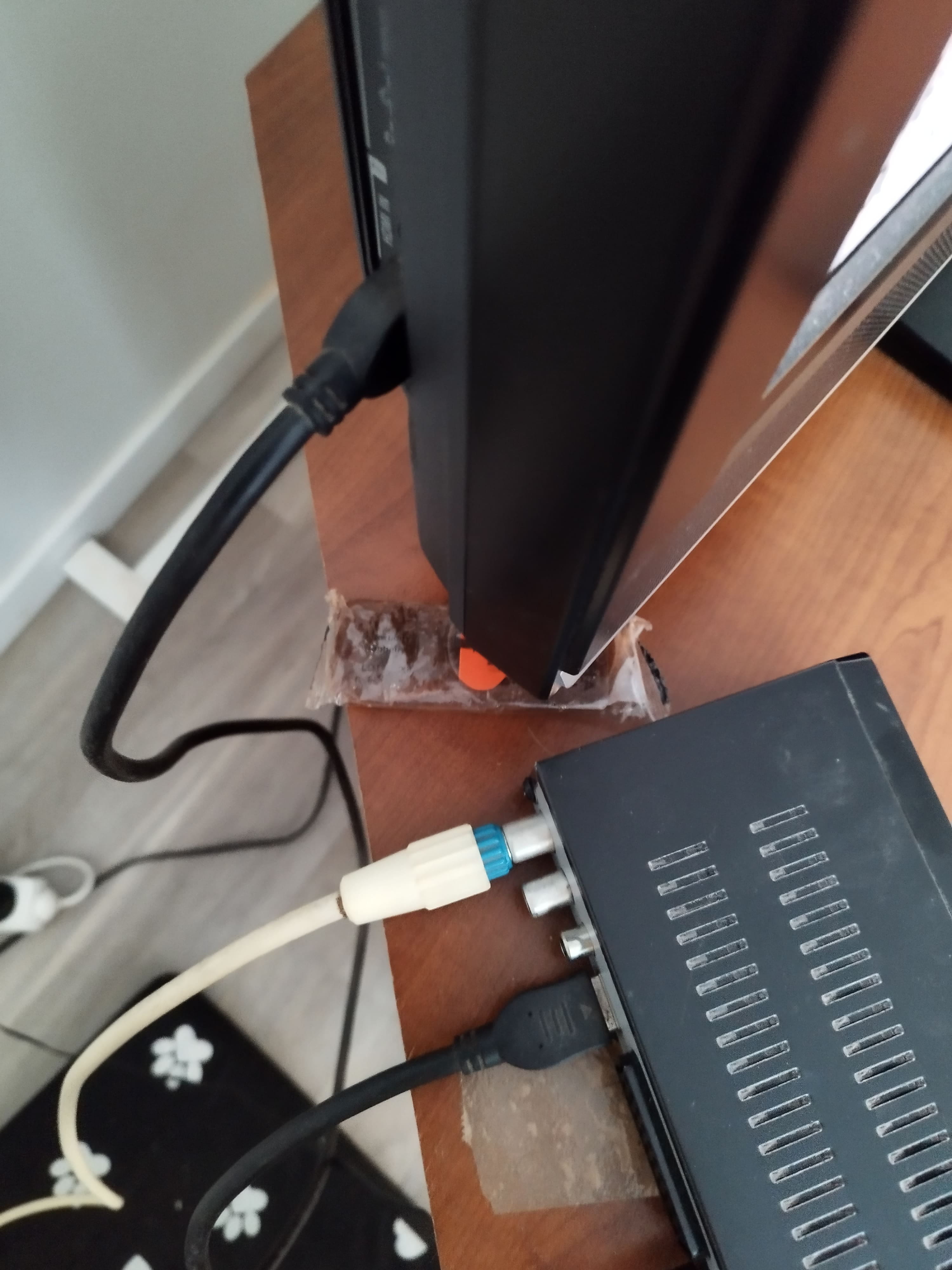
The decoder is Optex ORT 8910 HD - see the photos if that helps. In manual search I looked on channels 40 - 36 - 46 - 26: it says "no program found" for all 4. What surprised me is that when I do a manual search on channel 05 (which automatically appears when I want to do a manual search) it also says the same thing "no program found" - I wonder which channel the auto search uses to get the 10 channels I obtain.
I am also sending you screenshots of the auto search
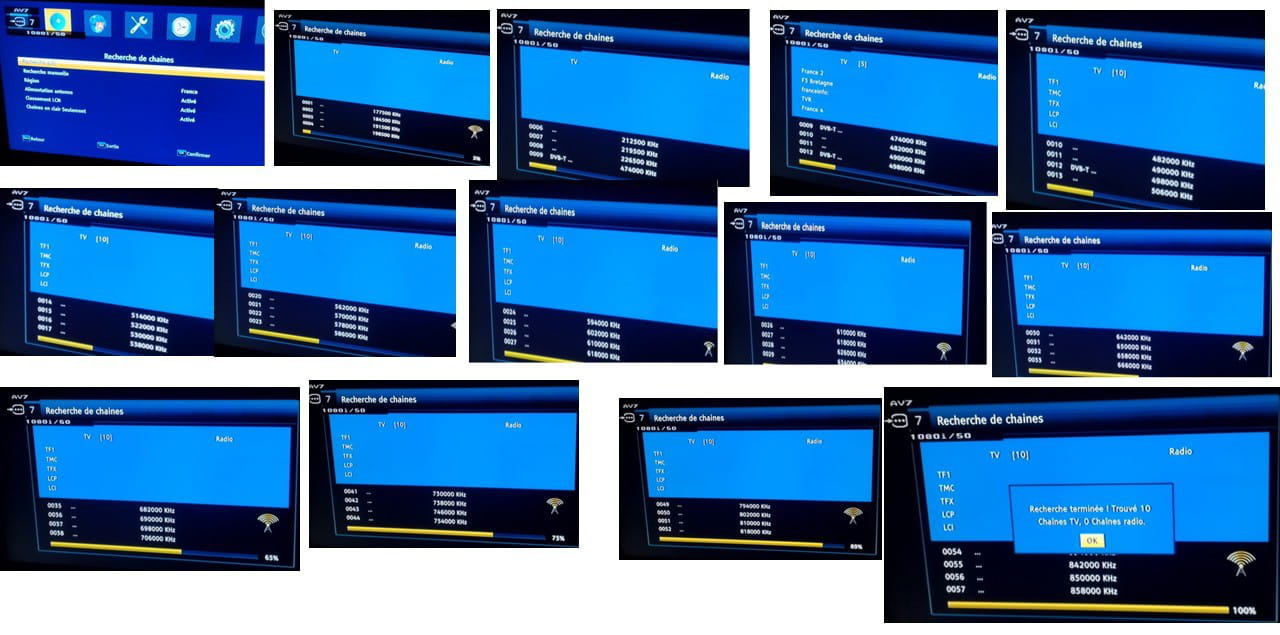
auto search
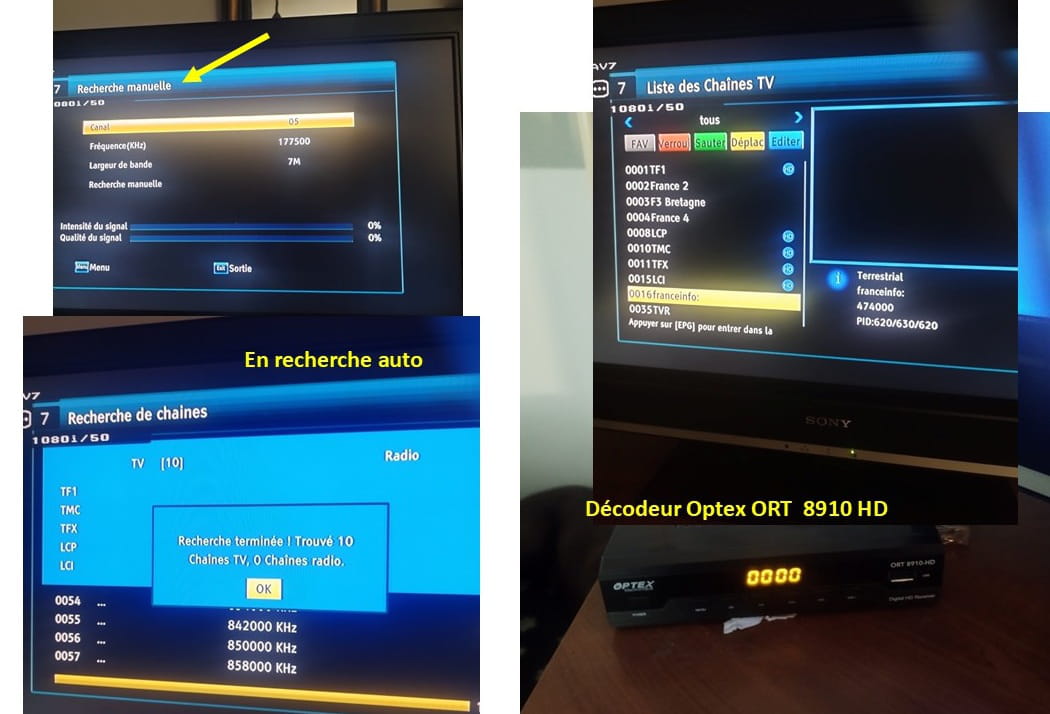
On your screenshot:
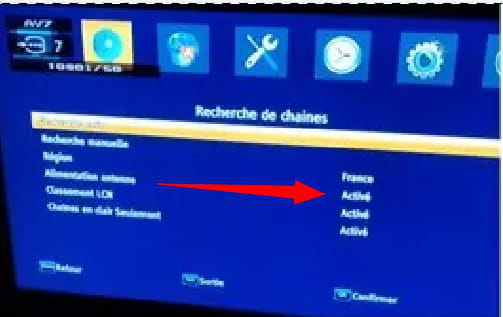
you can see that you have: Power supply antenna on Enabled.
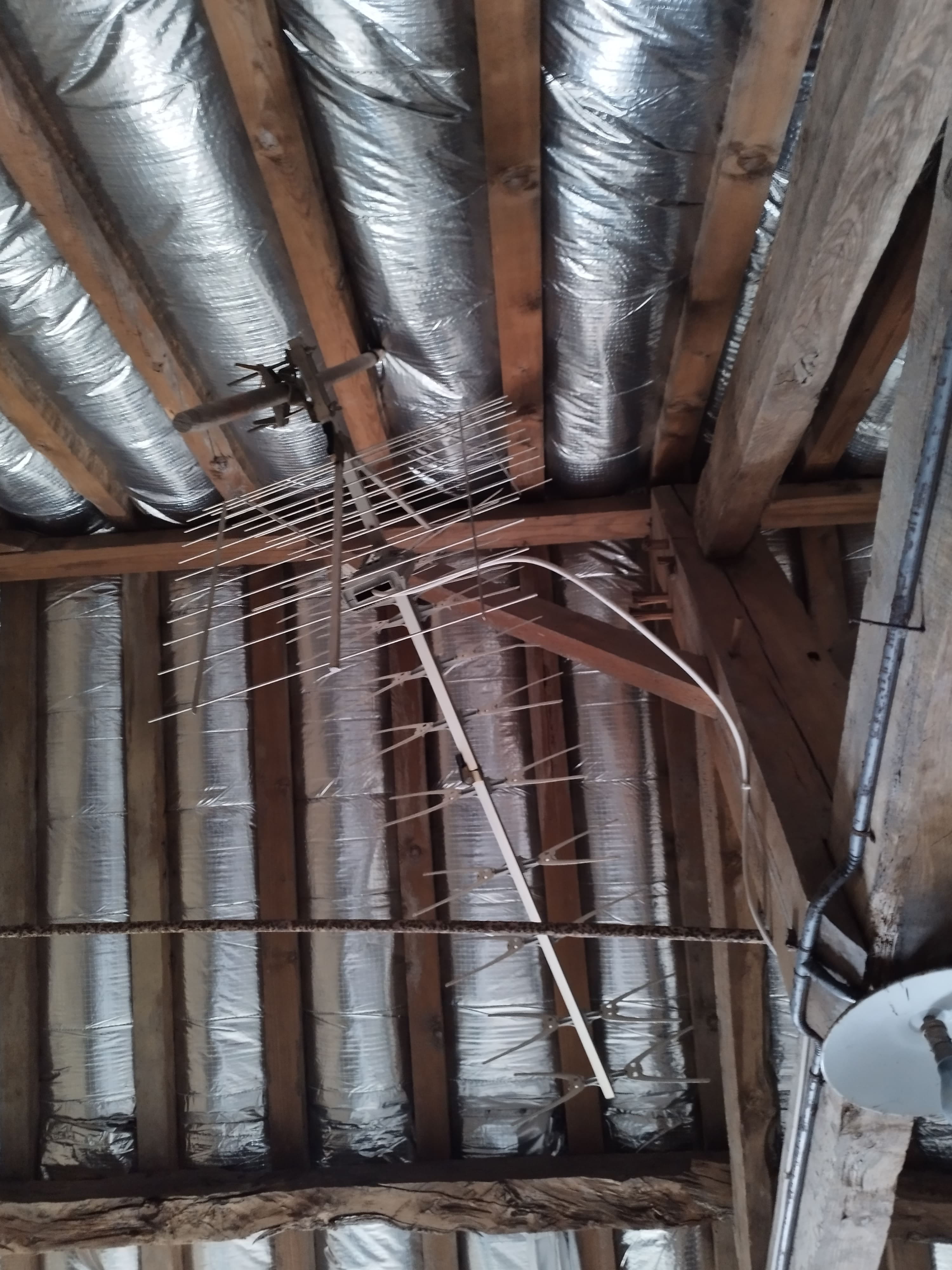
Do you have an antenna amplifier installed on your rotor antenna?
Very hard to catch a black cat in a dark room.
Especially when it's not there...-
I don't have an amplifier
by turning off the power to the antenna rather than "on," nothing changes, I have the 10 channels the same
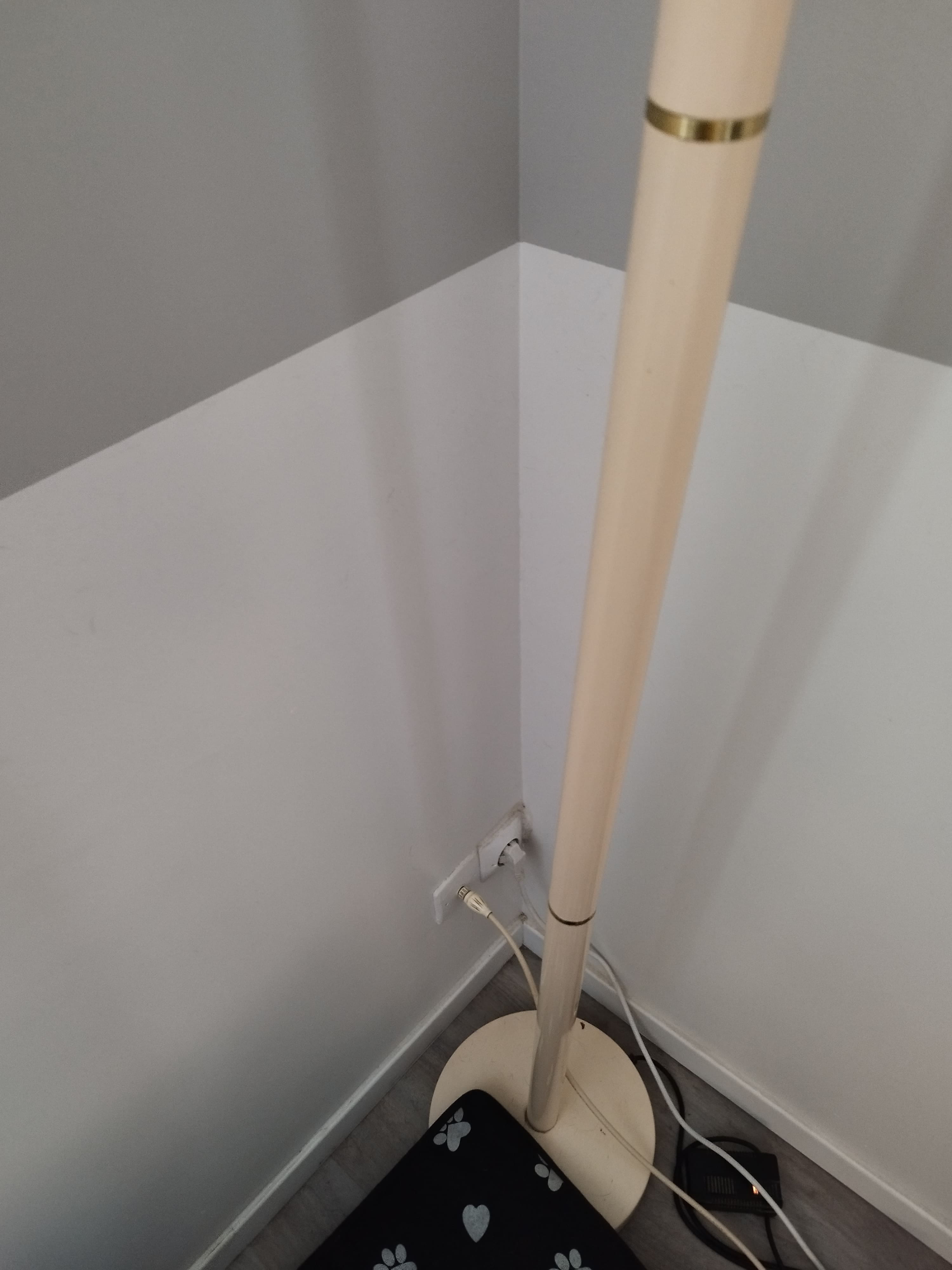
Where does this antenna cable that comes down from the attic end up? Directly at the outlet where the TV is connected, or in a technical cabinet (next to the electrical distribution)?
Do you have other TV outlets in the house?
It is very difficult to catch a black cat in a dark room.
Especially when it isn’t there...The antenna cable comes near the TV. There is a cable to connect it from the wall socket to the decoder
Okay for the antenna
You did not respond to the message#17.
The antenna certainly has not moved, so I only see one problem related to your decoder.
Do you have the possibility to try your decoder at a neighbor's or a friend's place?
Very difficult to catch a black cat in a dark room.
Especially when it is not there...I bought a new decoder (the same Optex model) and I still only have the same 10 channels - in manual search the channel number that appears automatically is 24 (with the old decoder it was 05) - I tried on numbers 40 - 36 - 46 - 26 that you had indicated previously and nothing happens -Sorry, the decoder is therefore not to blame.
The coaxial cable between the wall outlet and the decoder could also be the source of the problem; try replacing it.
If there really is no amplifier system between the antenna and the wall outlet, I have no more idea about the cause of the fault. Under these conditions, I only see the intervention of a local antenna installer who could solve the problem.
Channel 24 on the Rennes St Pern transmitter is the R6 multiplex, where the channels are: TF1(1) - LCP(8) - TMC(10) - TFX(11) - LCI(15).
What are the exact 5 other channels you receive?
Your old decoder that displayed channel 05 allowed you to perform searches on analog channels, which the newer one no longer does.
It is very difficult to catch a black cat in a dark room.
Especially when it is not there...I have the R1 with F2, F3, F4, FInfo, F3 region
I bought a coaxial cable but I didn’t choose the right model. It’s difficult to find the right one. No one to inform with certainty. If you can guide me... Otherwise I thank you very much for your help even if it didn’t work out, you tried with kindness. Thank you
-
Since the early 1990s, the antenna connector format has been standardized in Europe (IEC standard) with a diameter of 9.5 mm.
You need to have an old 9mm diameter system outlet. you must find a 9mm/9.5mm adapter.
The problem is to know which types of connectors are in place (male or female).
As far as I’m aware, the outlet on the ANT IN decoder is female.
On your wall outlet? and is your new cable male/male or male/female?
I did buy indeed male/female - I’m attaching the photo of the existing cable if it sounds familiar to you the model? the two ends are clearly different
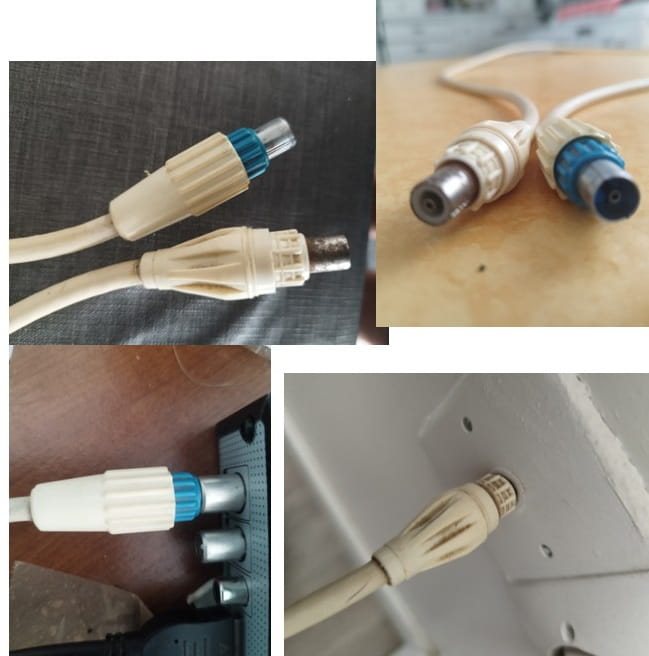
my purchase that isn’t working: male/female antenna cable - Length: 2 meters, male to female connector, Diameter: 9.52 mm. 10-year warranty.
-
The old cable seems to be a cable made with detachable plugs. Apparently they are male plugs on both ends. The side with the blue band that is connected to the decoder should be 9.52 mm. However, the other end, which is all white, could be 9 mm.
Are you able to connect the blue-ringed plug to the wall outlet?
With the new cable, can you connect the male end (the interior is usually solid and rounded) to the decoder?
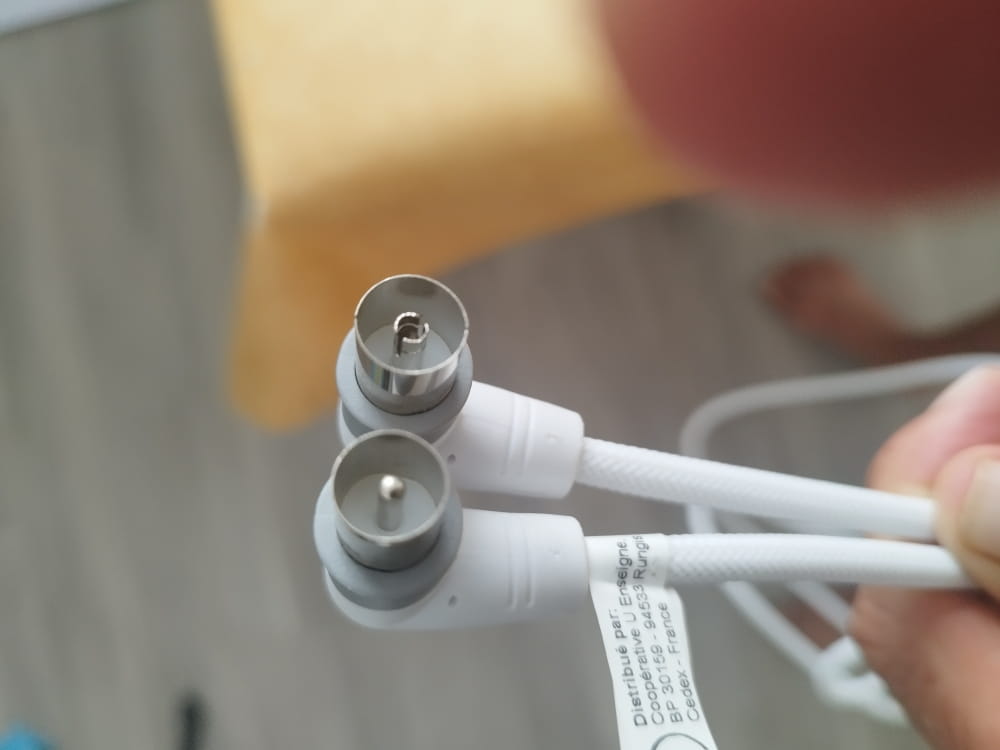
yes indeed, the old cable unscrews at the ends - I can't plug the blue into the wall. the one I bought is male/female - both ends are hollow
-
In the photo, the bottom connector is the male (solid round center); the top part is the female (hollow center and split).
The male part must fit into the decoder’s connector and probably into the wall outlet, but should "float" a bit there (too narrow).
I think you need to go and find a male 9mm to female 9.52mm adapter.
Take the old cable and the new one (so it can be reused if needed) to see with the seller to find the correct model of adapter and cable.
Would an antenna amplifier be useful with my setup - indoor Yagi antenna and Optex decoder? Thank you for your reply- 1
- 2
Next
-