My epson scanner driver does not offer duplex printing
SolvedMPMP10 Posted messages 47607 Registration date Status Member Last intervention -
Hello,
how to scan double-sided on Windows 11 with an Epson WF-2650 printer?
5 answers
-
Hello,
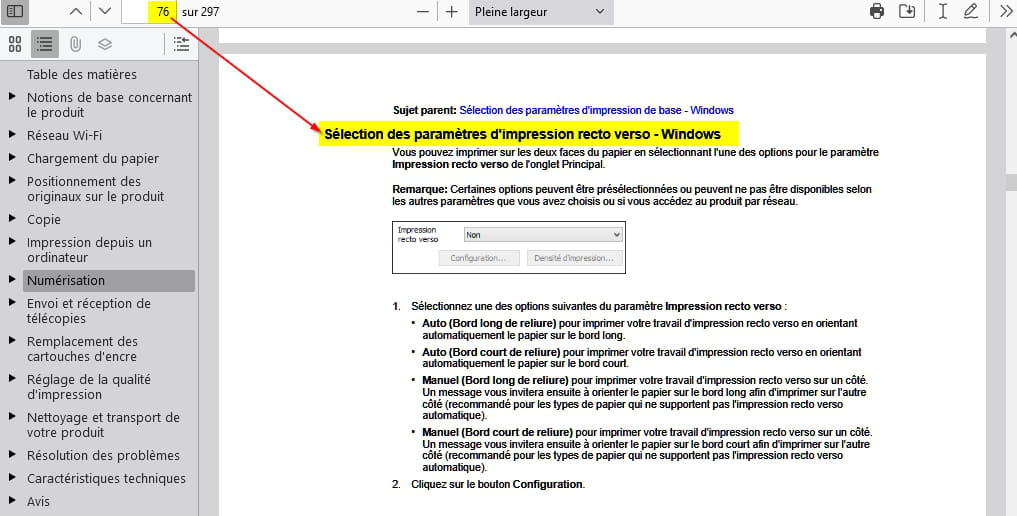
On a basic printer, you just need to flip it over on the scanner glass to scan the second side of the document and scan it again too!
-
Hello MPMP10,
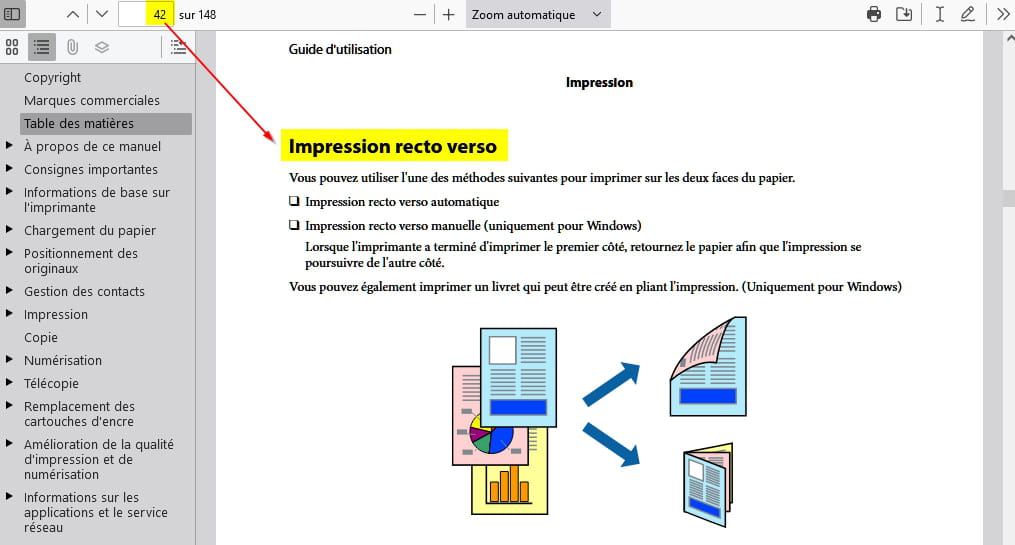
Thank you for this documentation. I have no issues with double-sided printing. My problem lies with scanning. On a previous computer running Windows 10, I could scan a stack of several sheets from the feeder. Then I would scan that stack a second time, but on the other side, by choosing "add a page." Finally, I could choose the order of my pages 1,3,5,7,...2,4,6,8,... or 1,2,3,4,5,6,7,8,... before the final formatting of the document.
On this new computer running Windows 11, I can still scan a stack of pages, but I have lost the ability to interleave the even and odd pages before the final formatting. -
Problem solved.
The driver wasn't the right one. Based on the serial number, I was able to find the correct version of the driver (Epson scan) on the EPSON website and reconfigure it as before.
Thank you, it saved me from spending my afternoon on it.
-
up
It's very difficult to catch a black cat in a dark room.
Especially when it's not there... -
OK and thank you for the feedback.

Best wishes.