
Gmail Messaging

test7192 Posted messages 53 Registration date Status Member Last intervention -
Hello,
Aside from my main Free mailbox, I also use Gmail.
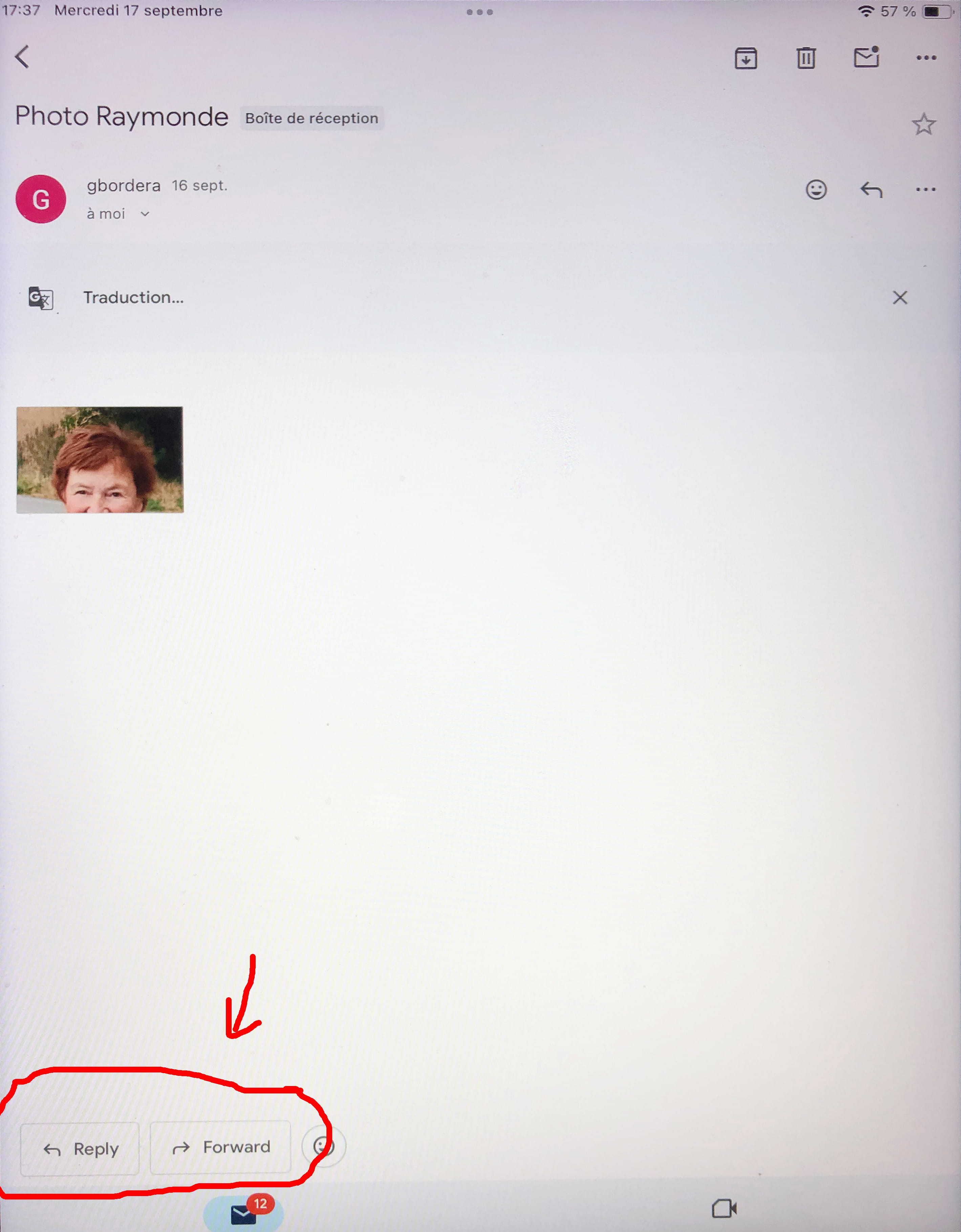
When I receive a Gmail message and want to either reply or forward it, there are two buttons at the bottom of the screen: "Reply" or "Forward."
Unless I recently made a mistake without realizing it, these two buttons are now labeled in English "Reply" and "Forward" (see the attached image), and I would like to restore the original French labels.
To resolve this issue, the various searches I've conducted online and in the Help sections all point towards the following procedure:
- Settings -> See all settings -> Gmail display language - Select French -> Save Changes
However, when I follow this procedure, the saved language is already French, and I have no other actions available.
I am sure the solution must be simple, but, not being a computer whiz, I can't find it.
Thank you in advance to those who can help me.
Best regards