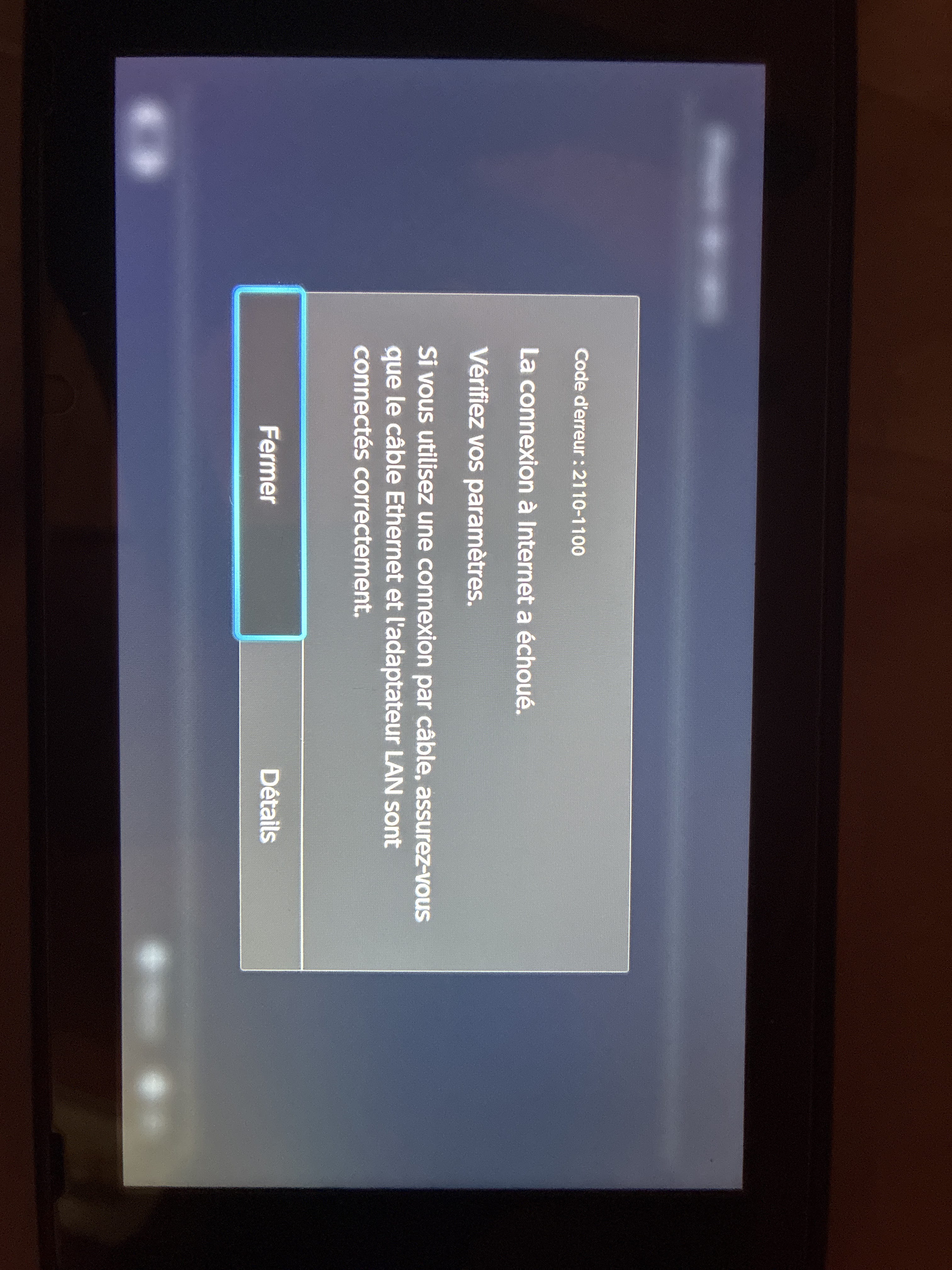
IPhone-Switch Sharing
HelpiOS Posted messages 8475 Registration date Status Moderator Last intervention -
Hello, recently I have been trying to share a connection between my phone (iPhone 7) and my Switch (Switch 1).
The Switch displays "Failed to retrieve the IP address," while the connection sharing works with other phones (Samsung, iPhone). I have tried with two Switches, and I get the same result.
I recently changed my phone (iPhone 16), but the sharing still doesn't work, and I keep getting the same error.
Could someone kindly explain the reason to me?
1 answer
-
Hello,
Have you tried connecting your Switch manually?
In the list of Wi-Fi networks on your Switch, select Manual Setup at the bottom of the page. Give the network a name, then enter your iPhone's name in the "SSID" field. Its name can be found in Settings > General > About.
Set the security to WPA2-PSK (AES). Then enter the password for your hotspot. Leave the IP and DNS settings on Automatic and the proxy on Disabled. Now press Save to connect.
If the connection fails, go to your iPhone in Settings > Personal Hotspot and try enabling Maximize Compatibility, then try connecting again. The hotspot will broadcast on the 2.4 GHz band instead of the 5 GHz band.