Graphics card
Hello,
I had a problem regarding compatibility with an MSI MAG B760 Tomahawk motherboard and a 5060 Ti graphics card. I've tried everything and nothing works. It's worth noting that I also tried it on a motherboard that wasn't supposed to be compatible because it's too old, and it worked. So I wanted to know if buying an RTX 5070, which is marked as compatible, will work.
9 answers
-
Ambassador
Hello,
"I've tried everything and nothing works. To note that I also tried it on a motherboard that wasn't supposed to be compatible because it was too old and it worked."
In principle, there shouldn't be any compatibility issues between motherboards, even quite old ones, and a current GPU. If your RTX5060Ti doesn't work on your MSI MAG B760 TOMAHAWK (WIFI, DDR4 or DDR5), it's not a compatibility issue. You need to look for the reason elsewhere. Does your PC power on? If it does, is the card properly seated in the PCIe 16X slot? Is the power cable properly connected to the GPU?
-
thank you for your response,
everything you mentioned has been checked and rechecked: connections, power supply, compatibility with the other components. I even updated the motherboard BIOS, and I actually did the test with a 4060 ti, and everything works very well, including the driver updates.
after researching online and around, there is only one thing left that I haven't tried, and that's the GPU BIOS update, but that's beyond my limited computer skills.
-
Ambassador
"compatibility with the other components."
It is very unlikely that there will be an incompatibility problem between a GPU and the other components of a PC, except sometimes for the CPU itself. There is one question you haven't answered: when the graphics card is connected, does the PC turn on or not?
"I even updated the motherboard's BIOS."
How can you perform updates if the GPU is not working, so there is no display?
"the only thing I haven't tried is the GPU's BIOS update."
It’s not advisable to dive into such things.
-
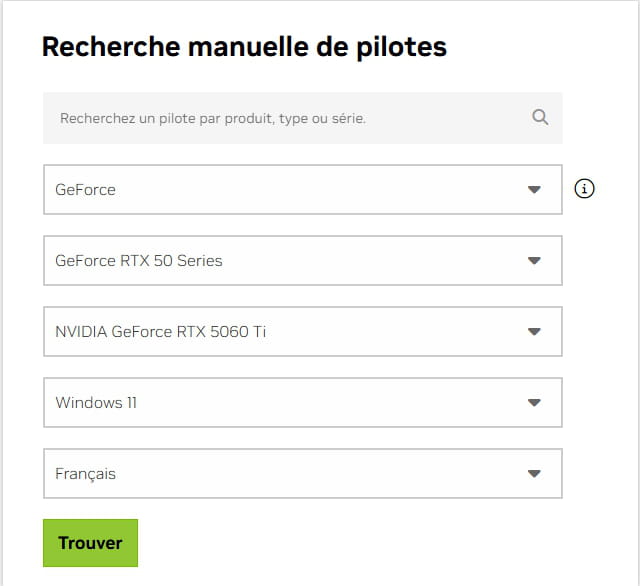
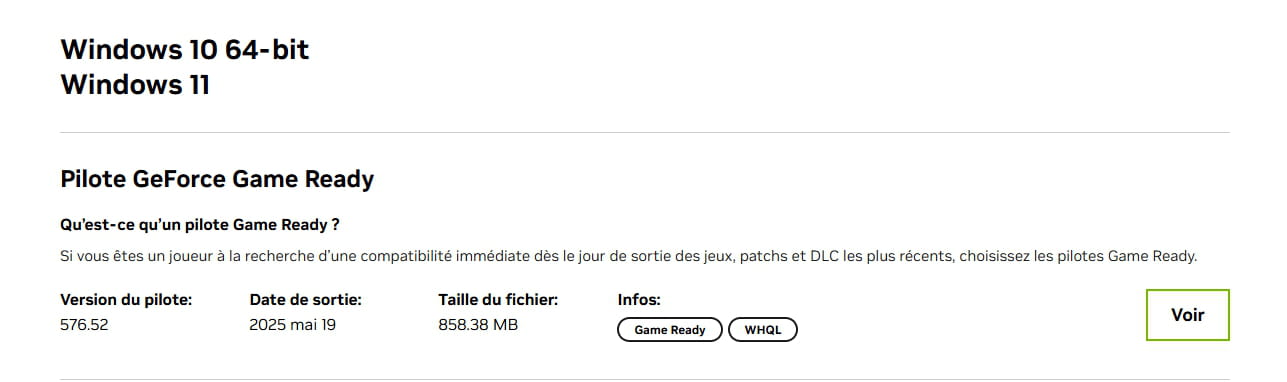
Yes, the PC turns on, I access Windows, I forgot to mention one thing. The problem occurs during the installation of the new graphics card drivers. It's during the download that I lose the image.
-
Ambassador
There, we understand a little better. Please tell us the exact model of your RTX 5060Ti. We will then try to find the drivers on the manufacturer's website.
-
it's a
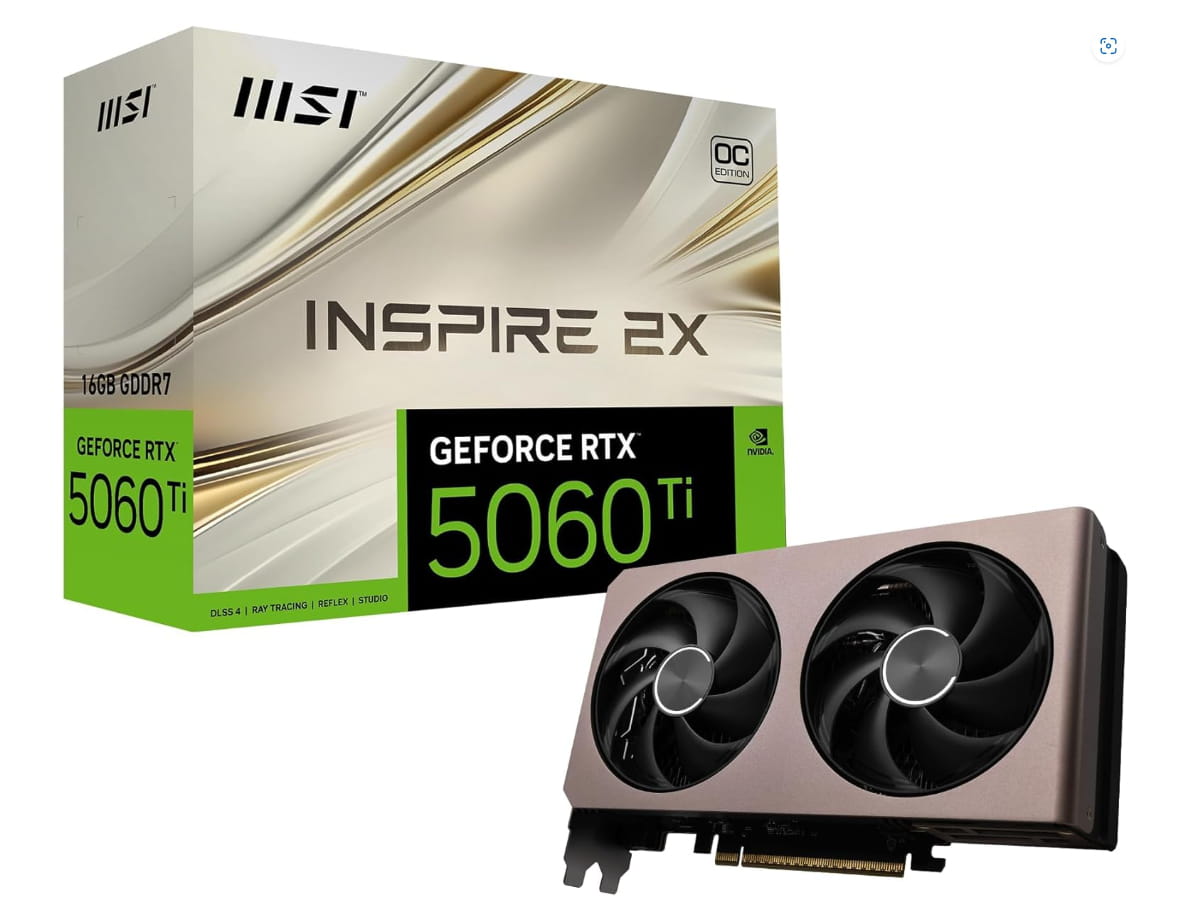
MSI NVIDIA GeForce RTX 5060 Ti 16G Inspire 2X OC Gaming Graphics Card GDDR7 128 Bits, Boost Frequency up to 2617 MHz, PCIe Gen 5, DLSS 4, DP 2.1 x 3, HDMI 2.1 x 1
-
Ambassador
It's actually a base overclocked NVIDIA by MSI. Do you have the drivers here?
-
So instead of going through Nvidia by looking for the drivers directly there, I should have gone through MSI and downloaded the drivers they offer?
If that's all it is, I admit it bothers me a bit because I've already returned the graphics card. Having not found a quick solution, I had to send it back.
In any case, thank you again for these answers; I just wanted to perhaps get some answers about this situation I encountered.
-
Ambassador
The problem with going through nVIDIA is that you might get the wrong reference, whereas on the MSI site, you can be sure to have the right drivers. Try the drivers from the link I provided.