Graphics card compatibility with motherboard.
SoliDiix
Posted messages
8
Status
Member
-
marcmarais Posted messages 24260 Status Moderator -
marcmarais Posted messages 24260 Status Moderator -
Good evening,
I would like to acquire a graphics card: ASUS GeForce GTX 1050 Ti - ROG STRIX-GTX1050TI-4G-GAMING
(link: https://www.ldlc.com/fiche/PB00220761.html)
However, I am not sure if my motherboard is compatible.
Motherboard
HP 81B4 01 (BIOS F.04)
Operating System
Microsoft Windows 10 Home 64 bit.
Thank you for your help.
SoliDiix
I would like to acquire a graphics card: ASUS GeForce GTX 1050 Ti - ROG STRIX-GTX1050TI-4G-GAMING
(link: https://www.ldlc.com/fiche/PB00220761.html)
However, I am not sure if my motherboard is compatible.
Motherboard
HP 81B4 01 (BIOS F.04)
Operating System
Microsoft Windows 10 Home 64 bit.
Thank you for your help.
SoliDiix
8 answers
-
Hi,
Your HP reference is not correct; on an HP PC, you can find a label with the exact model. -
My motherboard is a
Motherboard: HP 81B4
System
Model: HP 460-p001nf 103C_53316J G=D -
Could it be this one?
http://www.darty.com/nav/achat/informatique/bureau-bureau/bureau/hp_460-p001nf.html -
Check the dimensions to see if it can fit in the case. Either way, you would need to change to a more powerful power supply.
-
Hello,
your i3-6100T CPU is in socket 1151, so your motherboard is recent
you have 8 Go of RAM, that's good, the graphics card is the weak point (and probably the power supply as well)
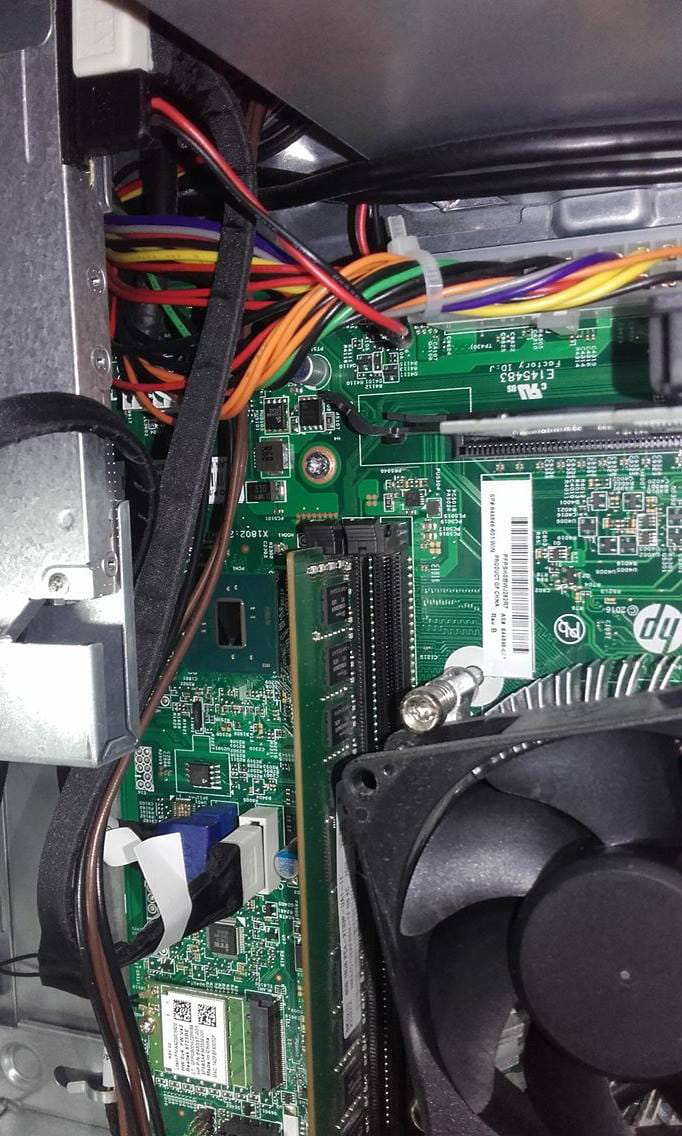
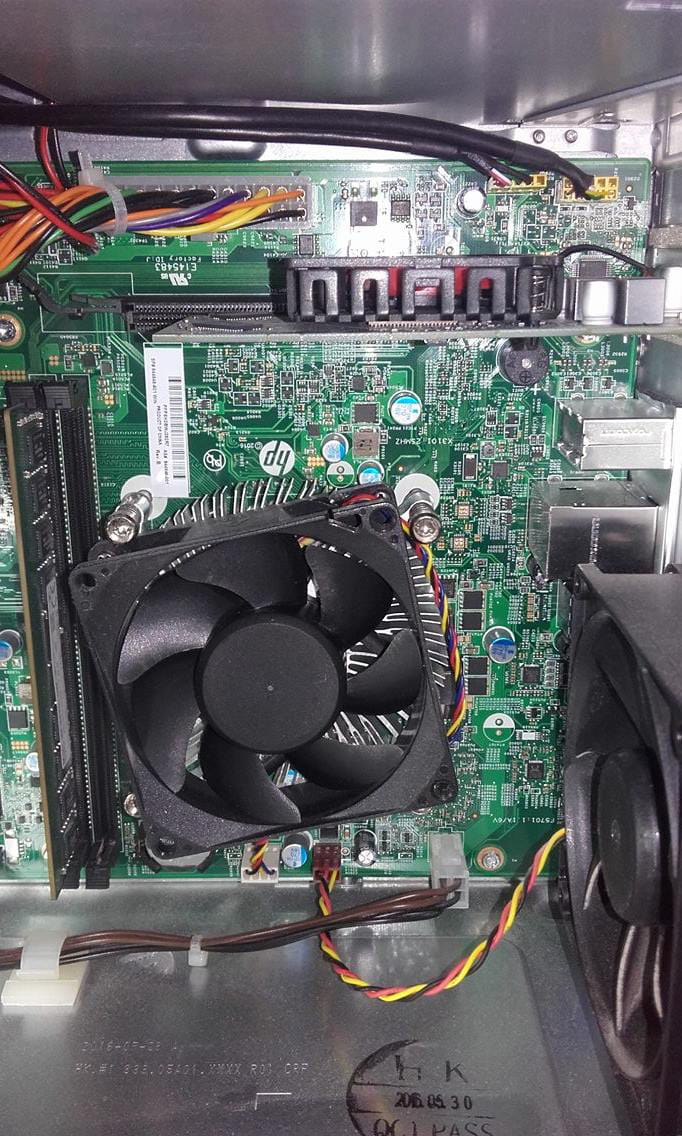
first, check if your motherboard has a PCI-E x16 slot!
use this photo as a reference:
next, measure the width of your PC, to see if your GTX 1050 Ti can fit in height and length, knowing it is 24 cm long
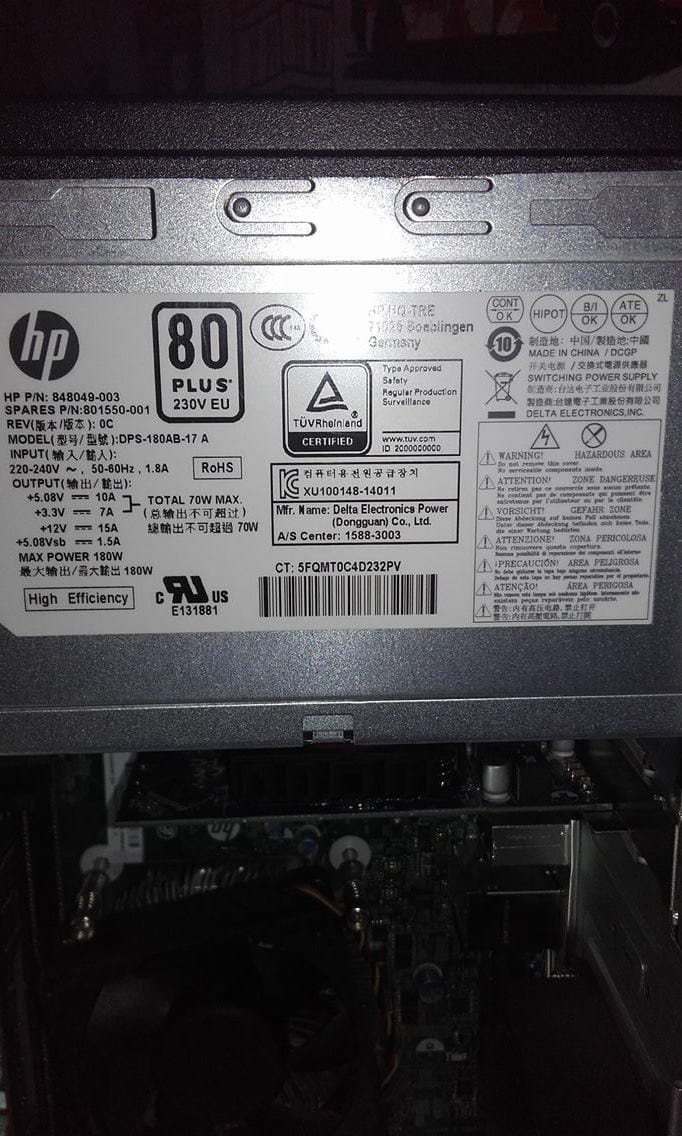
finally, take a picture of the label stuck on your power supply
EDIT:
I just found a rear view on the site given by Epango:
http://media.flixcar.com/f360cdn/HP-1170138712-c05059840-zoom.png
apparently a standard height graphics card fits, it can also be double slot in thickness since you have 2 free slots -
-
-
-
The graphics card is 11 cm long and there is about 17 cm of space between the bracket and the hard drive.
- Maybe this one;
https://www.ldlc.com/fiche/PB00217212.html
But it is 172mm long.
Another thing is the power supply. In the image, we don't see the wattage indication. A 400 to 450W power supply might be necessary for this card.
There is also this one:
https://www.ldlc.com/fiche/PB00220025.html
-
-
-
Good evening,
GPU:
there's about 17 cm of space between the bracket and the hard drive.
...To be honest, I have 18.5 cm in there...
well, it's not clear, 17 or 18.5?
anyway, your Asus from the start is impossible, it's 24 cm long :(
a GPU of 172mm like the MSI RX 460 from Epango or this one is possible
or also a compact model with a single fan, like the Inno3D recommended by Epango (message 14) or a more powerful one:
https://www.ldlc.com/fiche/PB00220029.html
Warning: all these GPUs are double-slot (double thickness)
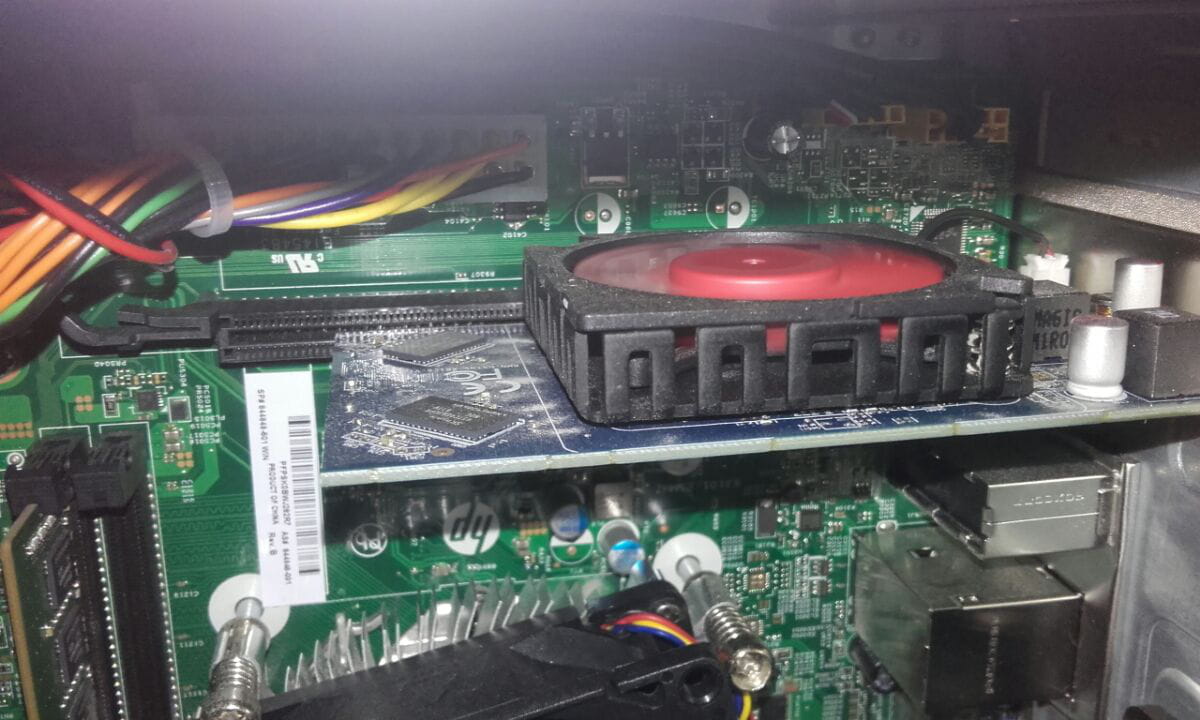
And I can't quite see in your photo message 11 if a double-slot GPU fits in your case...
PSU:
in your photos, we see what your PSU provides:
180W max, with 15 Amperes on the +12V
this is insufficient for any graphics card :(
I recommend a Corsair VS 450W for €42.