Hard Disk Error 3F0: Boot Device Not Found

corrado076 Posted messages 445 Registration date Status Member Last intervention -
Hello,
I very often encounter the hard drive error 3F0: boot device not found.
So I thought it was due to my HDD. I replaced my HDD and reinstalled Windows 10 on the SSD (my Omen by HP has an HDD and an SSD). And I am still facing this error.
I tried the methods from the link https://support.hp.com/be-fr/document/ish_4907271-4882387-16
As well as various methods online + chatgpt. NOTHING
Sometimes it lasts for hours.
Anyway,
I wanted to know if this could come from my SSD or from my motherboard (my HDD being new)?
9 answers
-
Good evening
Have you checked in the BIOS that the SSD is at the top of the boot list?
Is your SSD an M.2 or a SATA?
Regards
On a computer, if it doesn't fit, we don't force it.
When we don't know, we can't guess. -
Can you take a picture of your BIOS and post it?
I will be able to try to guide you.
Thank you.
If it doesn't fit on a computer, we don't force it.
When we don't know, we can't guess.-

I have several screenshots but I can't upload them
Okay, so here you need to click on F10 and you should normally see a tab in the style of boot sequence or something like that.
If your BIOS is in English, you will definitely have a "boot sequence" tab.
On a computer, if it doesn’t fit, we don't force it.
When we don't know, we can't guess.-
When I click F10 I get this
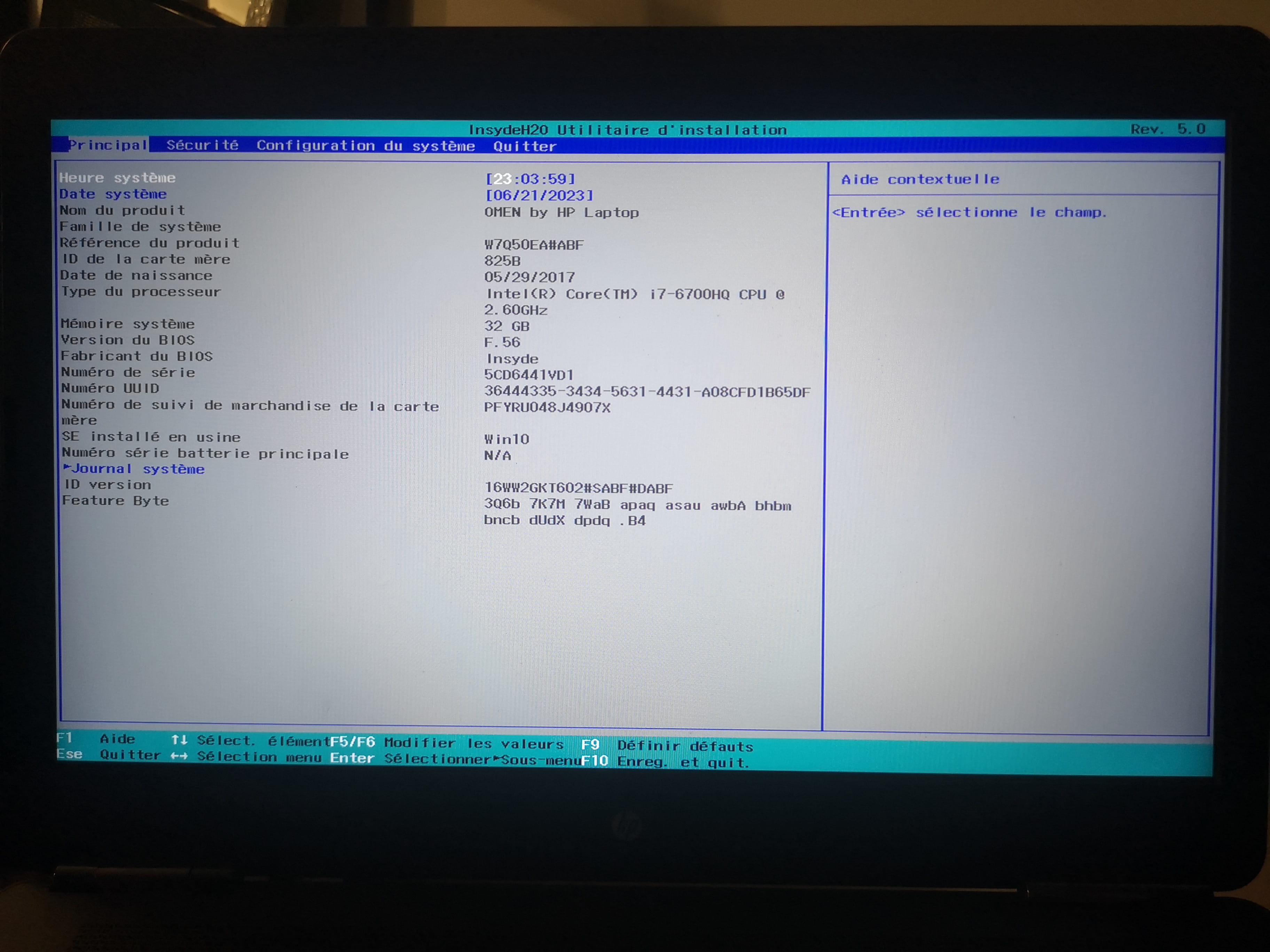
ok insideH20 so in "system configuration"
on a computer if it doesn't fit we don't force it.
when we don't know we can't guess.-
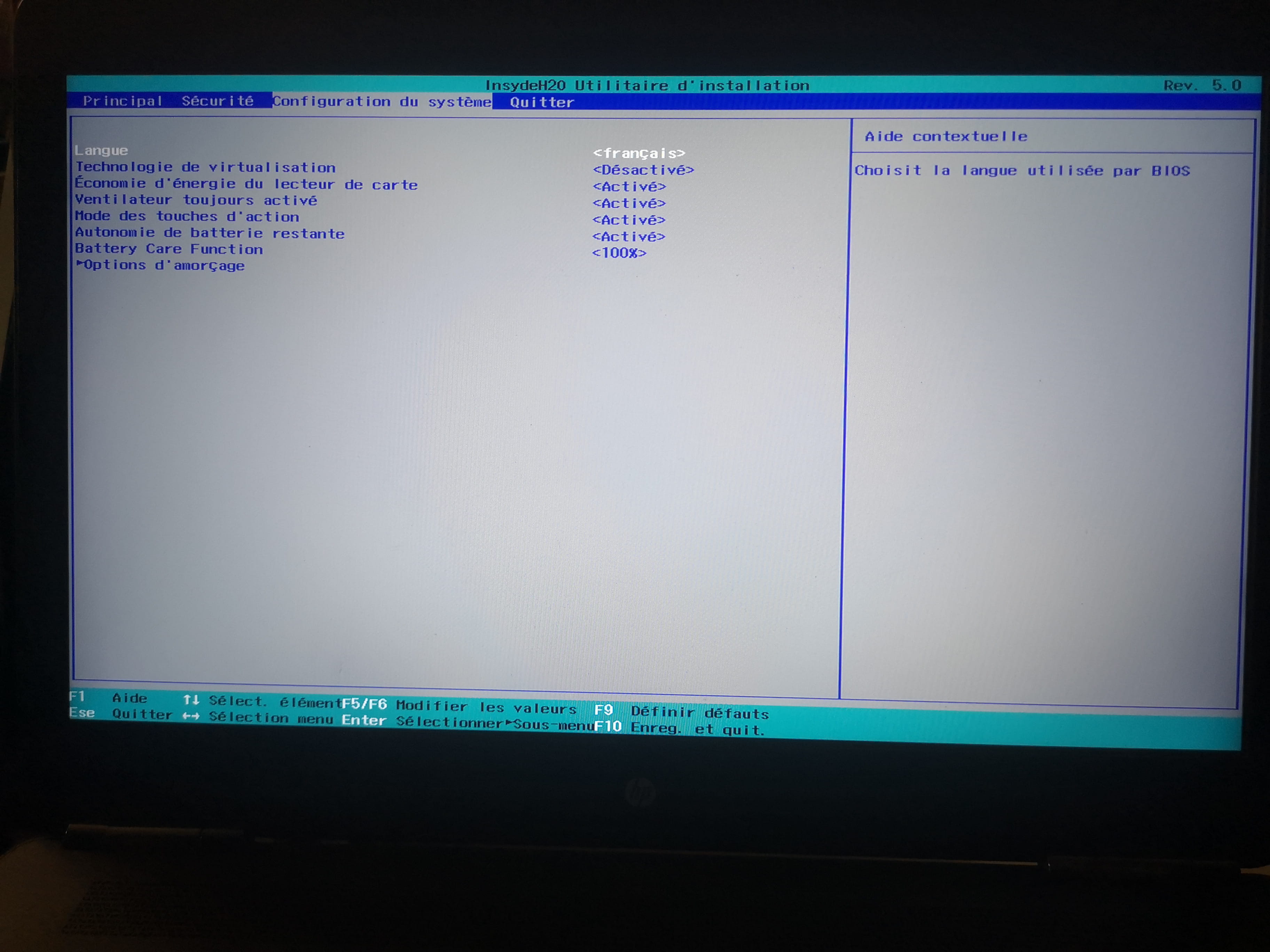
Here I am
On the internet, when searching for InsydeH20 bios, the boot menu is visible. However, in my bios, there is no Boot menu. It's strange.
Hello,
once in the BIOS press 5 TIMES on:
FN + TAB
AT THE SAME TIME.
Then exit and restart in the BIOS; normally you will have an extra menu.
there on the page where you are, you scroll down to "boot options",
and there you should see your drives and what your PC is trying to boot from.
And by any chance, do you have a USB drive plugged into your PC?
on a computer, if it doesn't fit, we don't force it.
when we don't know, we can't guess.-
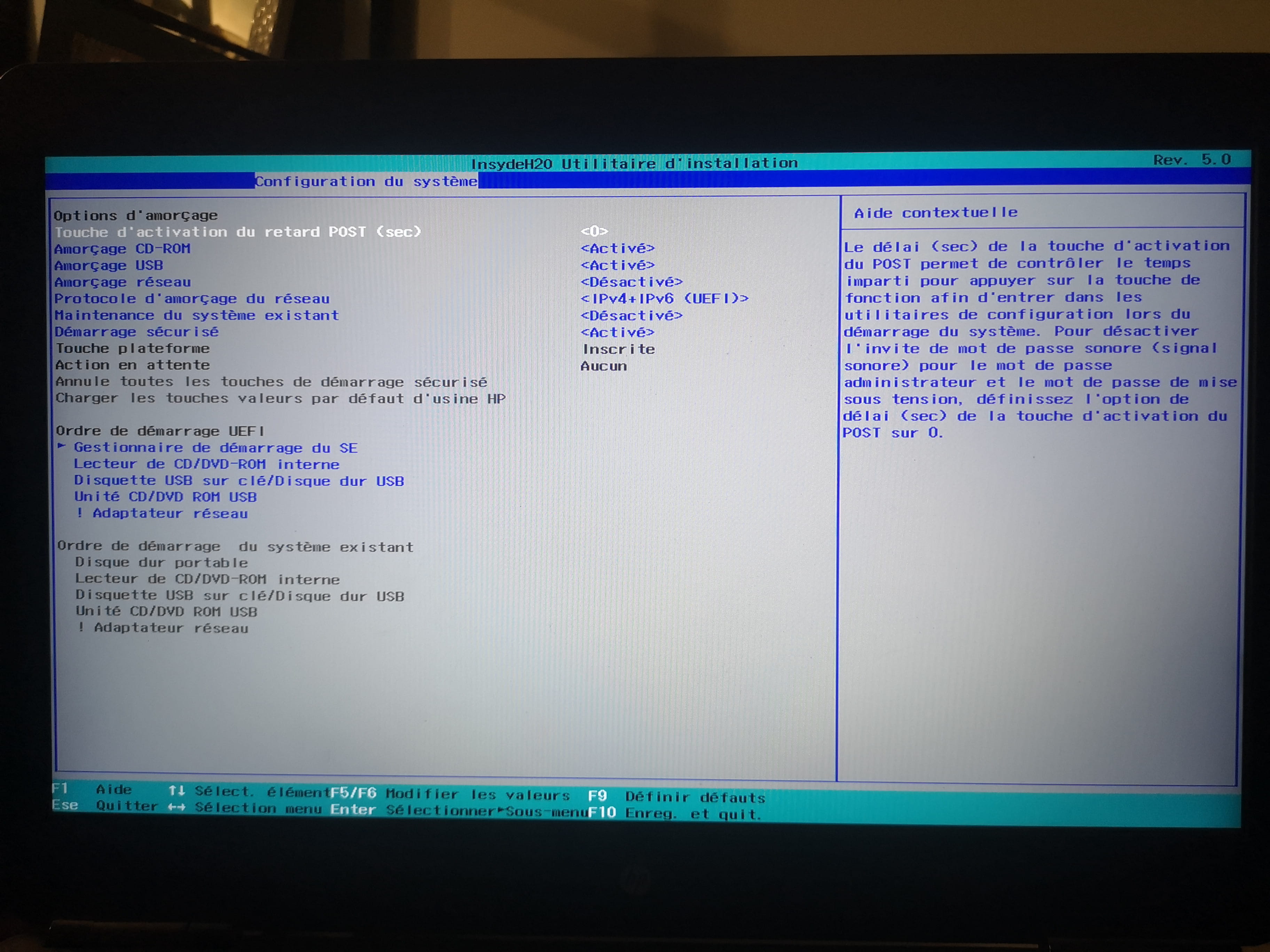
No, I don't have a USB key plugged in (just a keyboard, mouse, and second screen).
Have you tried at startup F10 + A
or even
- Enter the BIOS settings. Press the Escape key several times until the boot menu opens.
- Turn off/restart your computer. Turn off or restart your computer again, and this time press F9.
- Press F10 and see if there is an Advanced tab.
If none of the methods work,... sometimes there may not be advanced settings depending on the vendor (brand), there are different versions of InsydeH20 that have the option and others that do not.
The only solution would be to flash the BIOS, but be sure to make a backup.
-
I tested it.
F9 gives this.
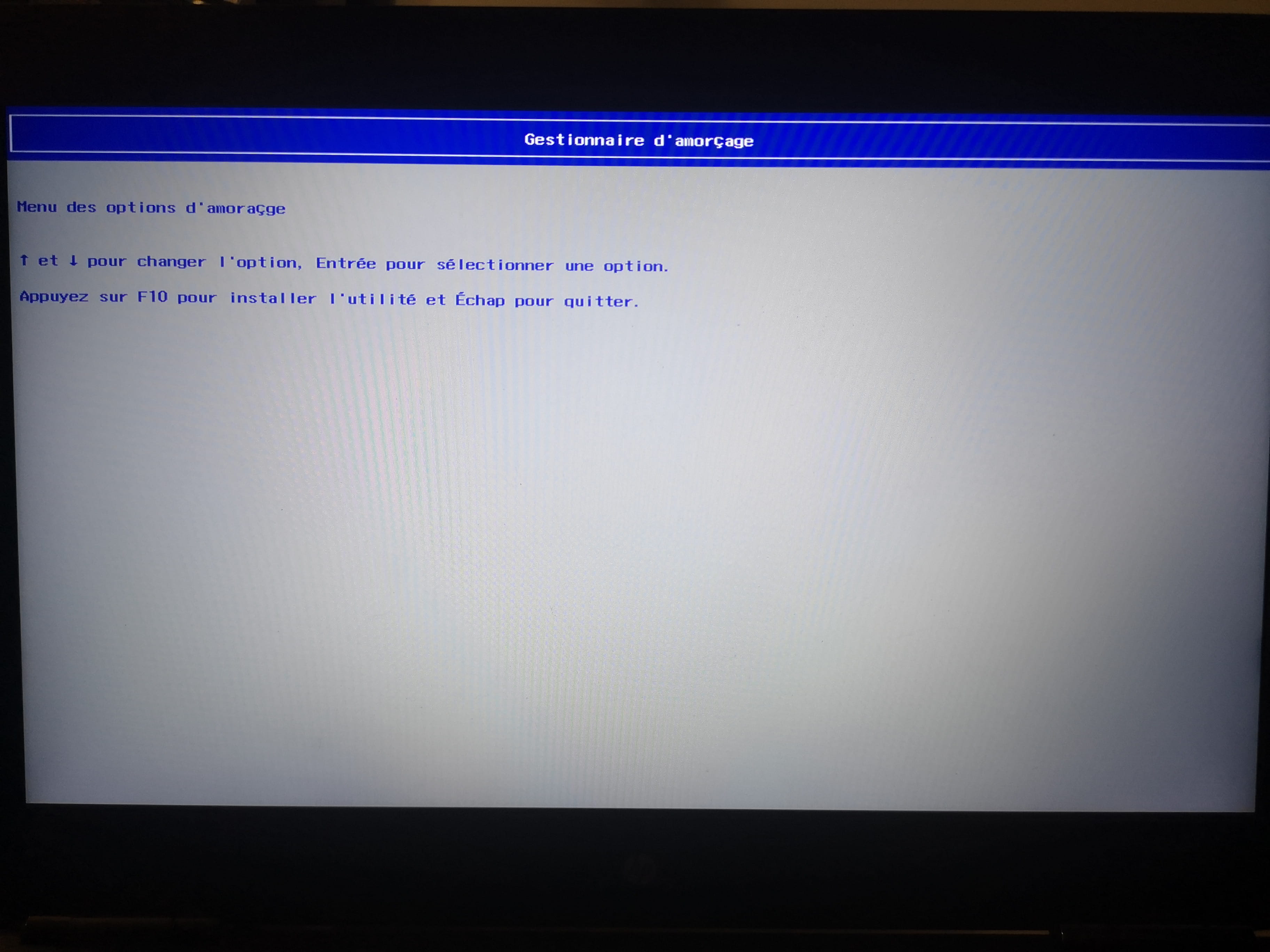
Ah ha I thought the same. Then suddenly, the PC restarts normally.
So could it be an issue with the motherboard?
My HDD is new.
And the SSD has Windows 10 on it.
Too bad ^^
Thanks for trying to help me ????
Ok, so your PC must be trying to boot from the HDD and not from the SSD?
If you go down to "boot manager of the se," what does it say?
On a computer, if it doesn't fit, we don't force it.
When we don't know, we can't guess.good night everyone I'm going to bed too.
@+
on a computer if it doesn't fit we don't force it.
when you don't know you can't guess.
Latest Discussions -
Hacked fb account despite 2fa and authenticator
at 19:59 -
Java toolkit.getdefaulttoolkit().getimage
at 19:20 -
Clean a motorola phone
at 18:36 -
Ccleaner 7 pro malfunctioning
at 18:20 -
Msi gp60 2pe leopard stuck on password
at 18:03 -
Subscription ad for clean manager
at 17:54 -
Photoshop no longer appears on screen
at 17:36 -
How to retrieve these login parameters?
at 17:14 -
How to initialize the epson l3251 printer
at 17:00 -
Freebox problem
at 16:28
Other languages
-