
Tablet PC - unable to start
SolvedHello,
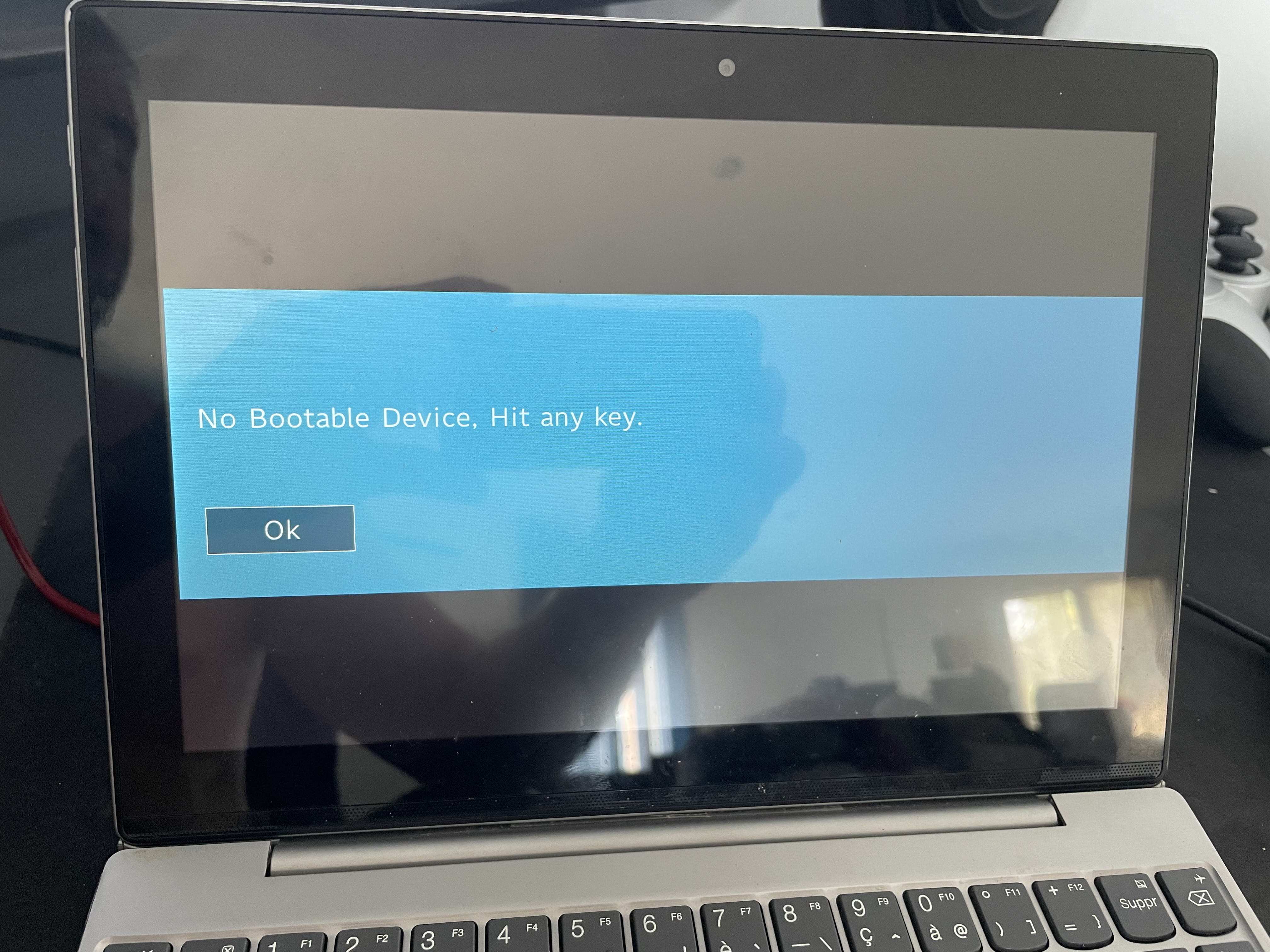
I have a small problem, my tablet/PC is not working anymore, there's an error message at startup.
Lenovo Miix 320-10ICR Tablet PC
https://www.fnac.com/Tablette-PC-Lenovo-Miix-320-10ICR-80XF0019FR-10-1-Tactile/a10811052/w-4
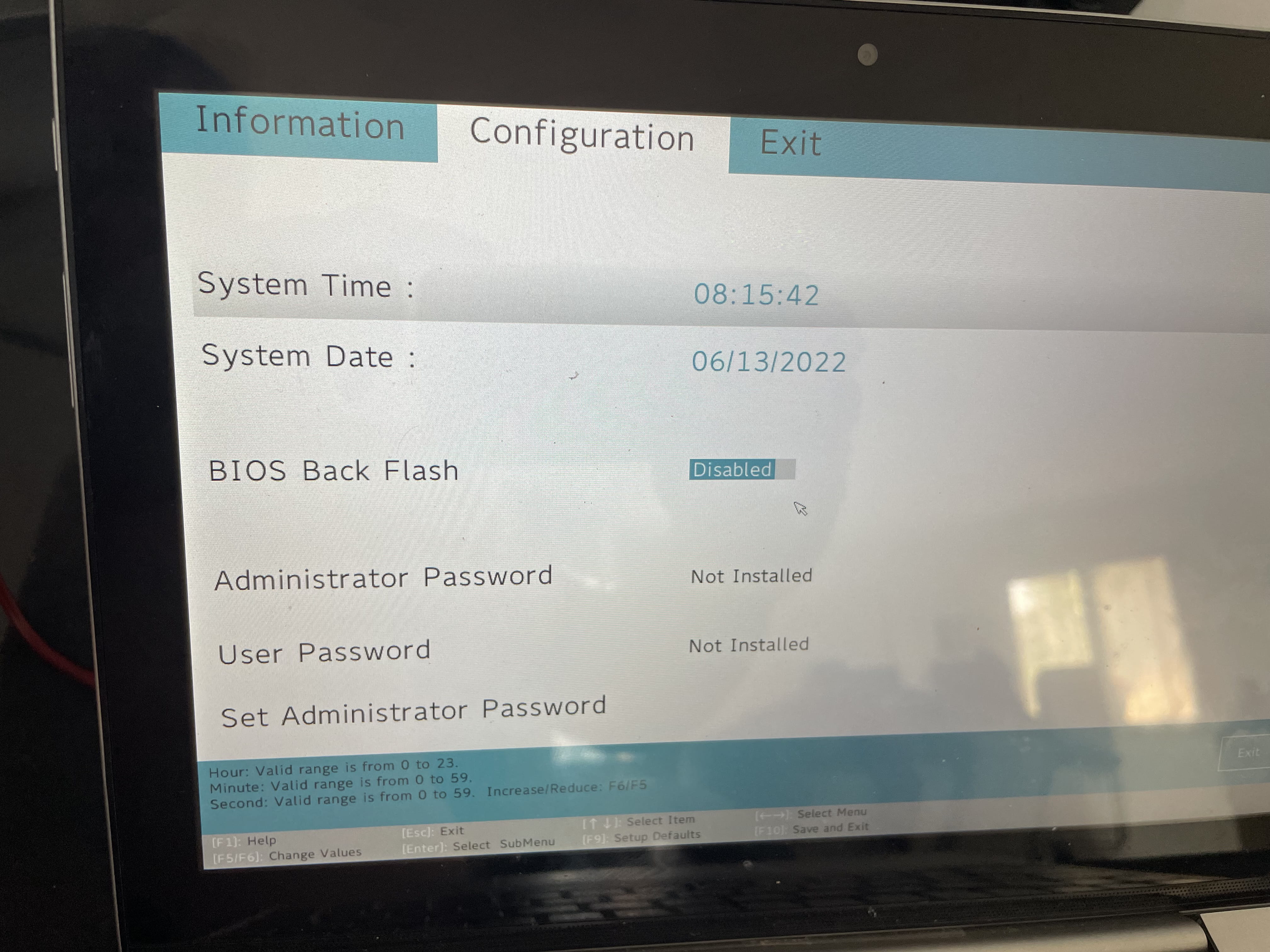
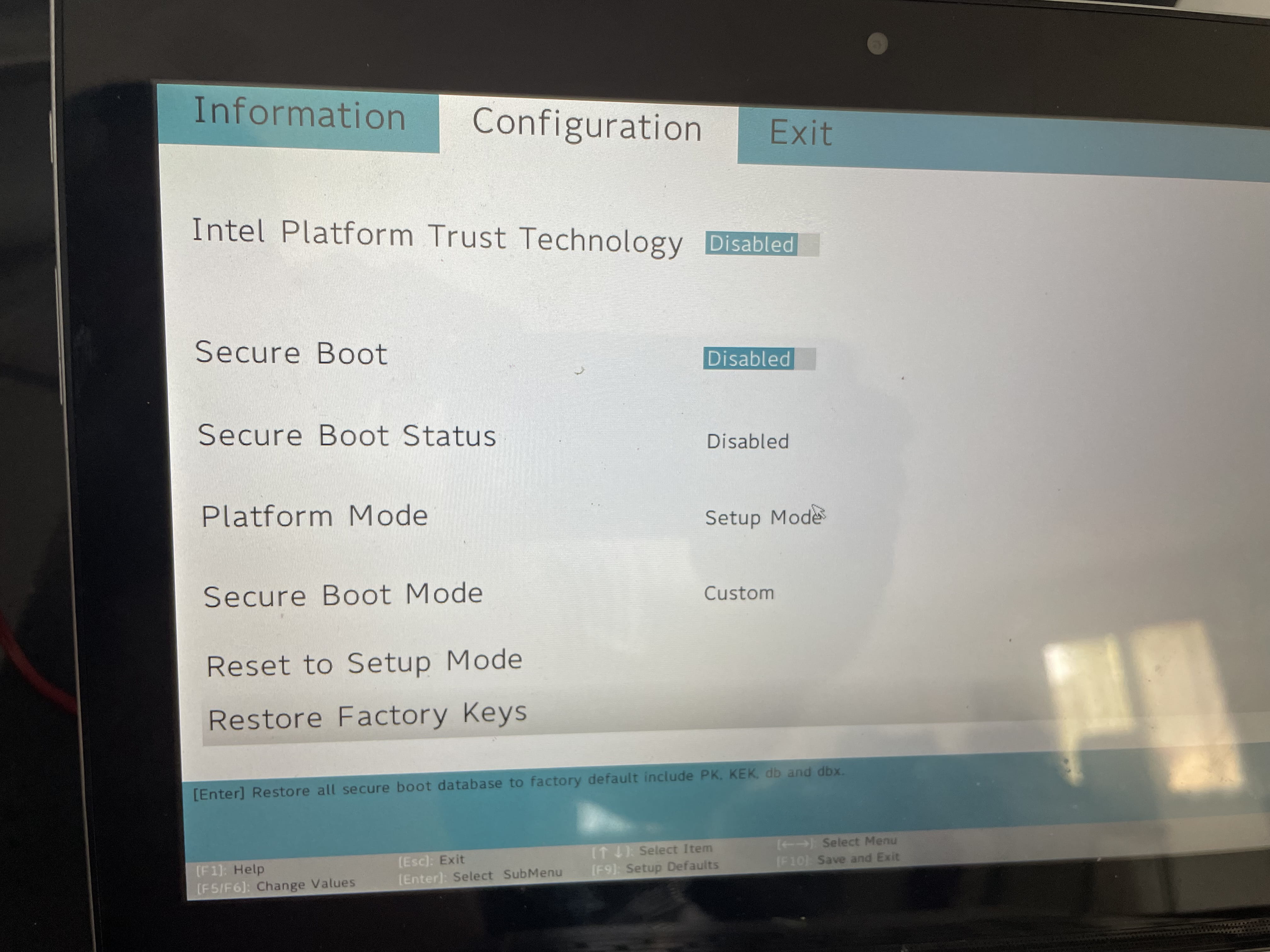
The issue is that I want to format it but it's not a traditional BIOS....
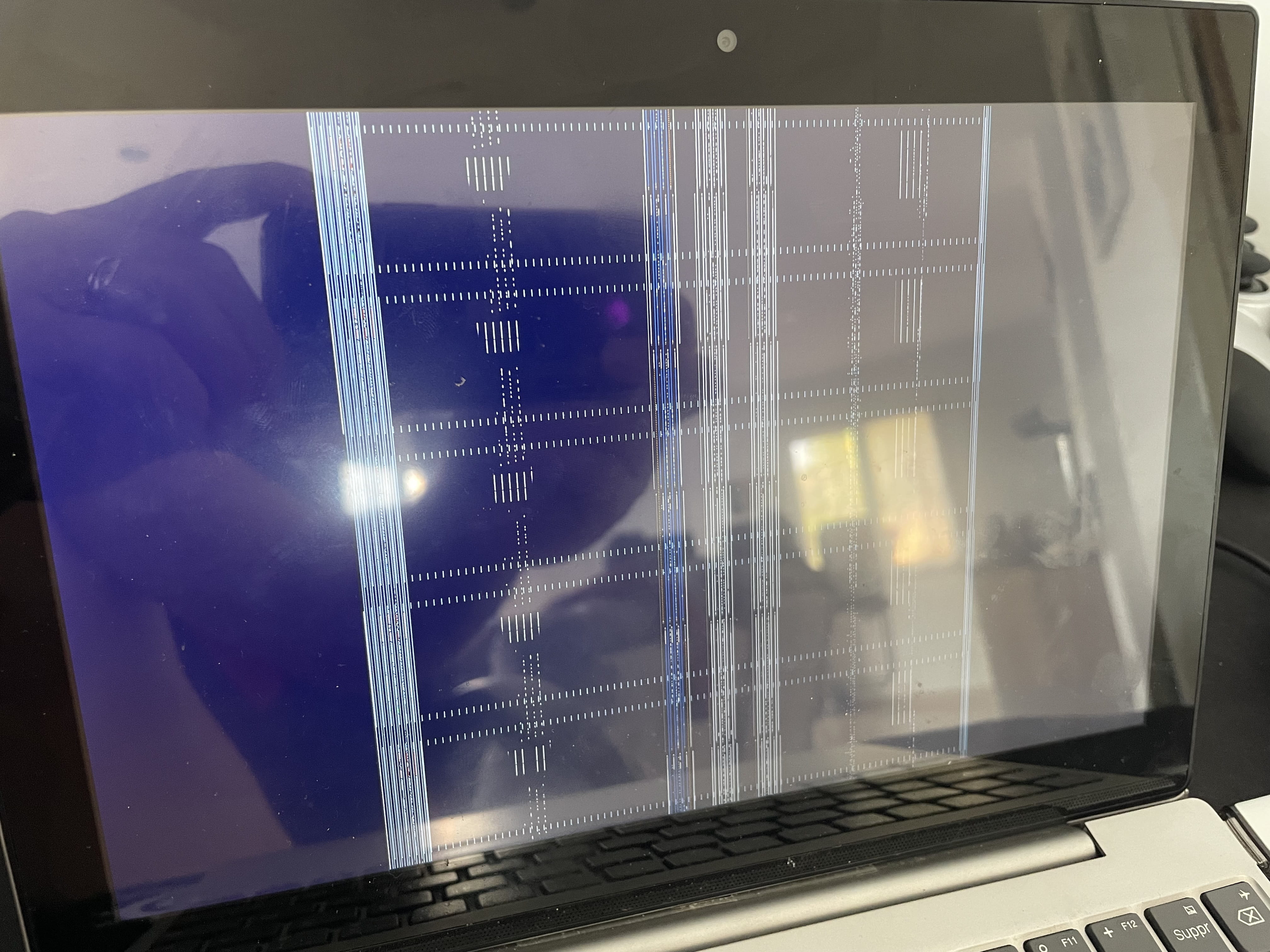
I created a bootable USB drive but the screen is all blurry when I try to start the formatting.
I'm sending you the images as an attachment.
Thank you in advance.

2 answers
-
Hello,
To my knowledge, unless Lenovo has integrated a special system, formatting is done from the operating system, in your case Windows 10.
You may be referring to the factory reset, in the event of a system failure. Accessing the BIOS allows for changing the boot order, among other things, to install a new system or change it (switching to Linux or another).
In this case, formatting, initiated from a functioning OS or an installation medium, only requires prior BIOS configuration to unlock the default protection. Also note that switching systems can sometimes be impossible on this type of PC (depending on the operating system support).In this case, screenshot number 1 indicates a disk problem, or in any case, that the system partition is experiencing a malfunction, which may solely concern the boot sector. To find out, you need to use a disk testing utility named Crystaldiskinfo.
https://www.commentcamarche.net/telecharger/utilitaires/6735-crystaldiskinfo/
To do this, you will need to download it from another PC and transfer it to an SD card, as that seems to be the only available drive.
However, installing a new system (if feasible considering the 4 GB of RAM) requires obtaining drivers for the internal peripherals (graphics card, network card, sound card, touchpad, etc.) from the manufacturer or the manufacturers of various components, otherwise you risk ending up with an unusable machine.Perhaps you were aware of these details, in which case they will help other visitors. However, if you find these checks too complicated, it is better to contact your seller's customer service, especially during the warranty period.
-
Contributor
-
-
-
@blade2a
The RECOVERY partition is on the main drive. If it is damaged, the reset cannot take place.
-
@georges97
So how can I format it?
-
-
