Transfer paper
Solved
lilasbnf
-
contrariness Posted messages 343 Registration date Status Member Last intervention -
contrariness Posted messages 343 Registration date Status Member Last intervention -
Hello,
I do prints with transfer paper on tote bags.
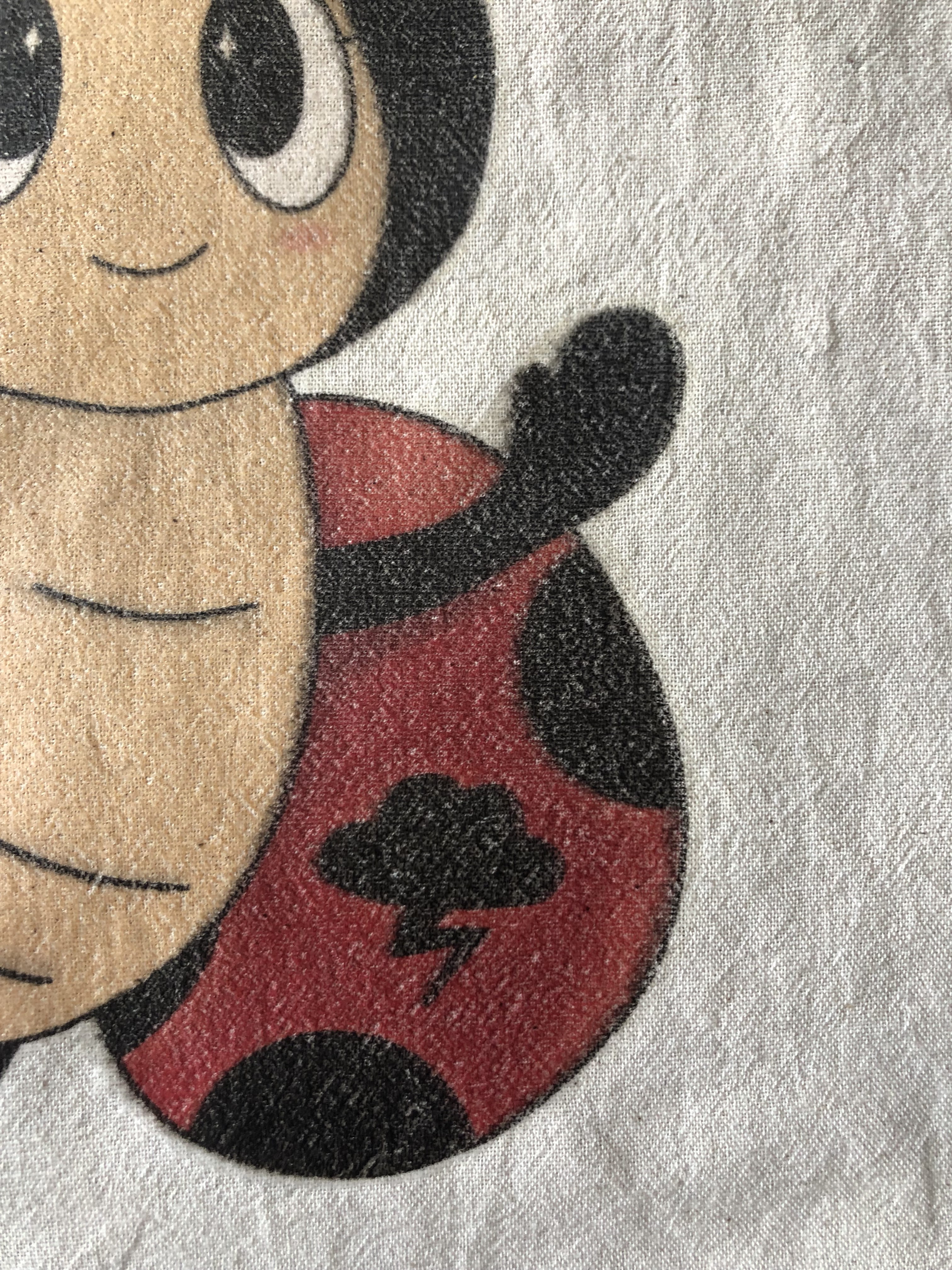
However, the print quality isn't top-notch. Some areas appear "unprinted," with little holes, while others are printed well. I don't know if it's due to the tote bag, the transfer paper, or my technique. I would like to resolve this issue but don't know where it comes from. Do you have any solutions?


I do prints with transfer paper on tote bags.
However, the print quality isn't top-notch. Some areas appear "unprinted," with little holes, while others are printed well. I don't know if it's due to the tote bag, the transfer paper, or my technique. I would like to resolve this issue but don't know where it comes from. Do you have any solutions?