Convert shape to line - mapping
Solved
did911_
Posted messages
3
Status
Member
-
did911_ Posted messages 3 Status Member -
did911_ Posted messages 3 Status Member -
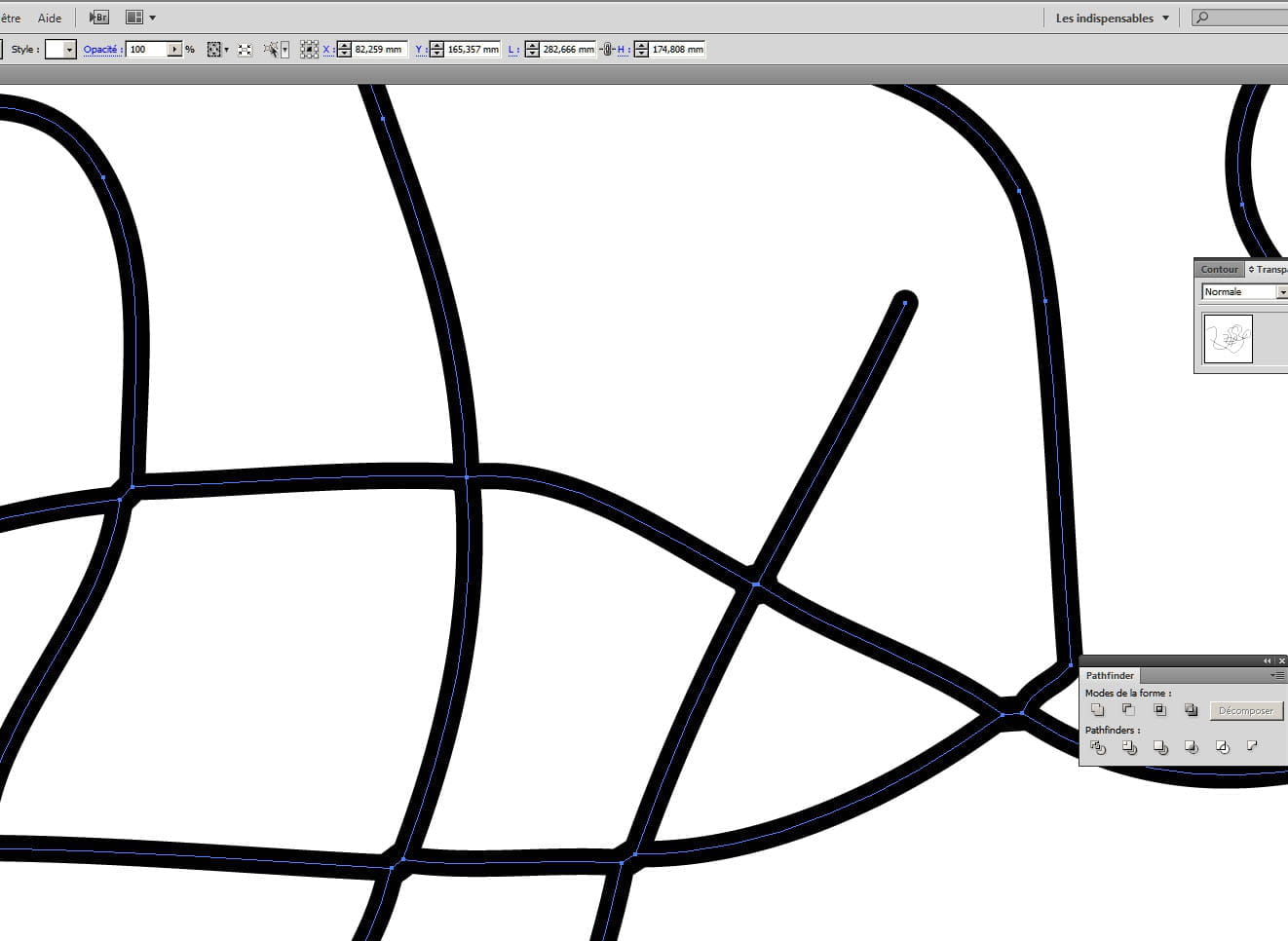
I would like to convert an image representing watercourses. Each watercourse should become a vector line, and only a line... But not a background AND a contour.
The goal is to capture each watercourse as a path with the pen tool

I have tried several vectorization settings... Without success!
I tell myself there must be a trick... But which one?
Thank you in advance for your advice/responses.
The goal is to capture each watercourse as a path with the pen tool

I have tried several vectorization settings... Without success!
I tell myself there must be a trick... But which one?
Thank you in advance for your advice/responses.
2 answers
-
It should be possible...
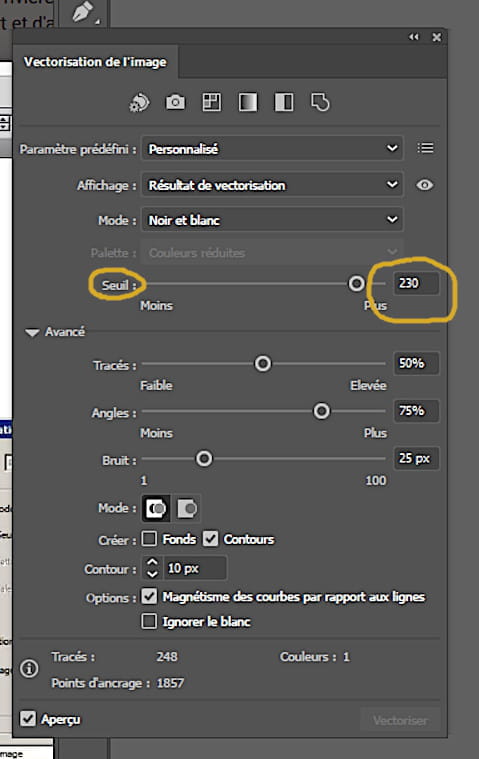
In the vectorization window, expand the options
Check "outlines" and uncheck "backgrounds"...
Then make your adjustments for the best result... -
Hello,
Thank you for reposting. Your setup was on the right track but wasn't producing the correct result on my AI CC 2019.
But I've found:
1- Image vectorization window
2- And then, of course, ungroup (Object Menu > Ungroup)
In fact, compared to your response, it seems that the difference (which changes everything!?) is the threshold...
Thanks again.