
Console audio Realtek
Solved
Kiilla
Posted messages
768
Status
Member
-
Kiilla Posted messages 768 Status Member -
Kiilla Posted messages 768 Status Member -
Hello,
I am using Windows 10, I performed the latest Windows update for 20H2 KBKB4601319 and since then Realtek audio console is not working anymore. When I launch it, it runs in a loop without ever starting.
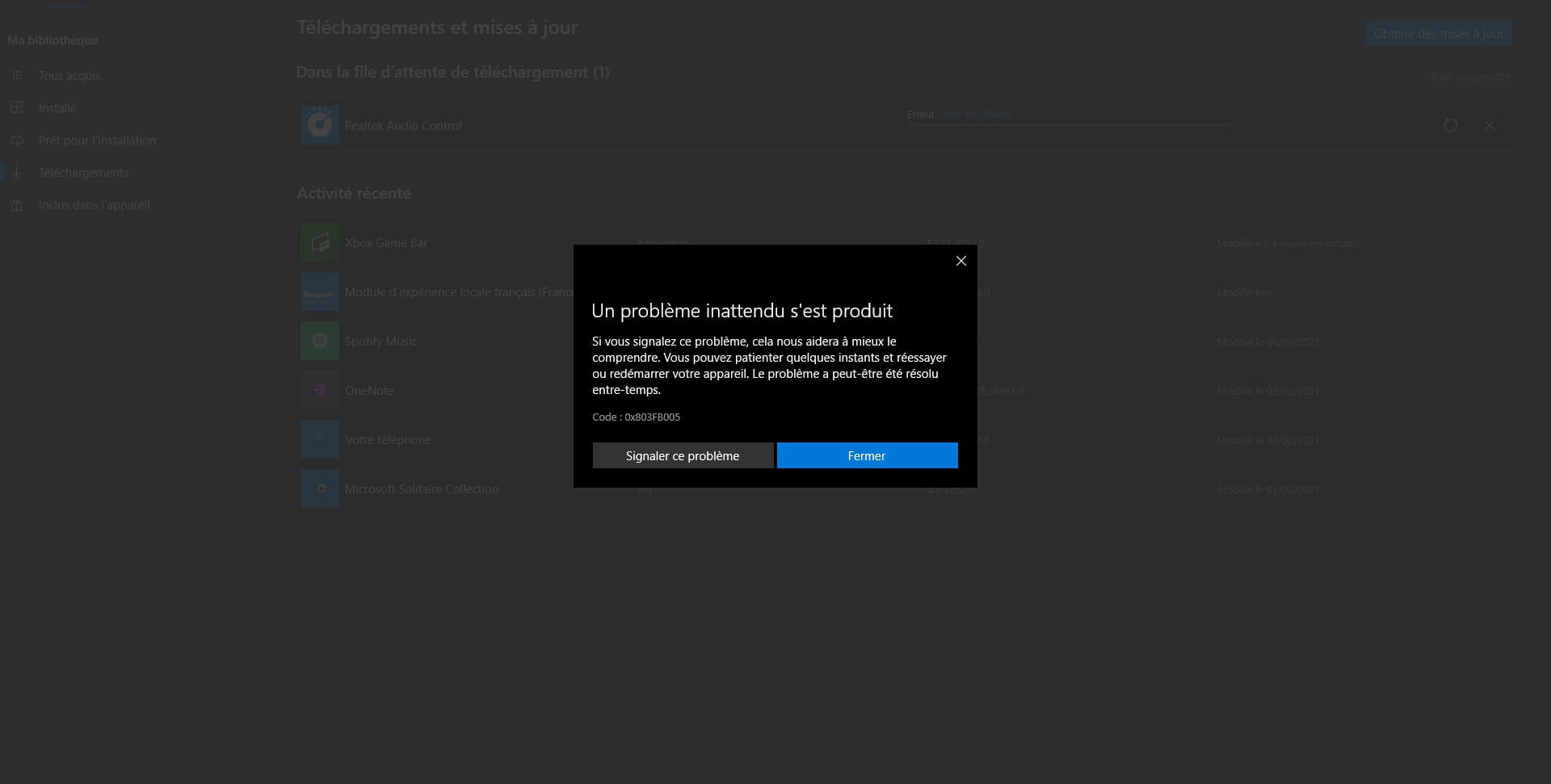
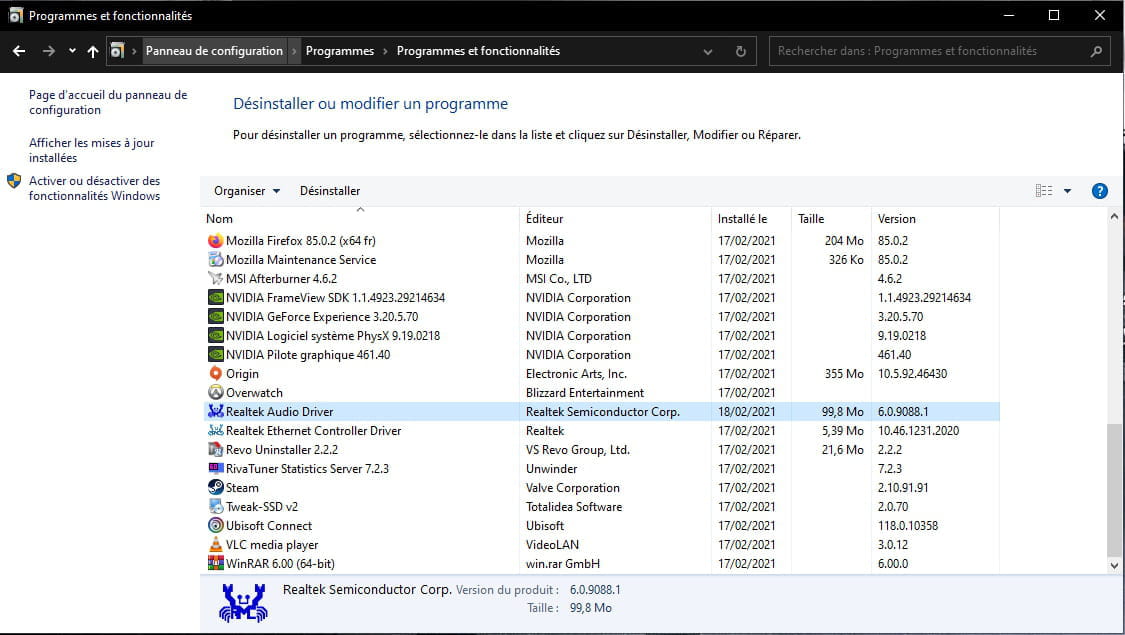
So with Revo uninstaller, I uninstalled my audio driver and all traces on my PC, I reinstalled the latest audio driver for my MSi X470 gaming plus max motherboard, but nothing works with the audio console. I searched without really finding the solution, I deleted Realtek audio console from the Microsoft store and I can't download it, I get an error every time
I cleared the cache for the Microsoft store as I saw on forums, still nothing.
I cannot download Realtek audio console from the Microsoft store, so I cannot install it, can someone help me?

Configuration: Windows / Firefox 85.0
I am using Windows 10, I performed the latest Windows update for 20H2 KBKB4601319 and since then Realtek audio console is not working anymore. When I launch it, it runs in a loop without ever starting.
So with Revo uninstaller, I uninstalled my audio driver and all traces on my PC, I reinstalled the latest audio driver for my MSi X470 gaming plus max motherboard, but nothing works with the audio console. I searched without really finding the solution, I deleted Realtek audio console from the Microsoft store and I can't download it, I get an error every time
I cleared the cache for the Microsoft store as I saw on forums, still nothing.
I cannot download Realtek audio console from the Microsoft store, so I cannot install it, can someone help me?
Configuration: Windows / Firefox 85.0
24 answers
- 1
- 2
Next
-
Download and install --> 7Zip 64 bits
Download this driver --> HDMI Audio
Right-click on the driver --> nvhda.inf_....cab
Select --> 7Zip
Choose --> extract to "nvhda.inf_.....\"
Go to Device Manager
Right-click on the device VEN_10DE&DEV_0083...
Update driver
Browse my computer for driver software
Choose from a list of device drivers...
Have Disk
Browse
Go to the unzipped driver folder --> nvhda.inf_.....
Select the file --> nvhda.inf and OK.
Restart.
-----------------------------------------------------------------------------------
For the other device VEN_10EC&DEV_0892, try this one --> Realtek
Unzip it
Run setup.exe
--
Human beings are at their best when things are at their worst.



- 1
- 2
Next