MMC.EXE

Ulysse5818
Posted messages
11409
Registration date
Status
Member
Last intervention
Ambassador
-
Ulysse5818 Posted messages 11409 Registration date Status Member Last intervention -
Ulysse5818 Posted messages 11409 Registration date Status Member Last intervention -
Hello,
I can no longer access the device manager. MMC is blocking me.
I tried to repair it, but MMC no longer exists. I'm looking to download it, can you tell me where I can find this download?
In the meantime, I launched Malwarebytes..
See you soon and thank you.
Configuration: Windows / Chrome 88.0.4324.104
--
Happy is he who like Ulysses has made a beautiful journey.. etc..
I can no longer access the device manager. MMC is blocking me.
I tried to repair it, but MMC no longer exists. I'm looking to download it, can you tell me where I can find this download?
In the meantime, I launched Malwarebytes..
See you soon and thank you.
Configuration: Windows / Chrome 88.0.4324.104
--
Happy is he who like Ulysses has made a beautiful journey.. etc..
6 answers
-
Hello,
https://www.malekal.com/reparer-windows10-sans-perte-donnees/
--
bazfile
Moderator/Security Contributor.
A hello, a response, a thank you are always appreciated. -
Thank you, it's quite barbaric and confusing for me. :-) I'm going to take my time to study this.
Malekal should create a tutorial for each procedure instead of offering 2 or 3 on the same page; we don't know what to click on anymore.
--
Happy is he who like Ulysses has made a beautiful journey... etc... -
Ok, it will work, knowing that I've already used the Media Creation Tool a good ten times to upgrade from W7 or 8 to W10 on my computers and those of friends.
Thanks again to you and of course to Malekal.
--
Blessed is he who, like Ulysses, has made a beautiful journey... etc... -
Re, hello,
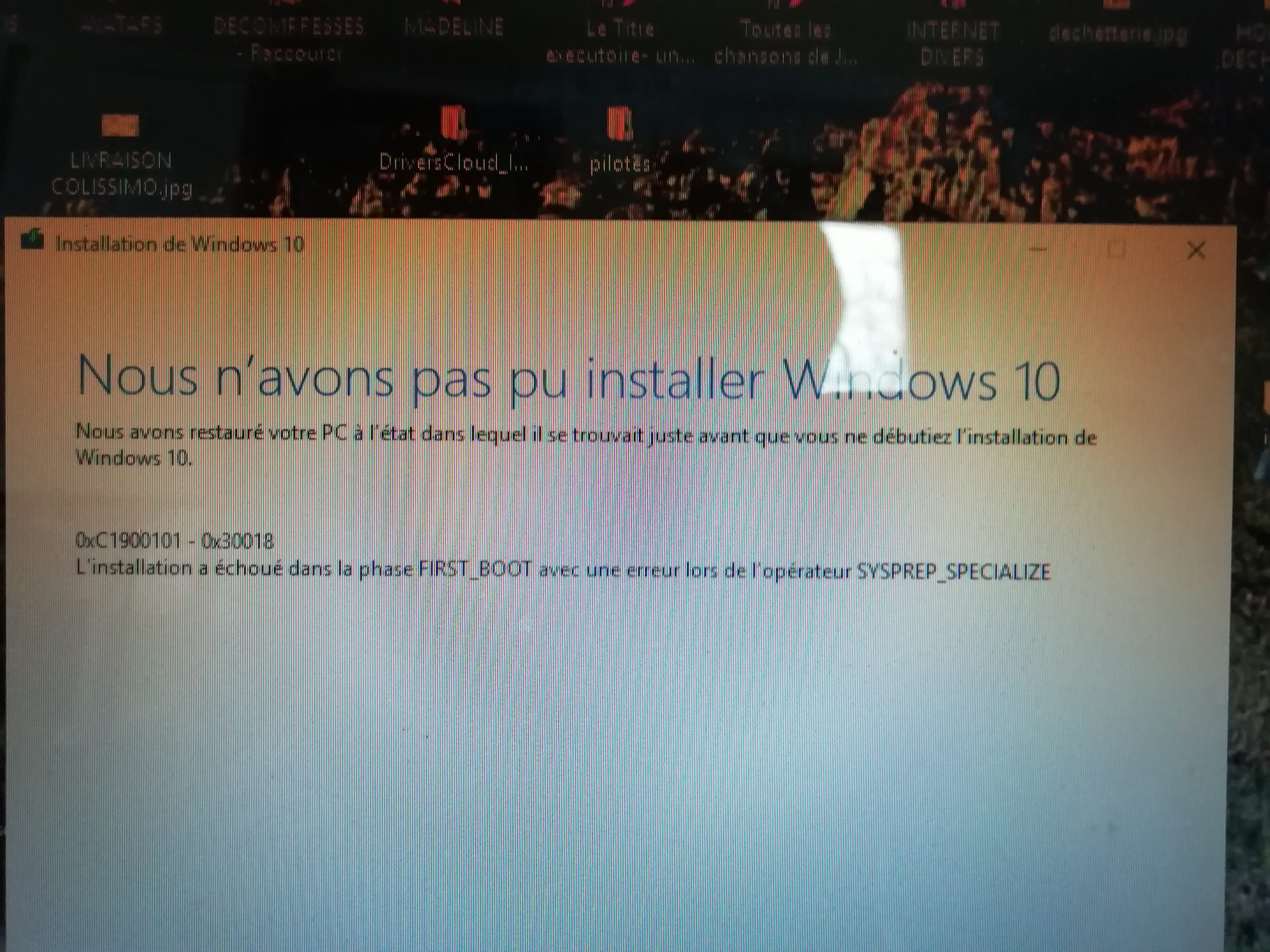
I applied the data lossless repair method... on my desktop, no problem, it's done, but on my Asus laptop... it is stubborn, and gives me an error at the end.

I would like to point out that I have updated the drivers and repeated this operation twice with the same result.
Any thoughts?
I still have my wife's laptop to do as soon as she lets me touch it. :-)
--
Blessed is he who like Ulysses has made a beautiful journey.. etc..-
It's a driver that's not compatible with Windows 10; your laptop might be old and wasn't originally intended for Windows 10. I don't know how you checked your drivers, but if you haven't already done so, try this method: https://www.commentcamarche.net/faq/48455-mettre-a-jour-ses-pilotes-gratuitement-avec-driverscloud
-
-
Well, there was still one driver, but he just refused me again.

I will wait for the error notification to publish it.
--
Happy is he who, like Ulysses, has made a beautiful journey... etc.. -
Due to these issues, I will install a 64-bit Windows 10. Is it mandatory to copy the ISO to a bootable USB drive, or is there another way to install it?
Thank you for your time.
--
Happy is he who, like Ulysses, has made a beautiful journey... etc...-
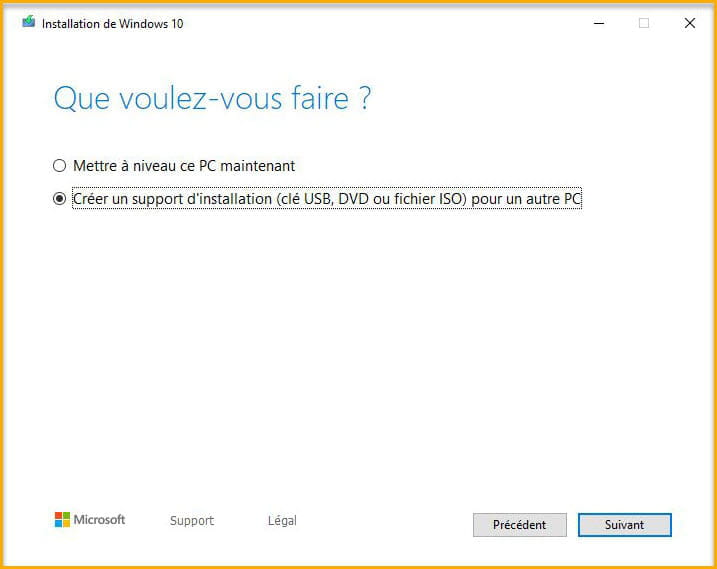
You need a USB key of at least 8 GB, connect it to your PC, then download this Microsoft tool, open the tool, and create your USB key

If Windows 10 does not offer you the 64-bit version, uncheck the box as shown below.

To install Windows 10, follow this procedure
-