
Number of unstable sectors, possible repair?
Solved
LvNiko
Posted messages
16
Status
Member
-
LvNiko Posted messages 16 Status Member -
LvNiko Posted messages 16 Status Member -
Hey, I'm reaching out to you because not long ago, the motherboard of my laptop gave up the ghost. After a real battle with my customer service, I finally managed to get it replaced. Once the laptop was back up and running, I ran as many tests as I could think of. Among them was the HDD (D:\). This is my secondary hard drive since my OS is on my SSD (C:\). I tested it with these two programs: Crystaldisk / HDtune. And I got results labeled "caution." Should I be seriously worried? Especially since most of my work is on there...? I'm sharing two screenshots to help you... help me^^. Thanks everyone!


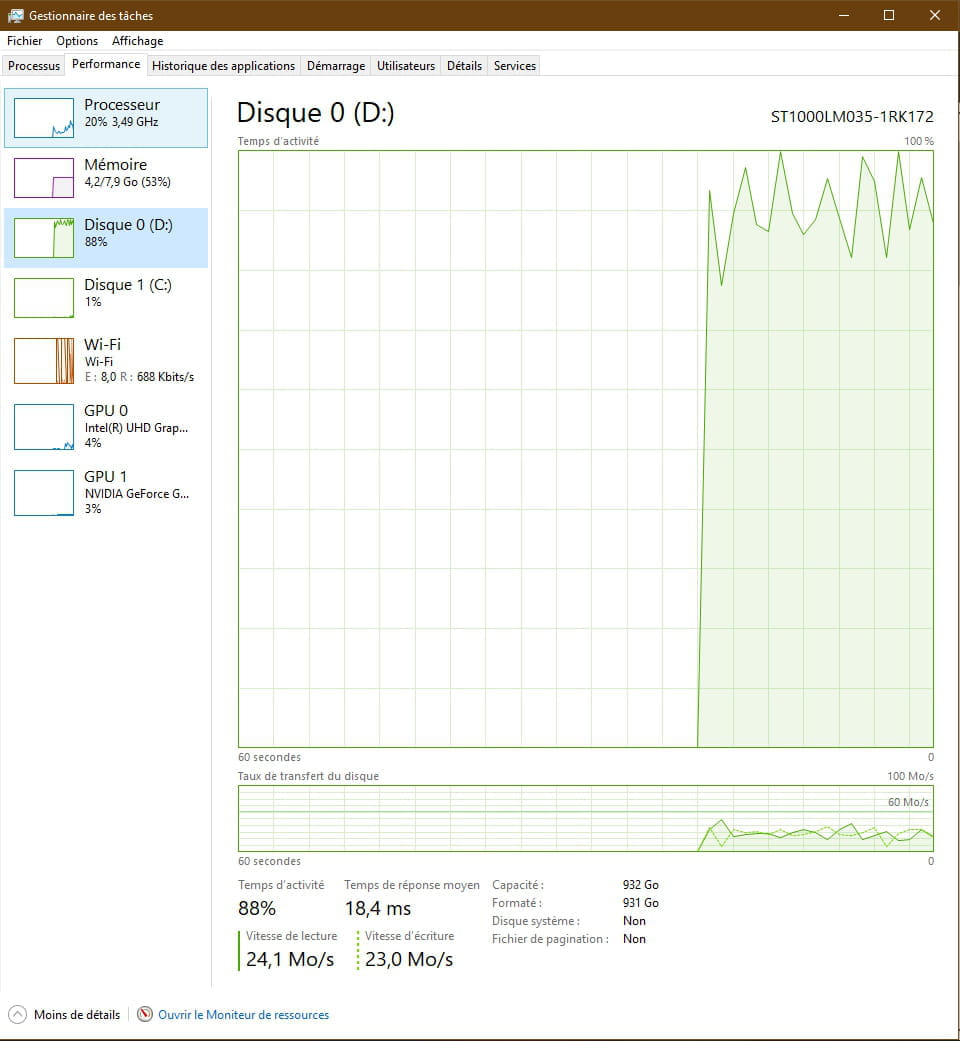
I want to mention for the screenshot below that I was in the middle of installing an update. So my HDD was in full activity (I took the opportunity to show you that) :-)

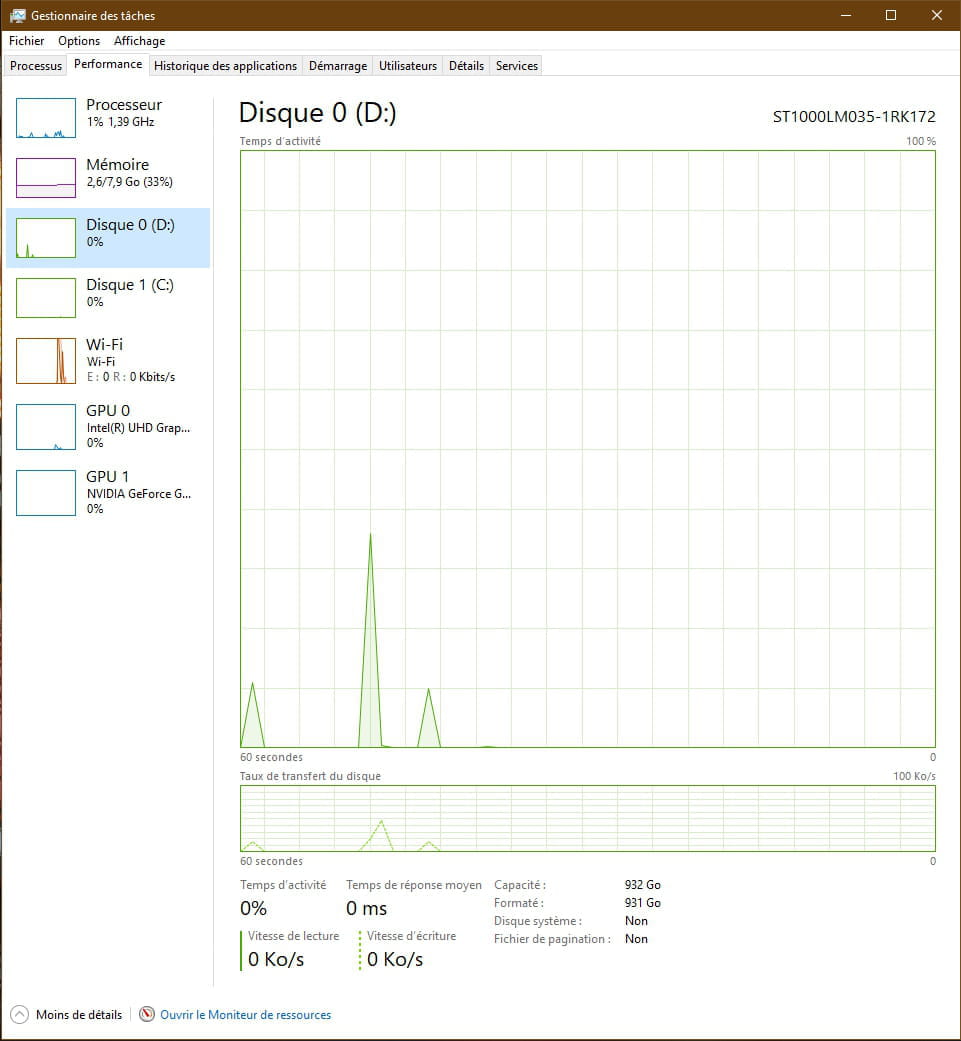
And obviously nothing when idle (but just in case I’m asked):


I want to mention for the screenshot below that I was in the middle of installing an update. So my HDD was in full activity (I took the opportunity to show you that) :-)
And obviously nothing when idle (but just in case I’m asked):
3 answers
-
Hello,
you have 424 (1A8 hexadecimal) bad sectors, which is a lot, so yes, you need to plan to change the hard drive. It might work for a while without any visible problems, but if there are too many, your hard drive could become unreadable.
There is HDD Regenerator (demo, I don't remember the limit, otherwise it's paid), which can pseudo-repair unstable sectors, but when it comes to bad sectors, there's little chance it will fix them. Additionally, there may be many more unstable sectors than those reported by these software. -
Hi! Thanks for your response! I'm going to try this software today and see how it goes!
Does this kind of case happen often? Moving 500GB to 1TB of data is never very pleasant.. So what's the best option? An SSD? But I've heard that their lifespan is short.. My HDD is only a year old.. And why did this happen, and how can I prevent it from happening again with a new HDD?-
Hello,
Yes and no for the SSD because you will need a storage unit equal to or greater than the one in place (1 TB). I recommend a 4 TB HDD. They are not very expensive, generally, online sales platforms use the "Flash" system.
I use this device externally and at 5400 RPM, which is more than sufficient for storage/backup. Since the files are not frequently accessed, there is no problem reading or copying them to another medium (e.g., USB stick) while leaving them on the hard drive. -
quite often? I couldn’t say, I know that I have quite a few hard drives with unstable sectors (that I don't use for storage, of course).
You take another hard drive of 1TB or more and transfer your data onto it. If your HDD is 1 year old, you can invoke the warranty to get another one, but you need to transfer the data before sending the hard drive; they won’t transfer the data (although you might ask the seller).
-
-
Hello
plan for the backup and replacement of the HDD as soon as possible
--
If my answer helped you, click the Thank you button.



