Pixelated text Photoshop
Solved
Virgil
-
Virgil31 Posted messages 15 Registration date Status Member Last intervention -
Virgil31 Posted messages 15 Registration date Status Member Last intervention -
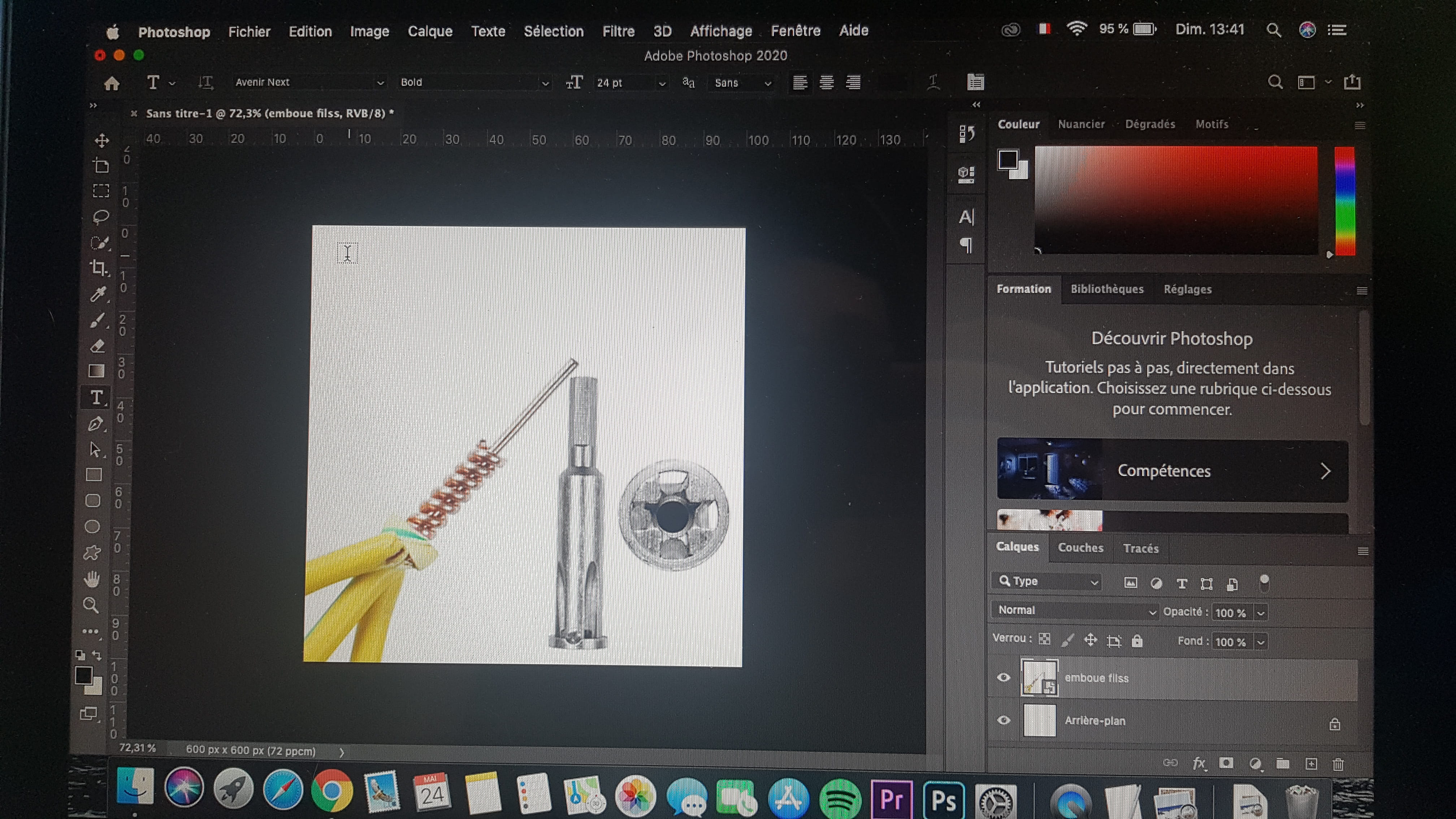
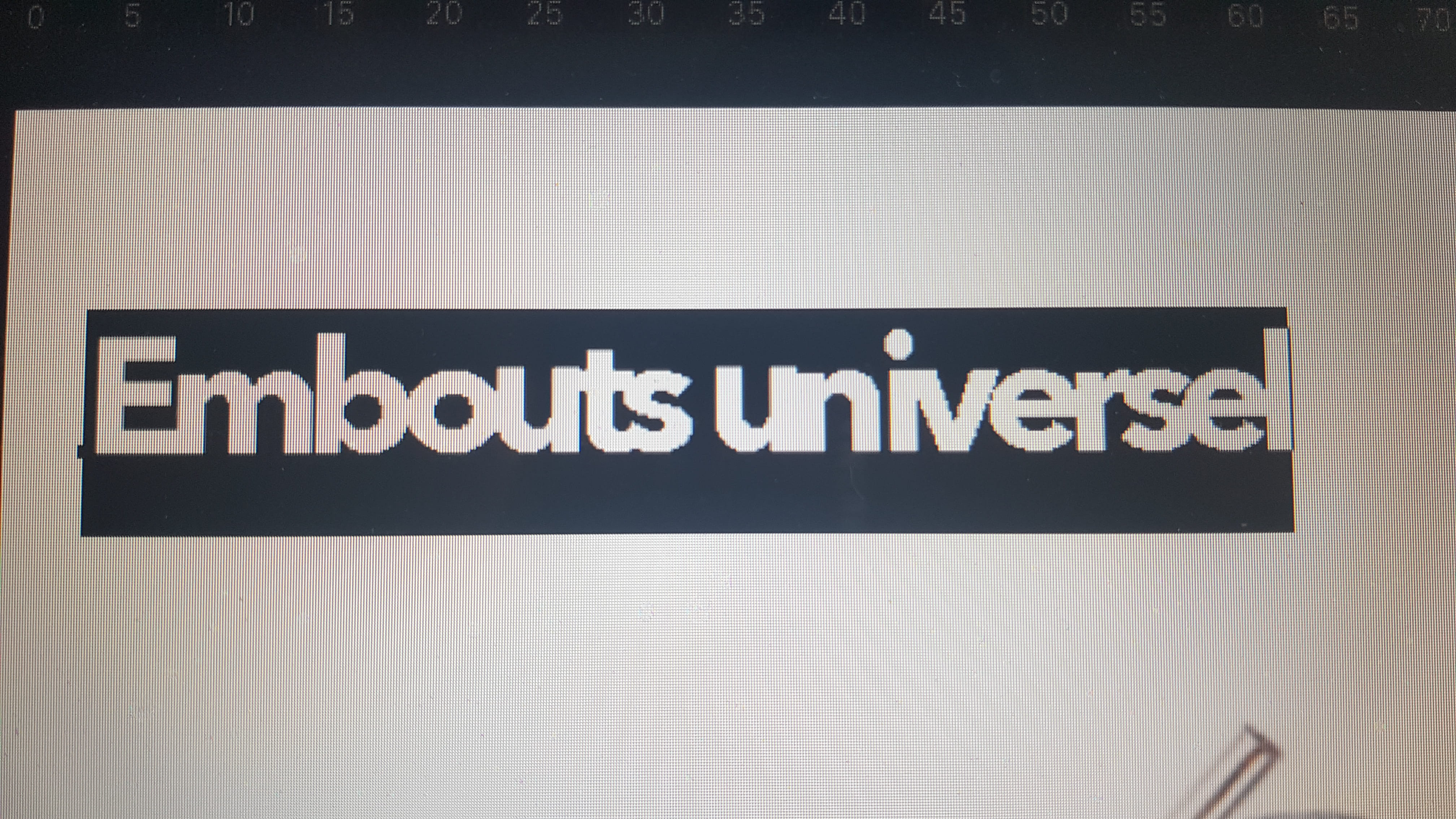
Hello, I have a problem. While trying to write text on the photo, the text is very pixelated. As a beginner in Photoshop, do you have any idea? I have already tried adjusting the image size to 300 pixels, but nothing works.
Configuration: Android / Chrome 81.0.4044.138
Configuration: Android / Chrome 81.0.4044.138
6 answers
-
It's probably a problem with the anti-alias. When you select the text tool, at the top of the menu there’s "aa," that’s the anti-alias. Try the other options, it might fix your problem.
--
https://www.instagram.com/magsu.art/