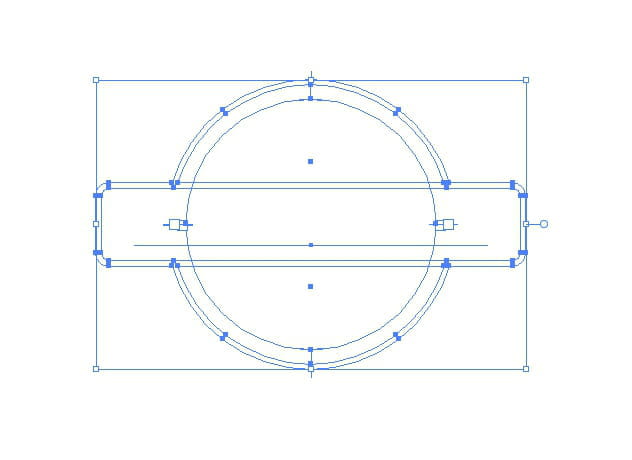
Clipping Mask on Multiple Shapes
koseon_8132
Posted messages
5
Status
Member
-
contrariness Posted messages 17909 Registration date Status Member Last intervention -
contrariness Posted messages 17909 Registration date Status Member Last intervention -
Hello everyone,
I'm trying to apply a clipping mask to multiple objects
I can apply it independently to each element, to the shape, and to the 3 texts; the mask works, but for the sake of simplicity, I would like to make 1 single mask for everything instead of doing the same manipulation 4 times, especially since I want to put the same background everywhere
However, when I select all the shapes and text and apply the mask, it only applies to the topmost layer. My layer with the background is indeed in the background.
Thank you in advance.
Configuration: Macintosh / Firefox 75.0


I'm trying to apply a clipping mask to multiple objects
I can apply it independently to each element, to the shape, and to the 3 texts; the mask works, but for the sake of simplicity, I would like to make 1 single mask for everything instead of doing the same manipulation 4 times, especially since I want to put the same background everywhere
However, when I select all the shapes and text and apply the mask, it only applies to the topmost layer. My layer with the background is indeed in the background.
Thank you in advance.
Configuration: Macintosh / Firefox 75.0


3 answers
-
And assembling the elements before applying the mask, doesn't that work?
-
- To make this work, you need to have only one shape.. Therefore, you first need to combine the shapes with the pathfinder and then apply the clipping mask...
Given your drawing and the contours which are surfaces, make a copy and delete the traces to keep only the one that will be necessary to recover the surface... use a layer for this that you will place below the existing one.
-