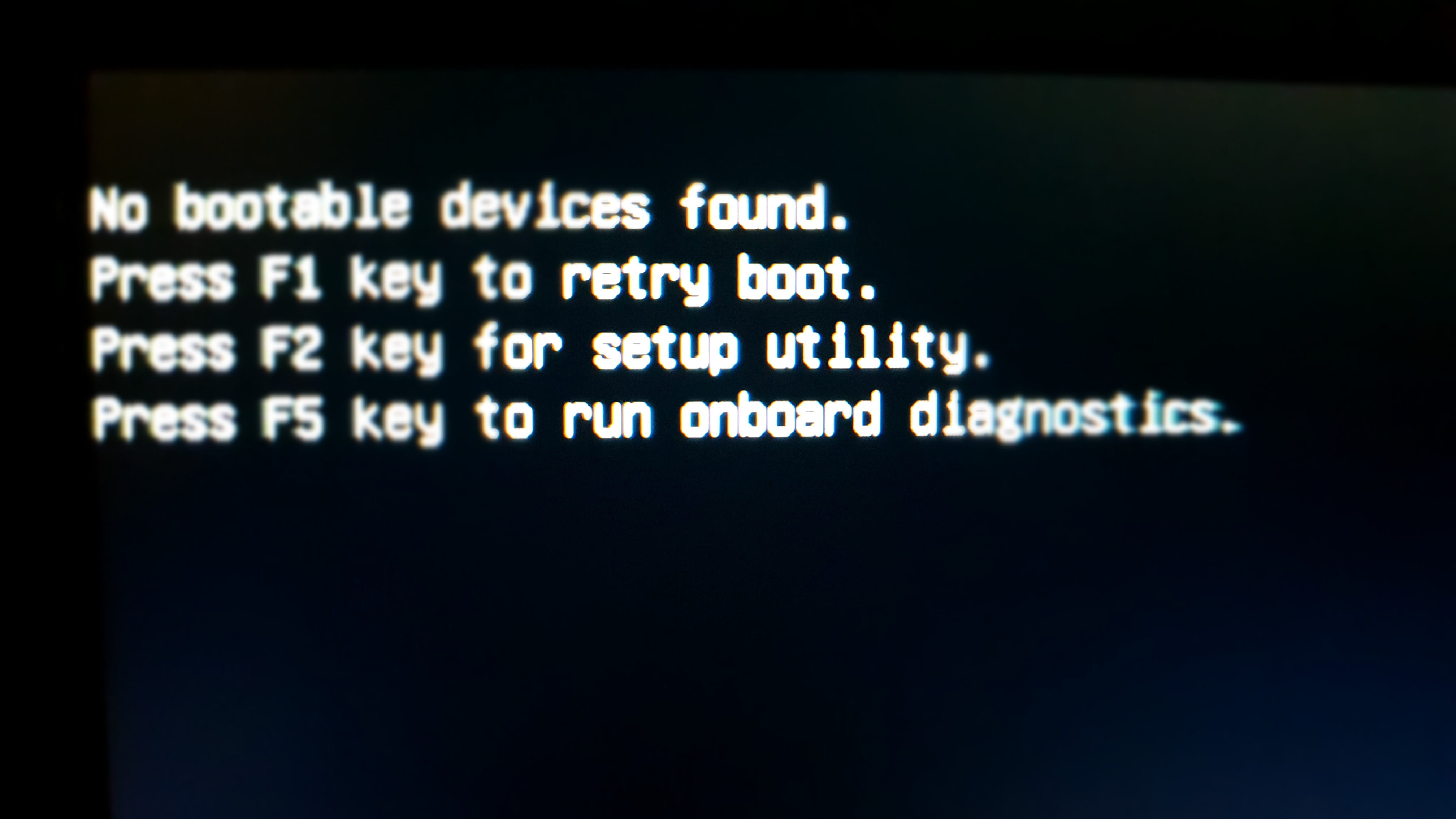
BIOS does not recognize SSD disk in UEFI
mehdi332
Posted messages
32
Status
Member
-
mehdi332 Posted messages 32 Status Member -
mehdi332 Posted messages 32 Status Member -
Hello,
I am trying to install Windows 10 on a DELL Latitude with an M2 SATA SSD,
when I set the BIOS to UEFI mode, I cannot install Windows on the disk. I switch to legacy mode, I install Windows, it restarts to continue the installation, everything is perfect.
I remove the USB drive and it does not boot. It needs the USB drive to boot.
I try to switch to UEFI, it won’t boot either with or without the USB drive.
The disk is only detected in UEFI, in legacy mode it doesn't see any disk.
If you have any suggestions, feel free to share.
Thanks in advance.
I am trying to install Windows 10 on a DELL Latitude with an M2 SATA SSD,
when I set the BIOS to UEFI mode, I cannot install Windows on the disk. I switch to legacy mode, I install Windows, it restarts to continue the installation, everything is perfect.
I remove the USB drive and it does not boot. It needs the USB drive to boot.
I try to switch to UEFI, it won’t boot either with or without the USB drive.
The disk is only detected in UEFI, in legacy mode it doesn't see any disk.
If you have any suggestions, feel free to share.
Thanks in advance.
6 answers
-
jeannets Posted messages 28457 Registration date Status Contributor Last intervention Ambassador 6 618
Good evening,
If you want a UEFI installation, you need to install Windows in UEFI mode... You cannot switch afterward.. If you can't, it means you haven't prepared your SSD properly...
You don't mention it, but this SSD must be new and never formatted..??
-- Furthermore, your Windows 10 on the USB drive may not be the right one... not suitable for what you want to do ... UEFI.