Epson printer that only prints outlines
verlet
Posted messages
1
Status
Member
-
contrariness Posted messages 17909 Registration date Status Member Last intervention -
contrariness Posted messages 17909 Registration date Status Member Last intervention -
Hello,
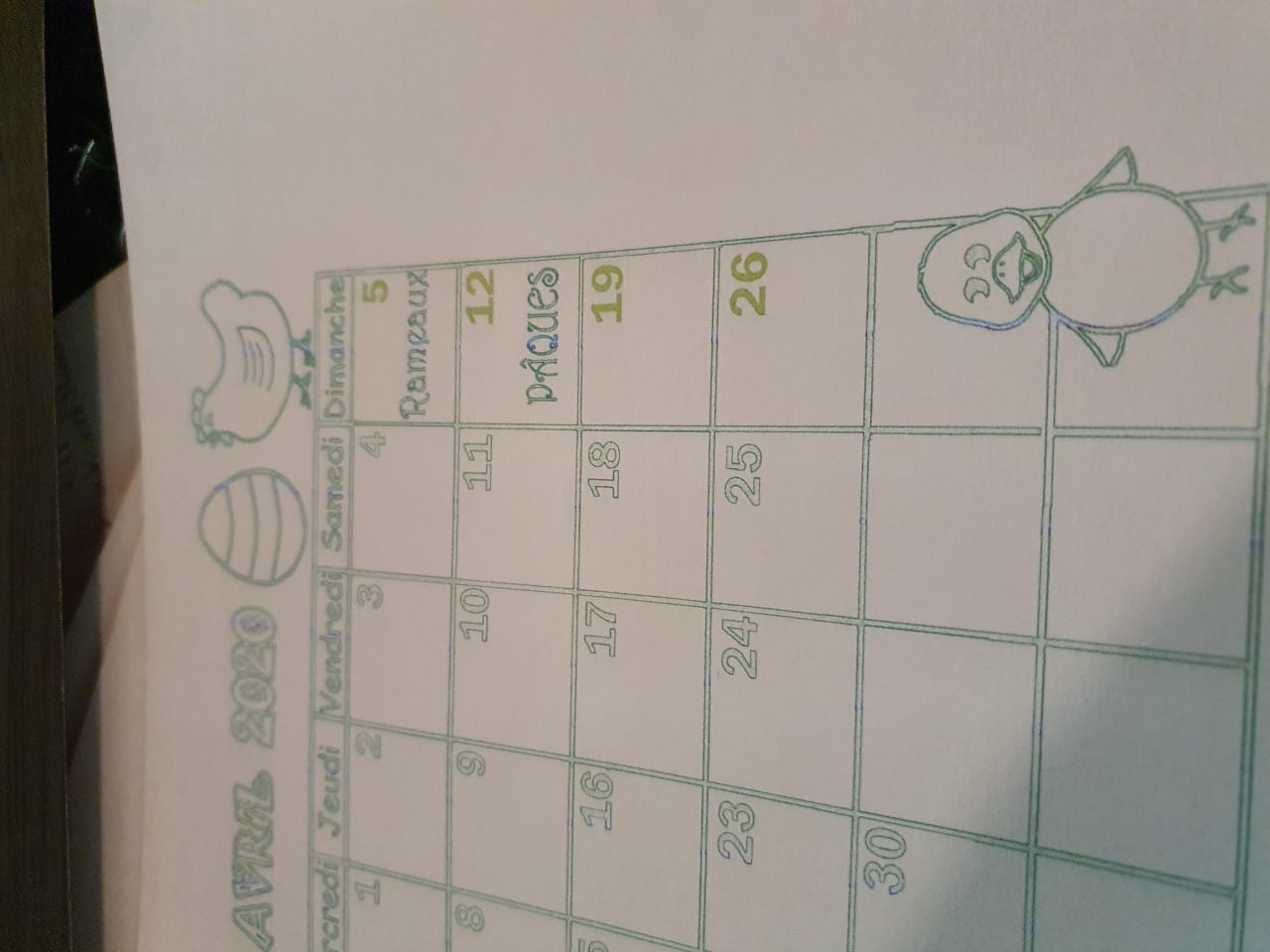
I am having a problem with my Epson printer. When I print a document in black and white, first of all, the print comes out green; additionally, numbers, drawings, letters, no matter what is printed, appear as outlines with the inside empty and white. For example, if I print numbers in black, they come out of the printer outlined in green with white inside. Well, I don’t know if it’s understandable, so I’ve attached a photo of the document I want to print and a photo of how it came out.
As for color prints, they are filled with streaks and faded colors.
Has this ever happened to anyone? Do you know why it’s doing this?
I have already done the nozzle cleaning and everything we can do from the computer to clean the printer, but I think it’s worse now.
Thank you in advance for your responses :)
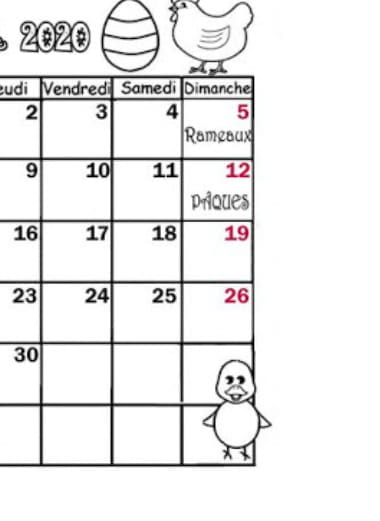
I am having a problem with my Epson printer. When I print a document in black and white, first of all, the print comes out green; additionally, numbers, drawings, letters, no matter what is printed, appear as outlines with the inside empty and white. For example, if I print numbers in black, they come out of the printer outlined in green with white inside. Well, I don’t know if it’s understandable, so I’ve attached a photo of the document I want to print and a photo of how it came out.
As for color prints, they are filled with streaks and faded colors.
Has this ever happened to anyone? Do you know why it’s doing this?
I have already done the nozzle cleaning and everything we can do from the computer to clean the printer, but I think it’s worse now.
Thank you in advance for your responses :)