CPU at 90°C
Masted
-
Masted552 Posted messages 7 Status Member -
Masted552 Posted messages 7 Status Member -
Hello/Good evening,
I'm new to the forum so I'm not really sure if I'm in the right category and I apologize in advance.
So here it is, I "recently" (6 months ago) bought a laptop,
Specs:
Intel core i5 8th gen 2.3GHz (boostable up to 3GHz)
8GB RAM
Geforce GTX 1050
I was able to play a few games without really having issues, but recently I downloaded Warzone and now the CPU starts to heat up a lot (93°C according to the game) and my disk has spikes up to 100% usage during the game. I tried to lower the disk usage but nothing works.
The game is playable at the end of the match but at the beginning I have many bugs, rollbacks and all with the graphics settings on minimum
It is also possible that my connection is causing the bugs but I'm not sure.
I fluctuate between 2 and 5Mb/s with an upload of 0.5Mb/s
This seems strange to me since I run games like Apex or GTA V with good graphics.
I think I've provided enough info, thank you to those who will lend me a hand!
I'm new to the forum so I'm not really sure if I'm in the right category and I apologize in advance.
So here it is, I "recently" (6 months ago) bought a laptop,
Specs:
Intel core i5 8th gen 2.3GHz (boostable up to 3GHz)
8GB RAM
Geforce GTX 1050
I was able to play a few games without really having issues, but recently I downloaded Warzone and now the CPU starts to heat up a lot (93°C according to the game) and my disk has spikes up to 100% usage during the game. I tried to lower the disk usage but nothing works.
The game is playable at the end of the match but at the beginning I have many bugs, rollbacks and all with the graphics settings on minimum
It is also possible that my connection is causing the bugs but I'm not sure.
I fluctuate between 2 and 5Mb/s with an upload of 0.5Mb/s
This seems strange to me since I run games like Apex or GTA V with good graphics.
I think I've provided enough info, thank you to those who will lend me a hand!
7 answers
-
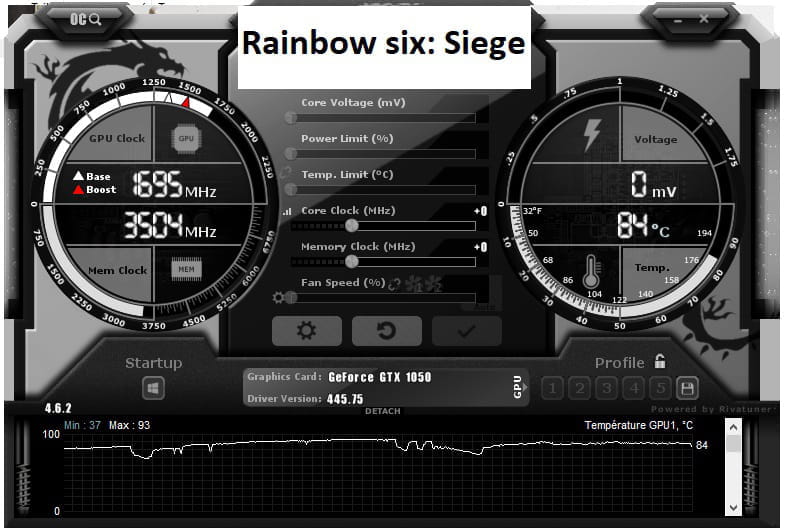
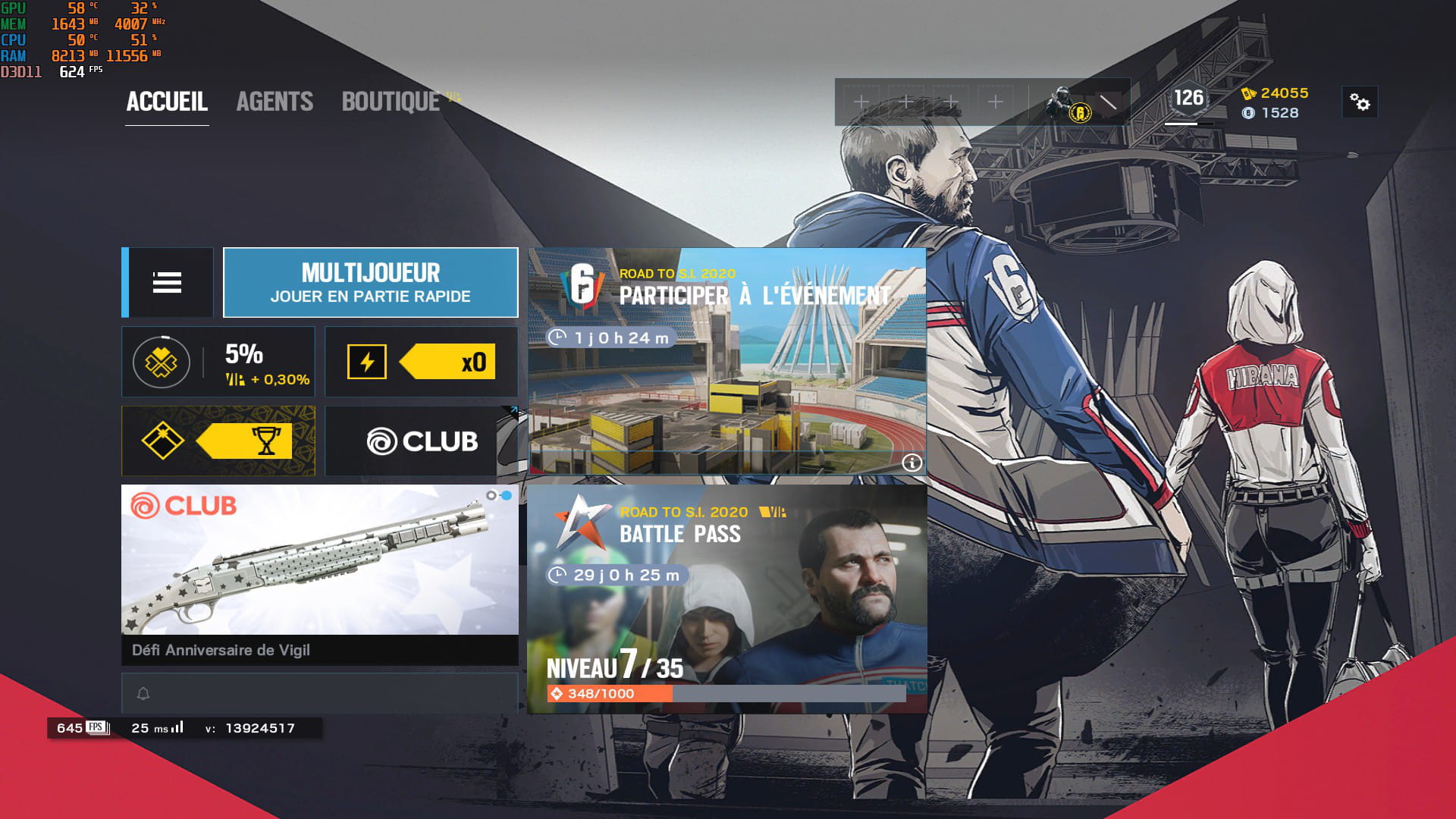
Here we see the information, the temperatures of your graphics card are good, but your CPU
is really overheating for just a game like Rocket League, 85° for only 18% usage.
Try cleaning the PC, dust in the ventilation grille can quickly clog it up.
If your HDD where the games are is (D), I suppose, try to free up some space; a disk that is too full is not good and you will experience freezes, and it makes it heat up. Defragment it, it will do it good; if I were you, I’d do a complete defragmentation and set it up to run overnight while you sleep, so it doesn’t block you.
Yes, I confirm never to defragment an SSD, it decreases its lifespan.
Be aware that R6 is a very demanding game; you need an i7 now to run it properly as it uses almost all the power of the processor, so your CPU will heat up quite a bit.
One thing is that Windows may be throttling your processor, check in msconfig.
Your software, if you install any, goes in (C), not (D).
Press the button > Windows+r > run > Advanced options > Number of processors, usually it’s set to 1 > check the box, click on the dropdown menu, and set it to the maximum number it suggests, maybe 4 if you have a 4-core processor > ok > apply > ok, restart your PC for it to take effect.
Normally, you should load faster, and it will relieve your CPU a bit in-game and may heat up less, but it's not guaranteed; at worst, it will only do it good, test it and see how it goes.