
Safari toolbar
2 answers
-
Hello,
Maybe here!
Show status bar
-
Open the Safari app on your Mac.
-
Select View > Show Status Bar.
When you hover over a link, the status bar at the bottom of the Safari window shows the full address of the link.
-
-
@EricBovet
Unfortunately I won’t be able to do more, I’m on Windows with a different interface and, moreover, I don’t use the same browser as you.
-
-
@EricBovet
Hello,
I rarely use Sequoia (so typically 24 and not 26 Tahoe) in a virtual machine where everything is default and I always use Firefox, so to say...
The default display is the white bar at the top as follows
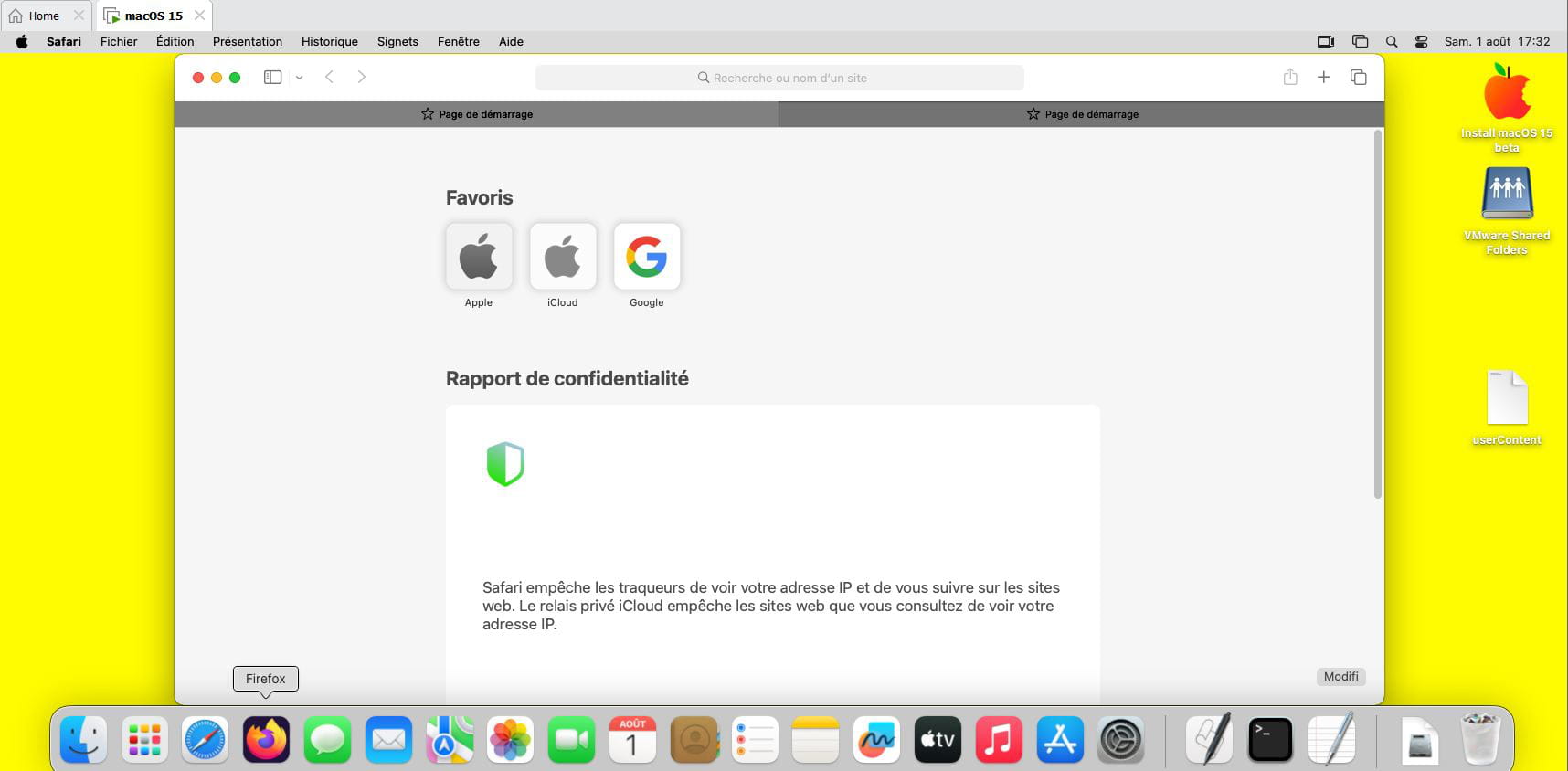
If something is missing (or everything?) we should be able to click on the right in the corresponding space, customize, then drag what we want there to see it all?
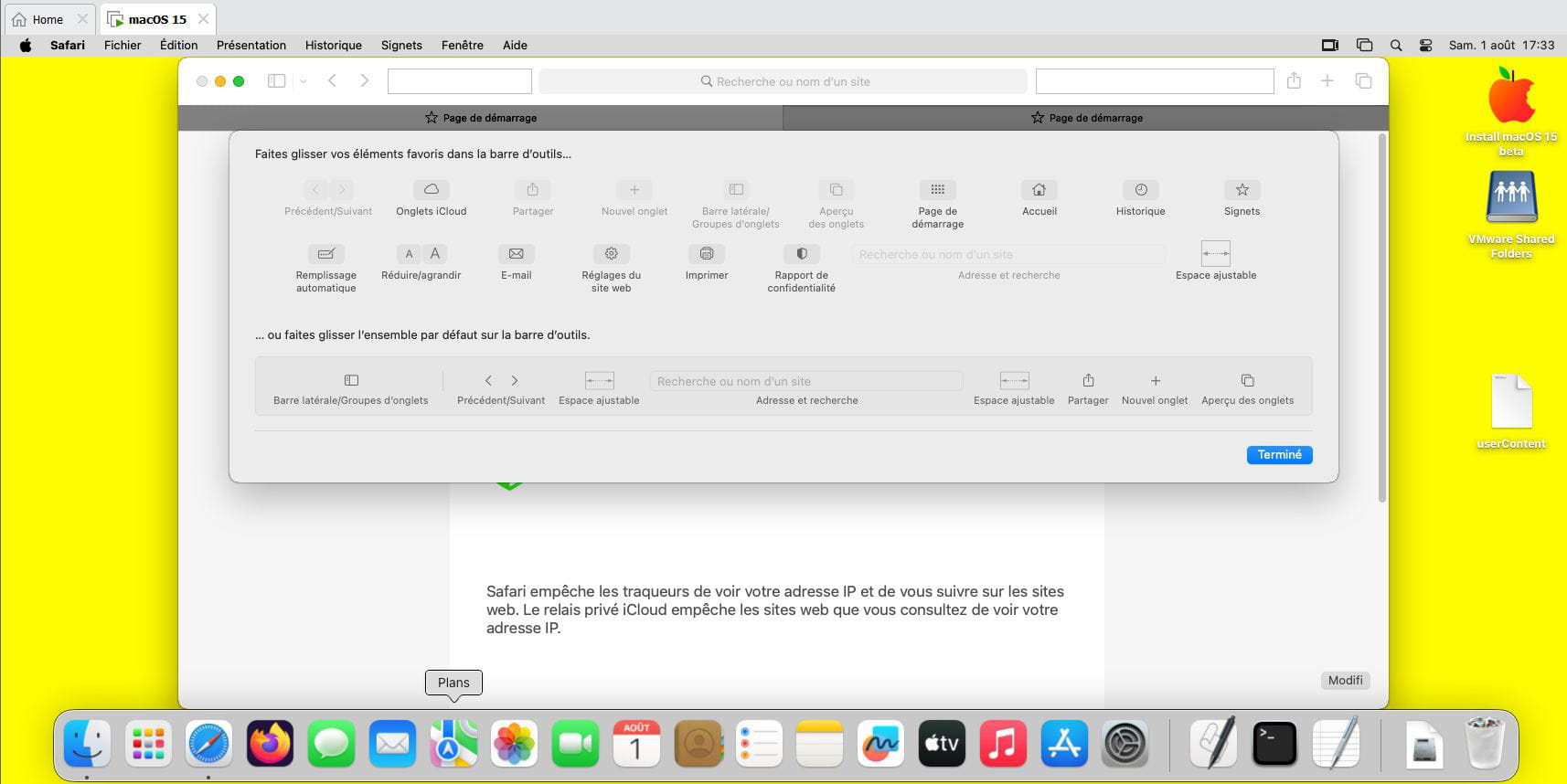
-
@brucine
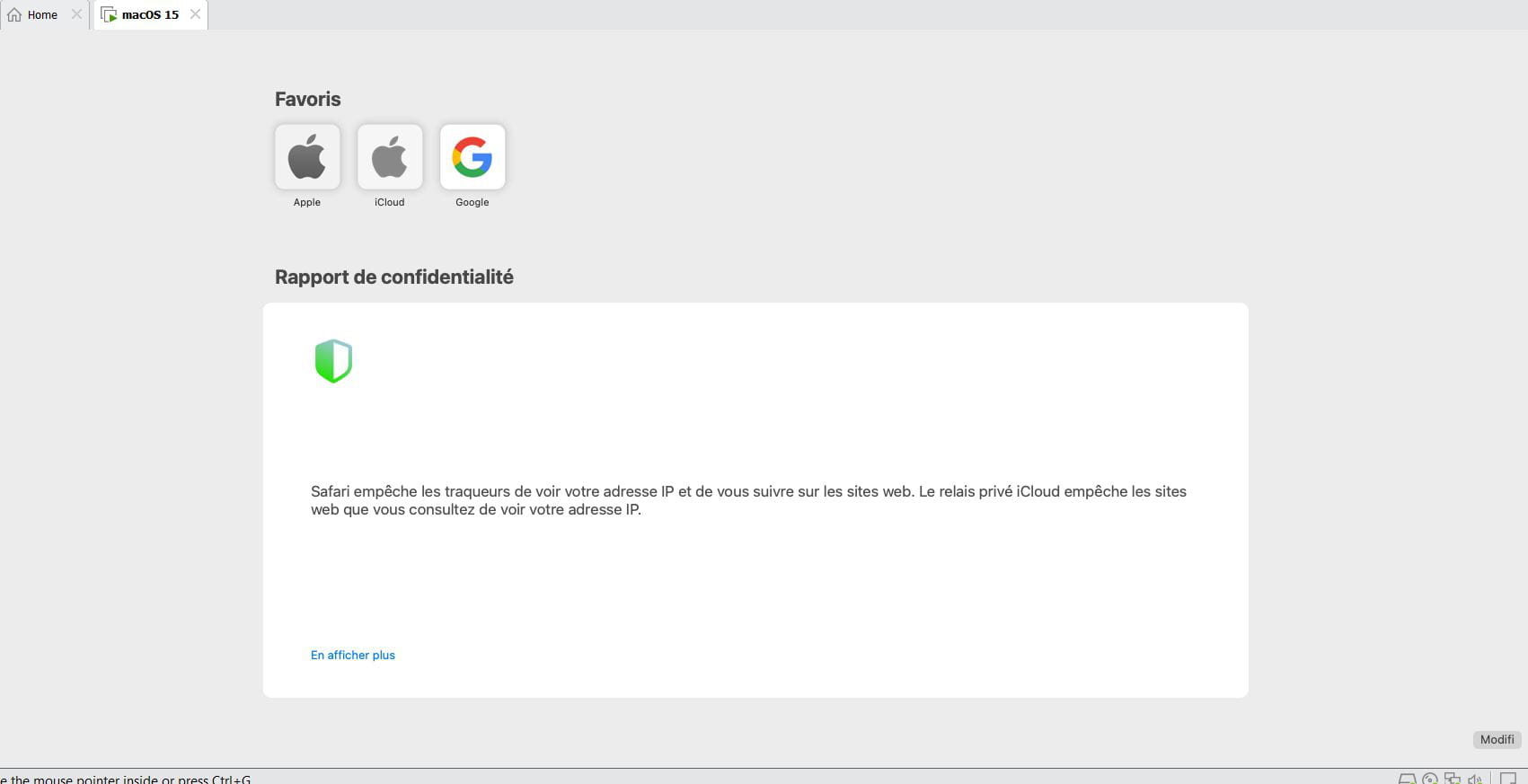
There is, however, a "vicious" parameter in full-screen mode.
By using the color buttons to switch from normal mode to full-screen mode, in Presentation the first item is Always show the toolbar in full screen, which is greyed out and inaccessible or not.
If you’ve unchecked it and you’re in full-screen mode, Safari will obey and make everything disappear at the top, even though hovering the mouse at the top resurrects the menu and the toolbar.
-
-
ContributorWhat do you call the “toolbar” exactly? The bar with the three red/yellow/green dots and the website address field?
A priori, I don’t think it can be hidden (except in full-screen mode), hence my question... Can you attach a screenshot of the location where you think this bar should appear in your Safari window?
We can hide (and show) the bookmarks bar, the status bar,... We can also show and hide the side bar
Hello at your place!
Bernard

