
"Cannot play" a video on EPSON EH-TW490 projector

chromaniac
Posted messages
55
Registration date
Status
Member
Last intervention
-
chromaniac Posted messages 55 Registration date Status Member Last intervention -
chromaniac Posted messages 55 Registration date Status Member Last intervention -
Hello,
On the EPSON EH-TW490 projector, I would like to play a video file in "PC-FREE" (from media stored on a USB stick, directly plugged into the back of the projector).
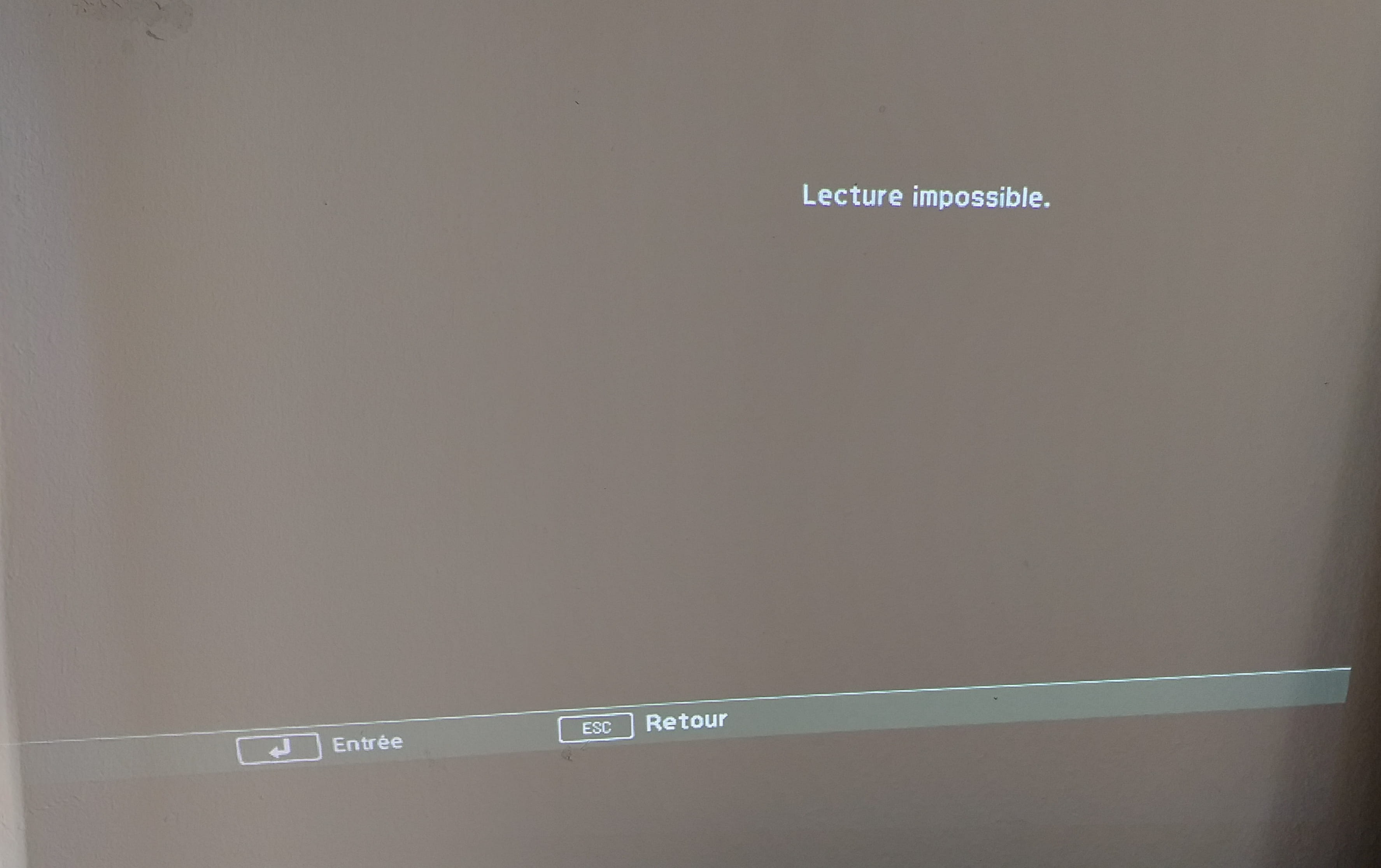
When I connect the USB stick to the projector, it automatically switches to the PC-FREE menu, I can select my media but then it displays "playback not possible".
I export my video file (a simple test composition of 20 seconds from After Effects) from a MAC computer, in 1280x720 (maximum resolution supported according to the projector manual - see the screenshot) in .mov. Then I convert it to .avi format (still according to the recommendations) in QuickTime 7, and then place it on a USB stick formatted in FAT-32 (also according to the recommendations).
So the projector's software recognizes the file but cannot read it, with the aforementioned settings, which are the recommended settings.
Thank you in advance for any suggestions on what I might have overlooked..


On the EPSON EH-TW490 projector, I would like to play a video file in "PC-FREE" (from media stored on a USB stick, directly plugged into the back of the projector).
When I connect the USB stick to the projector, it automatically switches to the PC-FREE menu, I can select my media but then it displays "playback not possible".
I export my video file (a simple test composition of 20 seconds from After Effects) from a MAC computer, in 1280x720 (maximum resolution supported according to the projector manual - see the screenshot) in .mov. Then I convert it to .avi format (still according to the recommendations) in QuickTime 7, and then place it on a USB stick formatted in FAT-32 (also according to the recommendations).
So the projector's software recognizes the file but cannot read it, with the aforementioned settings, which are the recommended settings.
Thank you in advance for any suggestions on what I might have overlooked..


1 answer
-
Hello,
Your projector reads .avi files with a maximum resolution of 1280x720 for video, and for audio, it is statedthe audio format can only read linear PCM and ADPCM
your latest screenshot shows that the video format is Apple Cinepack, which is not supported by your projector.
--
bazfile
Moderator/Contributor security.
click here-
Thank you for your quick response, I'm not sure I understand, you are talking about audio compression, but Apple Cinepack concerns video compression? I don't have sound on this test (I will have it on the project). I'm adding a screenshot of the export options "quicktime to AVI" in QuickTime 7.

-
The format in which Quicktime converts your video is apparently not supported by your projector; you will need a conversion software. Since you mentioned you are on Mac, I think you should ask in this forum https://forums.commentcamarche.net/forum/macos-14 that specializes in Mac OS which conversion software to use.
-


