Issue with Windows Update, download pending
Solved
Gringo77
Posted messages
10
Status
Member
-
Maylicia -
Maylicia -
Hello,
Recently, I've noticed that my PC is no longer doing Windows updates (apparently this has been going on for a while)
I ran an antivirus scan with up-to-date Avast (no issues found)
I uninstalled Avast and switched back to Windows Defender but it's no better (no issues found in the scan either)
I installed Windows Repair with no success
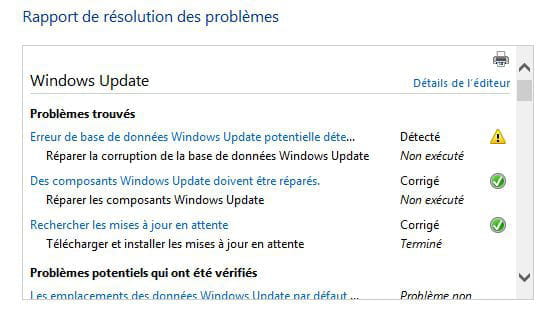
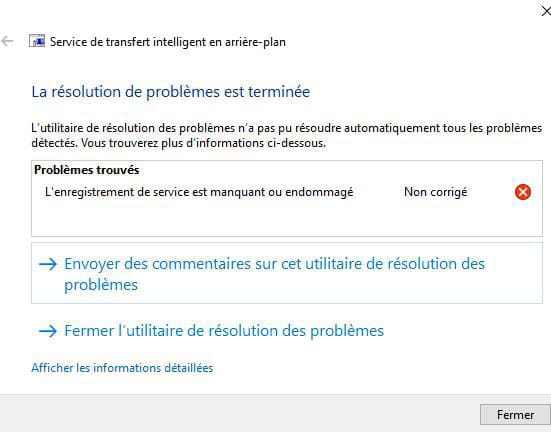
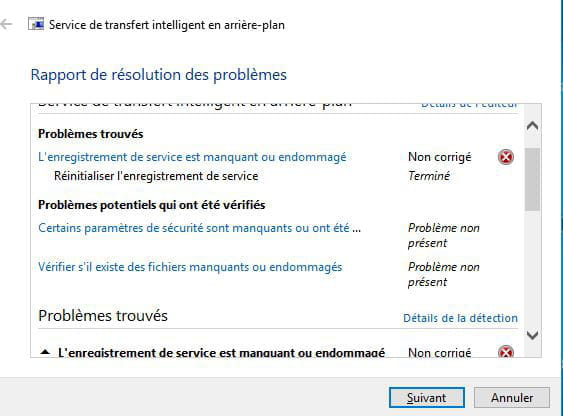
I tried the Windows Update Troubleshooter which detects problems, fixes them but nothing changes.
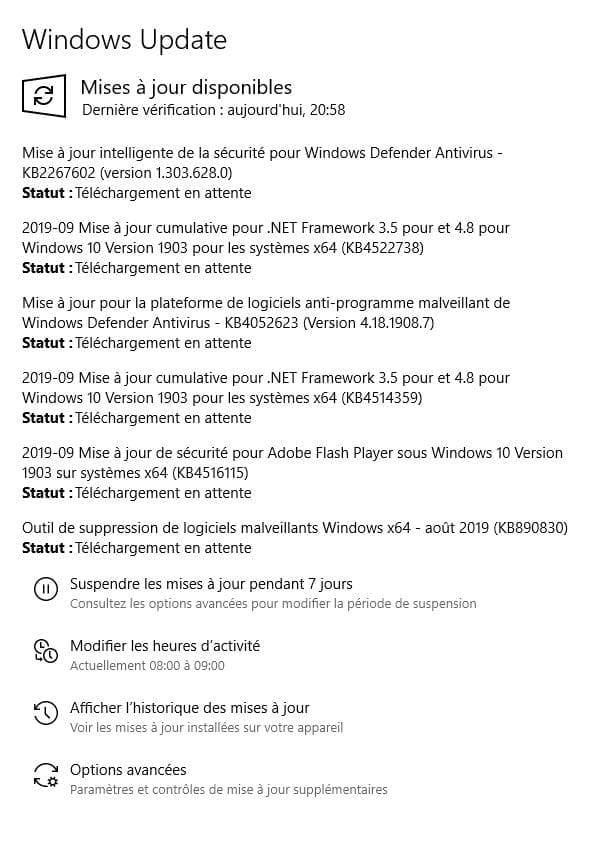
When I restart, I see the screen in the attachment:

the downloads pass very quickly in the visible status.
I don't understand anything, the last time I experienced this it was a virus but Avast doesn't see anything!
Can you guide me?
Thank you in advance.
Configuration: Windows 10 Home version 1803 / Chrome 77.0.3865.90
Recently, I've noticed that my PC is no longer doing Windows updates (apparently this has been going on for a while)
I ran an antivirus scan with up-to-date Avast (no issues found)
I uninstalled Avast and switched back to Windows Defender but it's no better (no issues found in the scan either)
I installed Windows Repair with no success
I tried the Windows Update Troubleshooter which detects problems, fixes them but nothing changes.
When I restart, I see the screen in the attachment:

the downloads pass very quickly in the visible status.
I don't understand anything, the last time I experienced this it was a virus but Avast doesn't see anything!
Can you guide me?
Thank you in advance.
Configuration: Windows 10 Home version 1803 / Chrome 77.0.3865.90
9 answers
-
Hello everyone,
I'm reopening the topic to share the solution finally found by a friend who's a bit more skilled than I am!
Actually, it happens that updates get stuck erratically on W10.
In my case, it was about the "volume limits" located in the "Delivery Optimization" tab (below "Windows Update," see attached).
In this tab, you need to go to "Advanced options" and enable all 4 options by setting the sliders to max.
For me, it got everything back on track, and now everything is fine!
I hope this can help others as well.
I’d like to take this opportunity to thank fabull & Malekal_morte for their help and perseverance; I hadn’t visited CCM in a long time, and it makes me want to come back more often! :-)
Have a good evening.