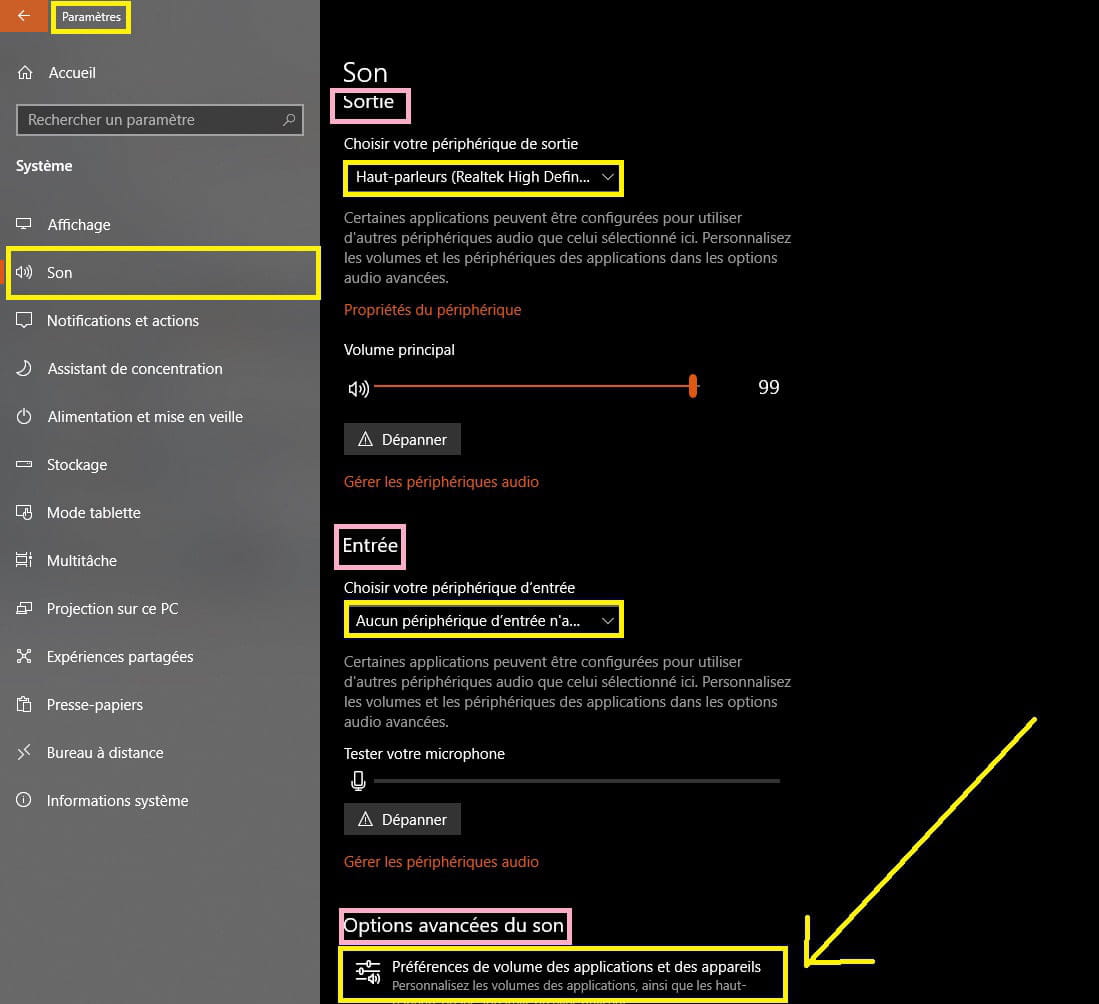
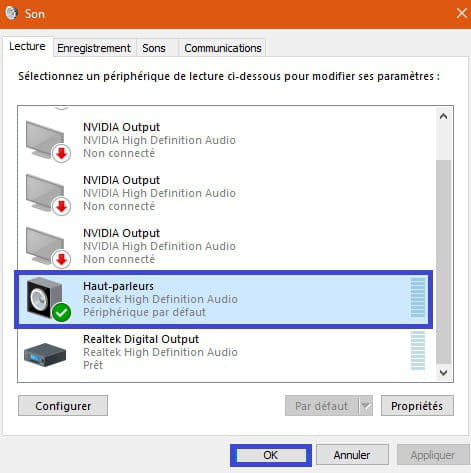
The window that appears when connecting to the analog output
Sulltay
Posted messages
3
Status
Member
-
LGN_9500 Posted messages 1 Status Member -
LGN_9500 Posted messages 1 Status Member -
Hello,
I am on Windows 10. I plugged my headphones into the analog output of my PC. Windows asked me what type of device it is: headset, headset with microphone, earbuds, microphone only, etc.
I selected "microphone only" to do a test, but I forgot to uncheck the box "Do not show this window again" that I had previously checked before changing my mind. My headphones no longer work because Windows is treating them as a microphone.
How can I make it appear again?
Thank you for reading.
Configuration: Windows / Chrome 76.0.3809.100
I am on Windows 10. I plugged my headphones into the analog output of my PC. Windows asked me what type of device it is: headset, headset with microphone, earbuds, microphone only, etc.
I selected "microphone only" to do a test, but I forgot to uncheck the box "Do not show this window again" that I had previously checked before changing my mind. My headphones no longer work because Windows is treating them as a microphone.
How can I make it appear again?
Thank you for reading.
Configuration: Windows / Chrome 76.0.3809.100
3 answers
-
Hello,
This is an audio manager. Probably Realtek.
It’s possible that an orange sound icon is located at the bottom right in the notification area. Double-click on it with the left mouse button.
There should be a panel with drawings of jacks, and from there you should be able to change your settings.
This is from my distant memories of Vista.
Hoping it’s the same for you.
--
Signature: I don't put more. I annoy too many people who are not used to putting any. :'(