Samsung Smart Switch App
Solved
brucine Posted messages 25334 Registration date Status Member Last intervention -
Hello everyone,
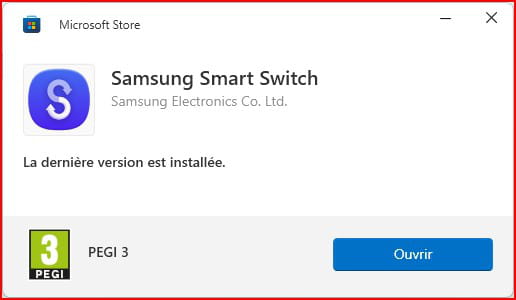
I downloaded the Samsung Smart Switch application without any problem but cannot open it. When I try to open it, a window appears for a second and then disappears. Do you know why, even though I have used this app before without any issue?
Windows 11
1 answer
-
RE: I found that I just needed to install the USB driver. Have a good evening.
-
-
Hello,
Thank you for the reply; you are helping many others on the forum who are in the same situation as you.
Have a nice day.
Hello,
Oh really?
I don’t see how the author indicates any procedure whatsoever about this famous driver.
Assuming we want to transfer via USB and not via WiFi, on the PC side I insist, the Samsung adb driver is automatically installed by Samsung Switch where it is included; you just need to download it and explore the folder to realize it.
If we want to do a USB transfer without having installed it, which is not the question here, you must install this driver on the PC.
https://developer.samsung.com/android-usb-driver
On the phone side, the situation depends on its age and Android version.
On newer models, simply connecting a USB cable prompts a request with the choice of what to do, here obviously USB transfer.
On older ones, nothing happens; you need to enable Developer options, then USB debugging:
https://developer.android.com/studio/debug/dev-options?hl=fr
-