Preview image too zoomed in

Hello,
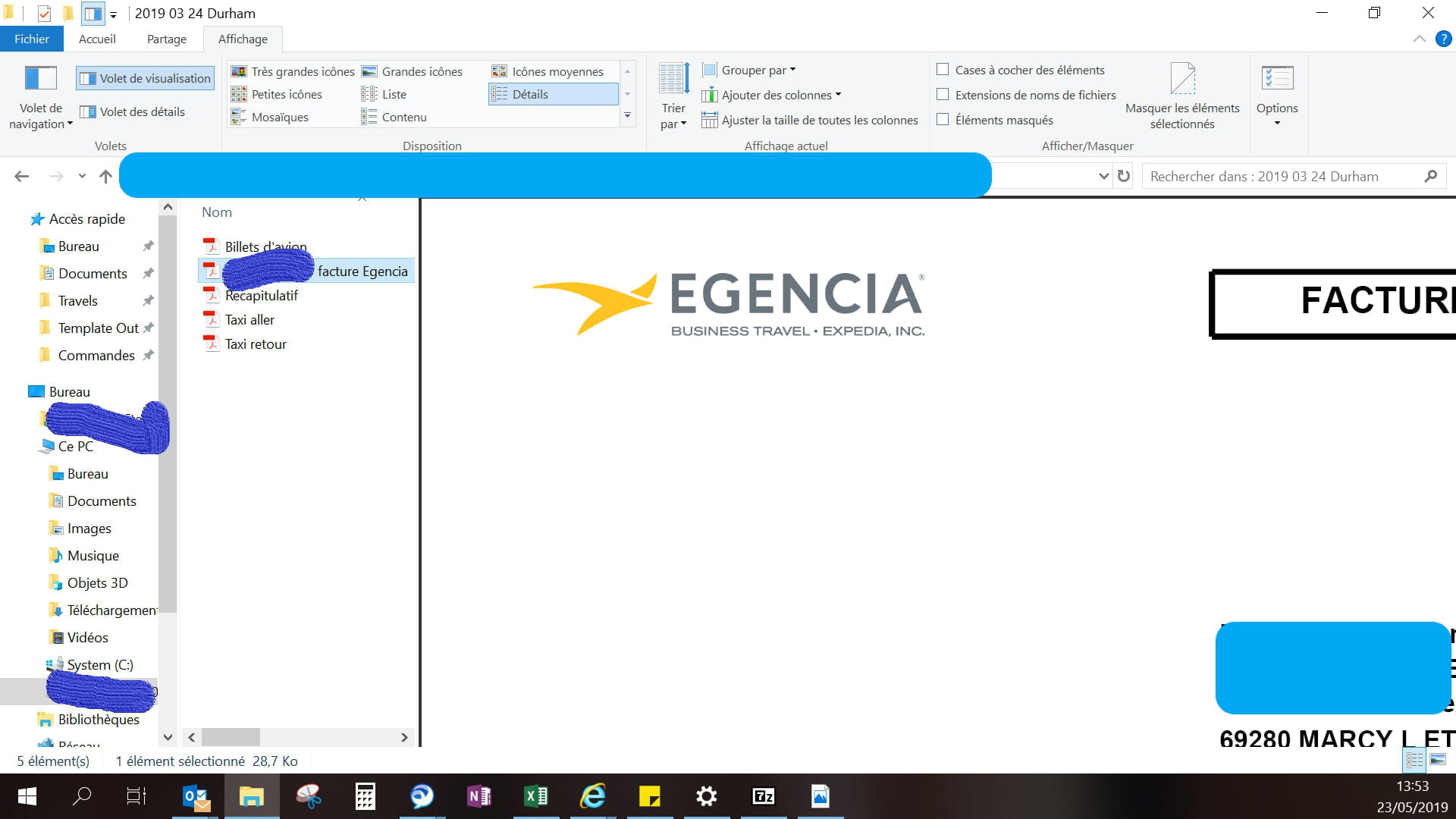
I always use the preview pane, but for some time now my documents have been too zoomed in.
I’ve searched everywhere to reduce it, but it's impossible.
Here is an example attached.
Thank you in advance for your help.
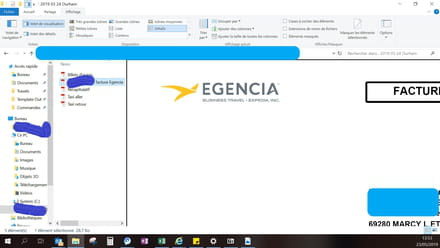
I always use the preview pane, but for some time now my documents have been too zoomed in.
I’ve searched everywhere to reduce it, but it's impossible.
Here is an example attached.
Thank you in advance for your help.
2 answers
-
Hello @stella-30,
Position your mouse between the viewing pane and the file explorer (right at the level of the black line). Your cursor will change appearance (it will become a double horizontal arrow), click and drag your mouse to the right to reduce the window, and to the left to enlarge it.
Have a good afternoon, Zepines.
Was my answer helpful to you? Don't forget to click on "Thank you"!
Is your problem resolved? Then mark it as resolved! -
Thank you for your response,
I tried but it doesn't change, I still have the text on the right that doesn't display, so the preview is useless to me :(-
-
Here I am.
I found a possible solution to your problem.
Have you checked the box "Enable PDF thumbnail previews in Windows Explorer" in the preferences of Adobe Reader?
According to the following CCM topic: https://forums.commentcamarche.net/forum/affich-35233483-volet-de-visualisation-dans-explorateur-et-pdf
Adobe help page: https://helpx.adobe.com/fr/acrobat/using/enable-pdf-thumbnail-preview-windows-explorer.html
-