Pinterest: display issue
Hello,
For a few days now, the Pinterest screen display seems to have been zoomed in: the pins are so large that each one takes up the entire screen space. I couldn't find a function to reduce the display. Can you guide me?
Thank you.
For a few days now, the Pinterest screen display seems to have been zoomed in: the pins are so large that each one takes up the entire screen space. I couldn't find a function to reduce the display. Can you guide me?
Thank you.
2 answers
-
AmbassadorHello,
Which browser is experiencing the zoom issue on Pinterest?
Is your browser up to date?
Check the browser zoom settings when you go to Pinterest.
Please provide your version of Windows.
Start by clearing your browser’s cache.
You can see how to do it here
If you have FF, Chrome, or IE, use ResetBrowser
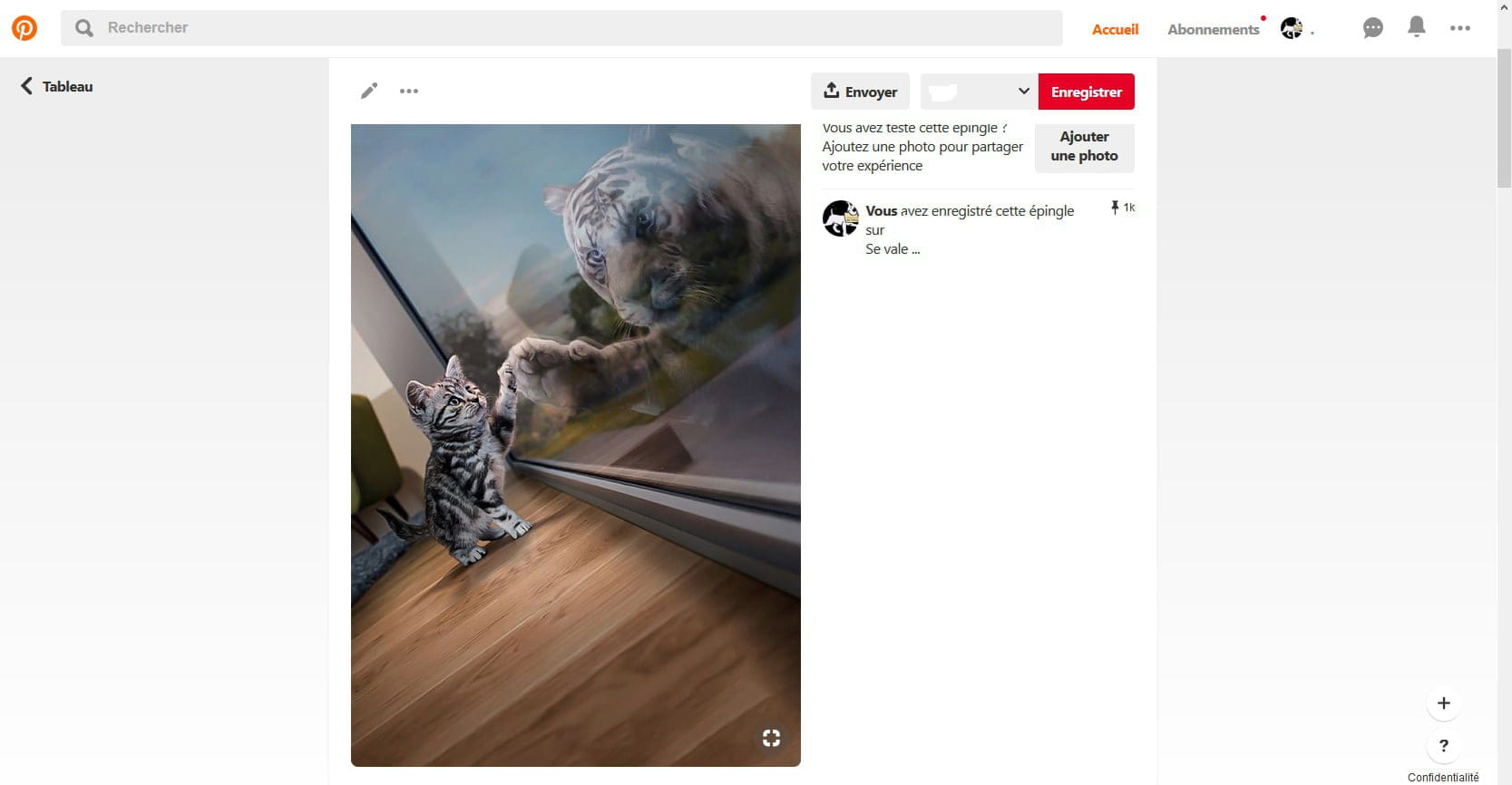
Some pinned images are indeed large, but to say that they take up the entire screen...
Here's an example of the largest image I found; I captured the whole browser page:
After that, it could be due to your graphics card, whose driver may not be up to date, or if your card is old, you should disable hardware acceleration.
Talk to you later
-
AmbassadorYou're welcome.
Mark the discussion as resolved.
Have a great end of the day.
--
pistouri