How to turn a square photo into a medallion?
Solved
KANK2019
Posted messages
86
Status
Member
-
bibou -
bibou -
Hello, how can I use the PAINT software to transform a square photo into a medallion?
I want the parts outside this medallion to be removed.
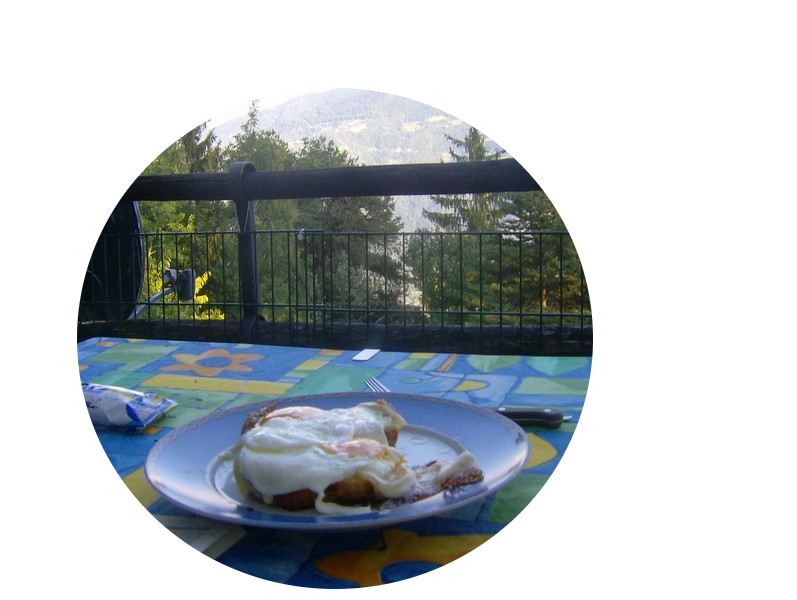
That is to say, I want to end up with a circular or oval photo on my computer desktop.
Thank you very much.
P.S. Maybe it's not possible with PAINT.
If that's the case, is there another free software for this specific manipulation?
Best regards.
I want the parts outside this medallion to be removed.
That is to say, I want to end up with a circular or oval photo on my computer desktop.
Thank you very much.
P.S. Maybe it's not possible with PAINT.
If that's the case, is there another free software for this specific manipulation?
Best regards.
7 answers
-
Hello,
You can very easily do it with Photofiltre or Gimp, not forgetting to save your work in PNG
or other
https://www.youtube.com/watch?v=bnsci_r29MY
Viagers
-
Good evening, thank you very much for your response. I have watched the video above that you linked with your reply. So we have the circular dial of the watch with the remaining portion erased. The problem is that the photo as an entity is still square. What I would like is to have just a round photo with the pattern full screen inside.
Perhaps this is possible in PAINT or GIMP, which I have downloaded?
Best regards -
Re.....
Very easy with Gimp:
Open the photo
Right-click in the layers window and add an Alpha channel
With the elliptical selection tool, draw the selection you want
Once the selection is moving - Menu select and inverse
Edit - Delete
Very important, save as PNG
The white around is transparency, so if you place this photo on a background, the white will disappear and only the medallion will remain
Viagers
-