
Previous
- 1
- 2
-
Give the identification numbers of the 2 unknown devices.
--
Human beings are at their best when things are at their worst. -
For the ACPI, try this driver again --> Audio
Right-click on --> 20811144....cab
Select --> 7Zip
Choose --> extract to "20811144....\"
Go to Device Manager
Right-click on the ACPI.... device
Update driver
Browse my computer ......
Browse
Select the folder of the unzipped driver --> 20811144....
OK, next
Restart.
----------------------------------------------------------------------------------
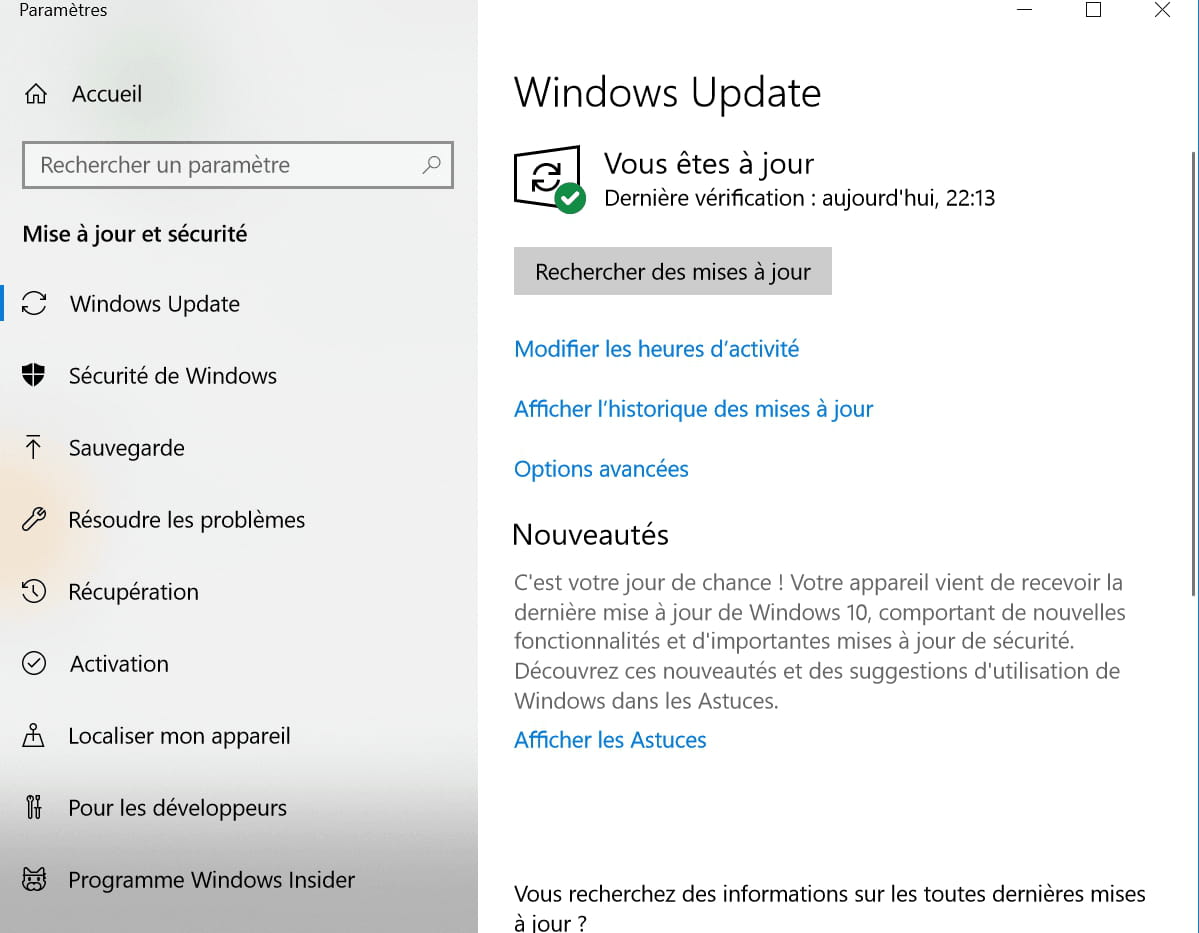
Then, go to Windows Update and do the updates.
--
Human beings are at their best when things are at their worst. -
-
hi
I followed your tutorial but it didn't work
did you do the updates via Windows Update after installing the driver?
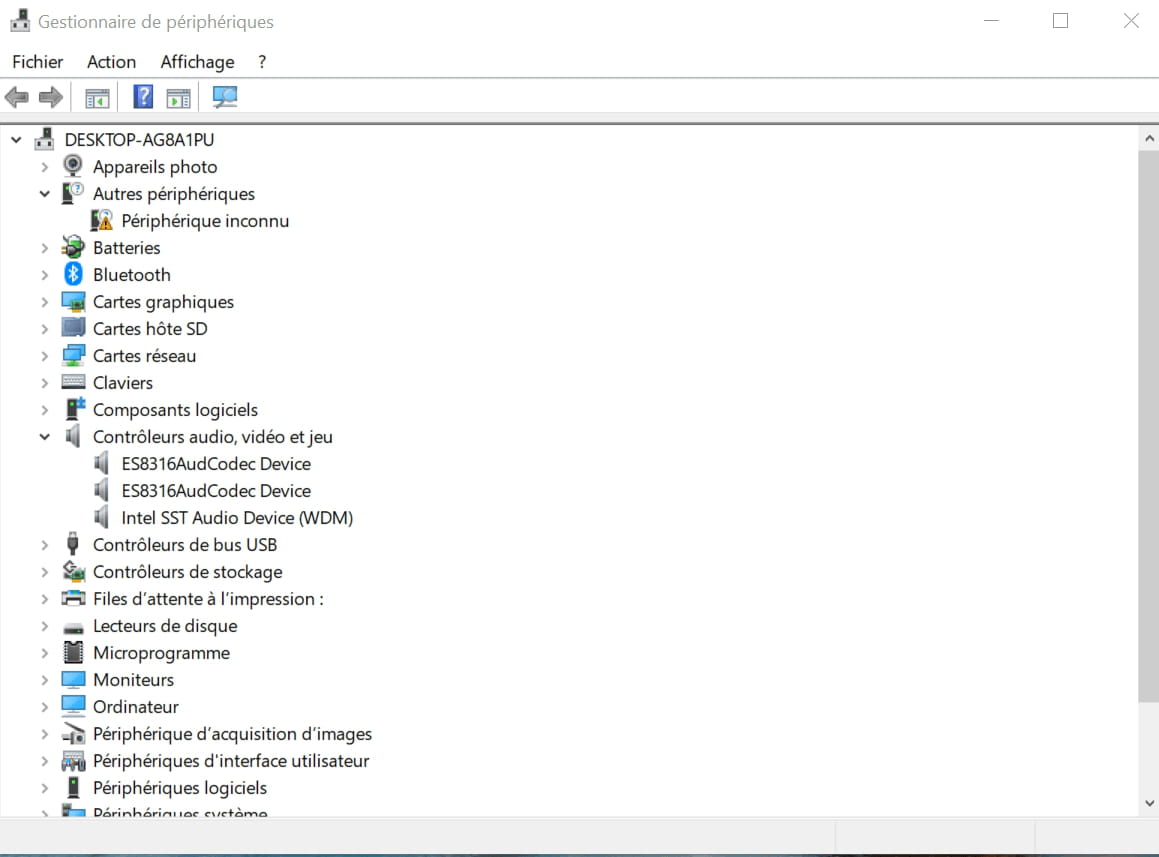
you still have 1 alert in the device manager, provide the identifier of the unknown device
https://www.commentcamarche.net/faq/35597-trouver-le-numero-d-identification-d-un-peripherique
the 1st line is enough, post it via copy/paste in your reply

@+
--
the radiation level is higher at the employment center than in Chernobyl -
It is a known issue since the last update.
Look -->> HERE <<--
--
Human beings are at their best when things are at their worst. -
re
Unfortunately, the list does not offer the ID number
If you click on the arrow for the drop-down menu, don’t you have the equipment identification number?

Did you see Kaneagle's message? >> https://forums.commentcamarche.net/forum/affich-35592796-pilote-son?page=2#49
@+
--
the radiation level is higher at the employment office than at Chernobyl -
re
ok, and for Kaneagle's message?
@+
--
the radiation level is higher at the employment office than in Chernobyl -
re
personally, I have no more ideas
@+
--
the radiation level is higher at the employment office than at Chernobyl -
re
no problem for the help, still wait for Kaneagle to come back on the topic
@+
--
the radiation level is higher at the unemployment office than in Chernobyl -
Go to Windows Update and search for updates.
--
Human beings are at their best when things are at their worst. -
I suggest you reinstall Windows.
--
Human beings are at their best when things are at their worst. -
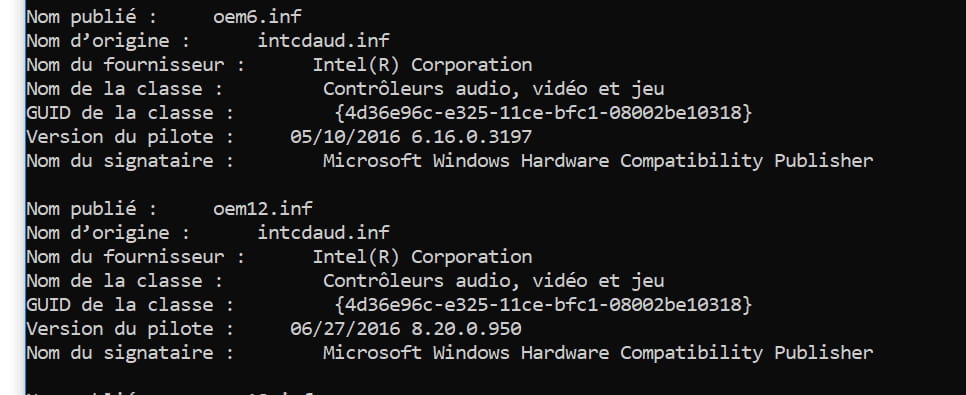
I encountered the same problem with the same model; you need to find the correct driver for the Intel x5 Z8500 series chipset...
Link: https://fichiers.touslesdrivers.com/47942/SC_CHT_Win8.1_x64_Drivers_01282016.zip
And there you go, after restarting, the sound came back.







Previous
- 1
- 2