Ads keep popping up by themselves!?
Solved
RRD91
-
Vinz -
Vinz -
Hello, I own a Samsung Galaxy J3 2016 and I have a big problem with it. Ads can pop up at any moment when I'm using my phone, and this has been happening for less than a week. Earlier, I had an ad open on Clash Royale, which is a game without ads, at the moment I'm talking my Chrome app opened to watch an ad even. Even with all my apps closed, an ad pops up like that. What’s strange is that it happens on any app, even while I'm drafting my texts or navigating the home menu. Anyway, I hope this issue is due to the recent Samsung update on my smartphone. I kindly ask for your help to resolve this problem, please.
9 answers
-
Good evening, Samsung S7
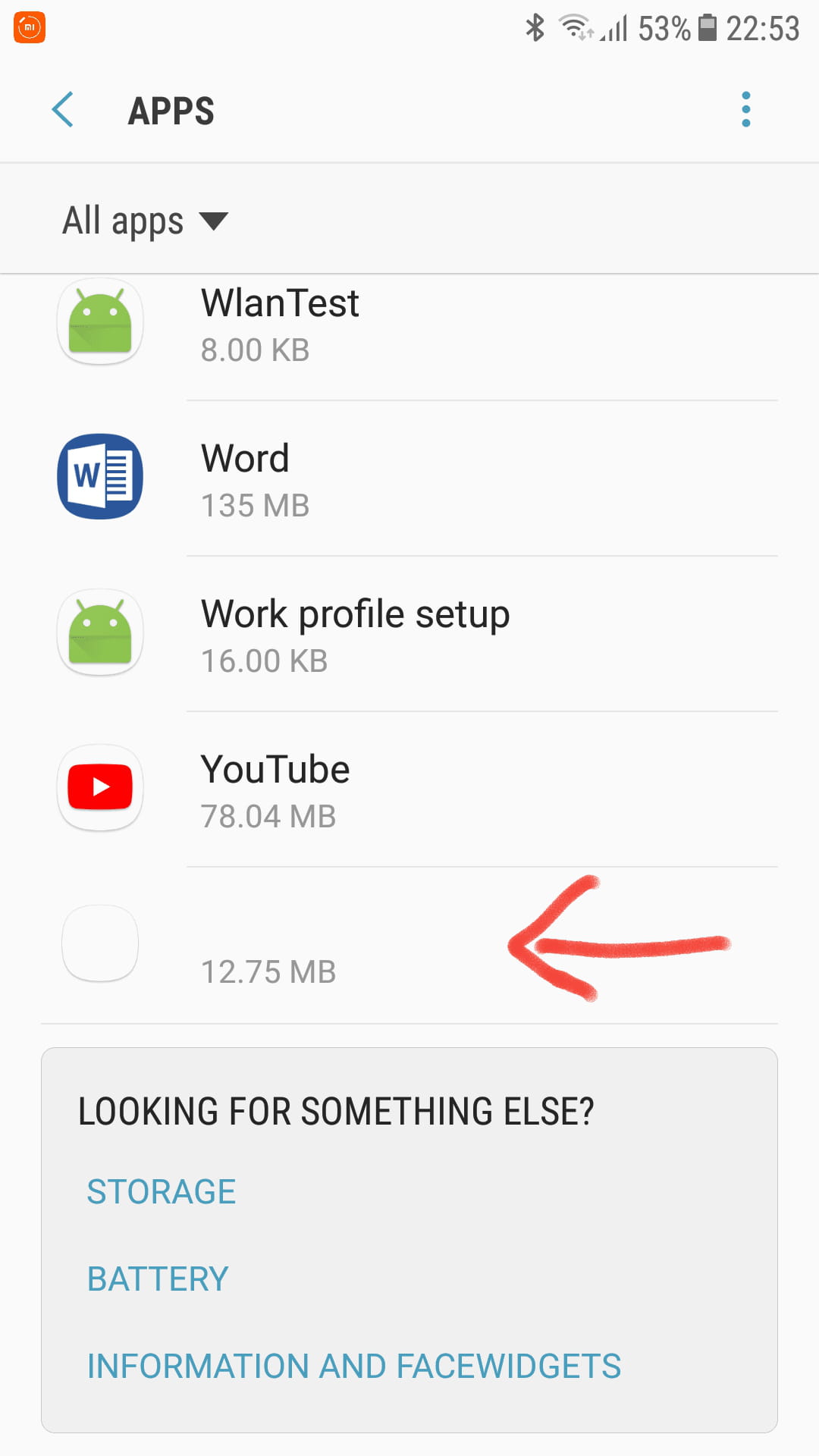
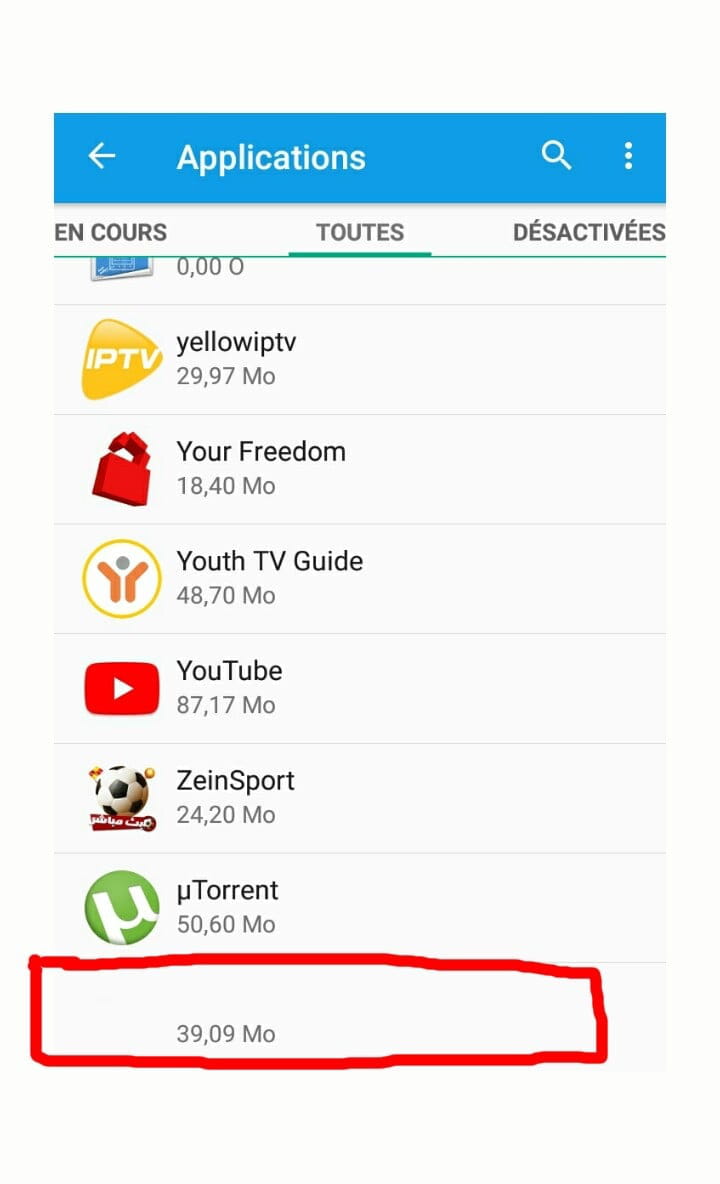
Problem solved easily. When the ad appears, press the button at the bottom left (the one that offers to close applications or choose an already open application). The ad has a small green icon at the top left of the ad frame. Press the green icon, and the icon of the application that shows ads will appear. The culprit is unmasked; I kept the app but removed all access permissions. Go to Settings, then Applications, and select the appropriate application to either delete it or impose restrictions.
I no longer have intrusive ads or bubbles that kept appearing continuously.
Good luck to all the others struggling; I hope this helps you.-
-
Me too. I made a list of all my apps on a piece of paper and uninstalled everything at once. Then I reinstalled one by one each of my really important apps (so I didn't reinstall apps that I suspected or that I didn't find essential). NO MORE ADS!!
So it was indeed an app that was responsible for the intrusive ads.
However, I was lazy; the ideal would have been to delete the apps one by one and restart the phone after each uninstallation. That would have made it possible to identify the responsible app without necessarily going through all the uninstalls.
-