
Stop pressing F1 on startup

grougal16
Posted messages
5
Status
Member
-
grougal16 Posted messages 5 Status Member -
grougal16 Posted messages 5 Status Member -
Hello to you, friends of the internet,
I'm posting this message because I need your input: I have a computer with a GATEWAY motherboard.
→ I'm attaching an image of the "main" page of the BIOS, as well as the Boot sequence.
When I start up, I have to press F1 to launch the Windows Boot; it's not a big deal, but it's a bit annoying; I've changed the CMOS battery and done a CLEAR CMOS: nothing works, it still asks me to press F1 even after restarting the computer several times...
Thanks in advance to those who read and respond, have a great day. Thank you.
Configuration: Configuration: Windows / Chrome 55.0.2883.87
 ____Configuration: Configuration: Windows / Chrome 55.0.2883.87
I'm posting this message because I need your input: I have a computer with a GATEWAY motherboard.
→ I'm attaching an image of the "main" page of the BIOS, as well as the Boot sequence.
When I start up, I have to press F1 to launch the Windows Boot; it's not a big deal, but it's a bit annoying; I've changed the CMOS battery and done a CLEAR CMOS: nothing works, it still asks me to press F1 even after restarting the computer several times...
Thanks in advance to those who read and respond, have a great day. Thank you.
Configuration: Configuration: Windows / Chrome 55.0.2883.87
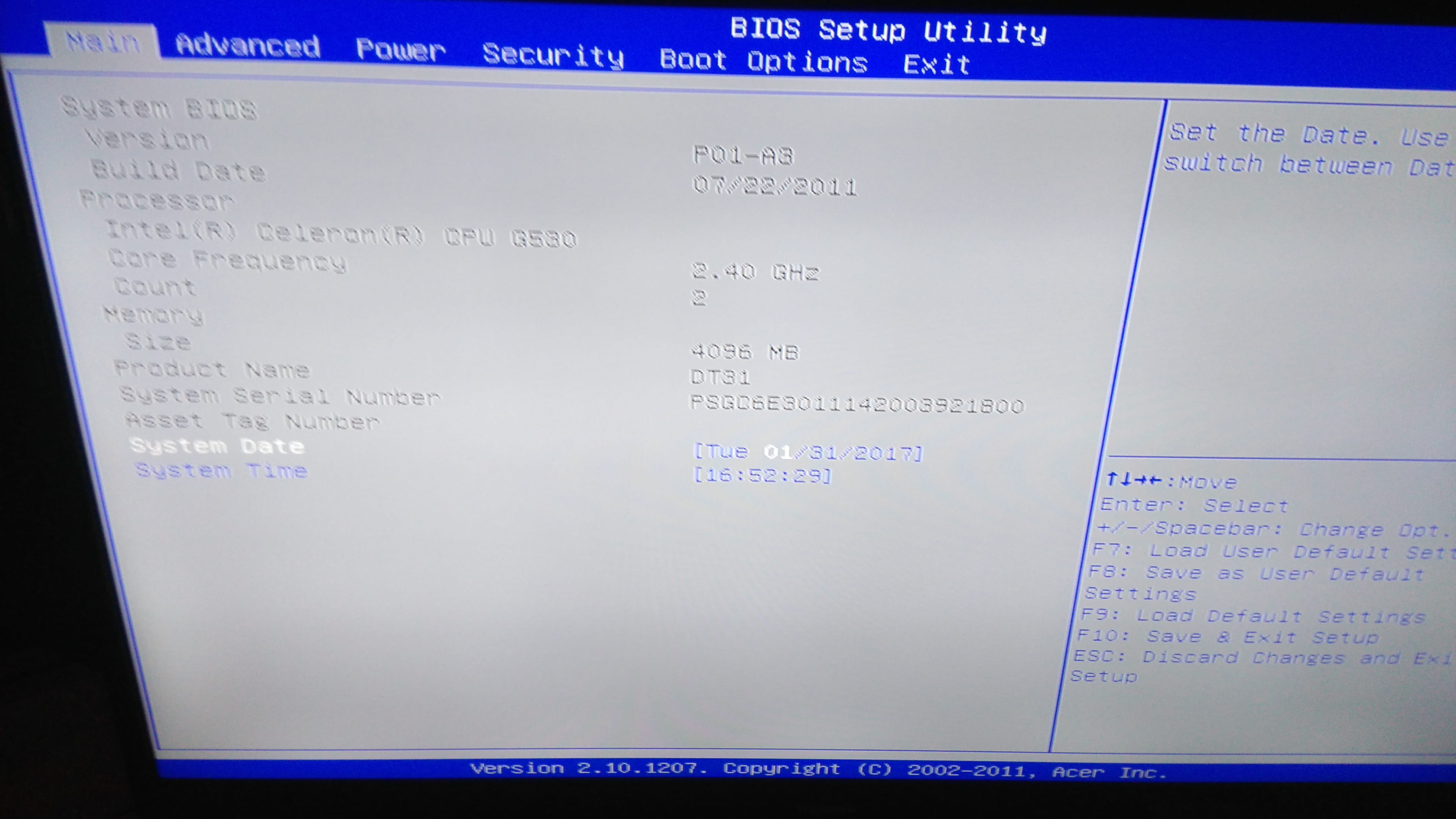
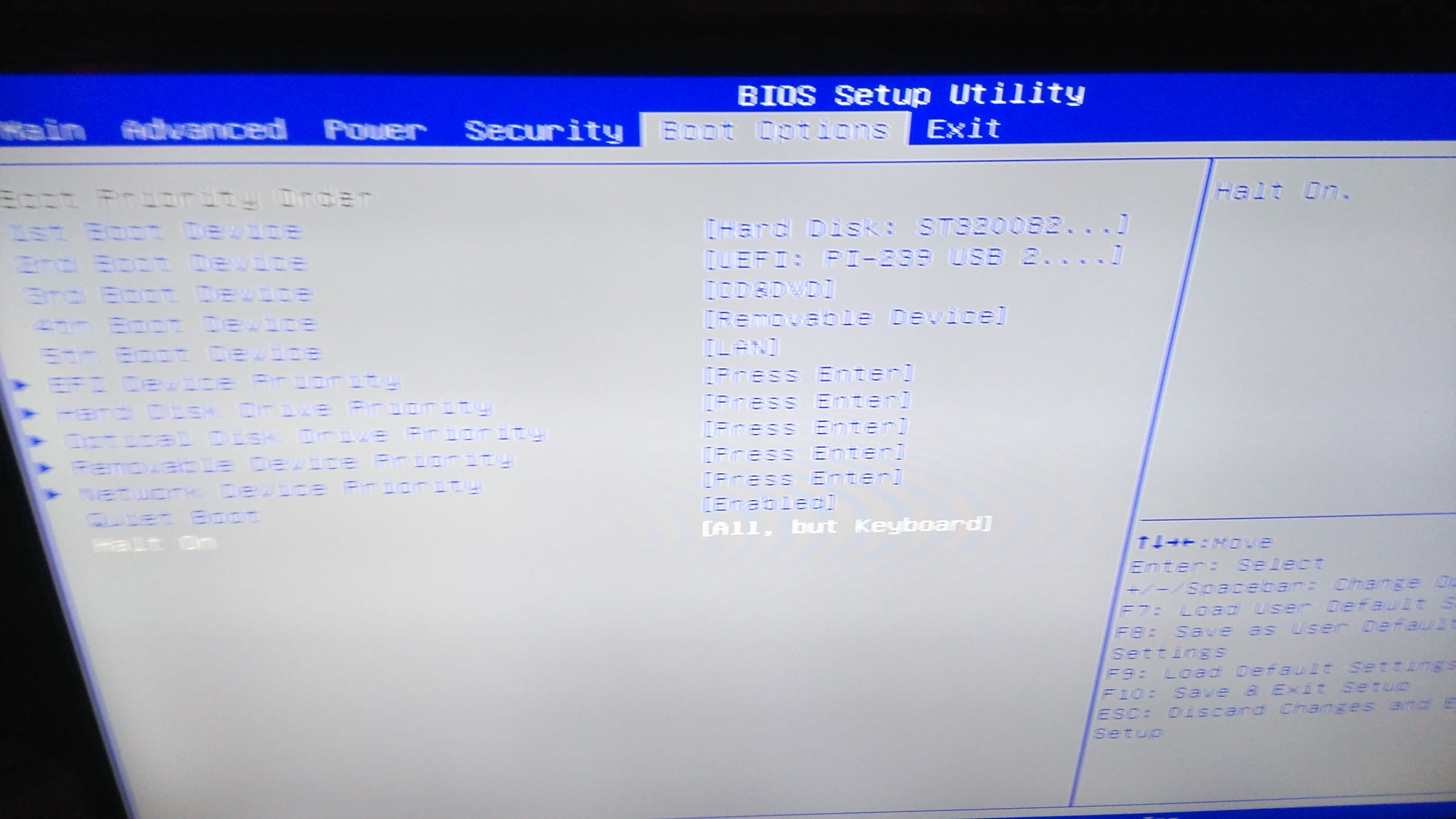 ____Configuration: Configuration: Windows / Chrome 55.0.2883.87
3 answers
-
Hello,
I don't think just removing the battery is enough.
Open your case, then locate where the battery is, and next to this battery, you should find a small plastic bit that is in position 1-2; you need to move it to position 2-3 for about ten seconds, then put it back to 1-2. (power disconnected).
If that doesn't work, you can go into the BIOS, under Boot, and set everything to HDD.


 _PS: it may also be a bit further away (like the red part on the right in your photo)