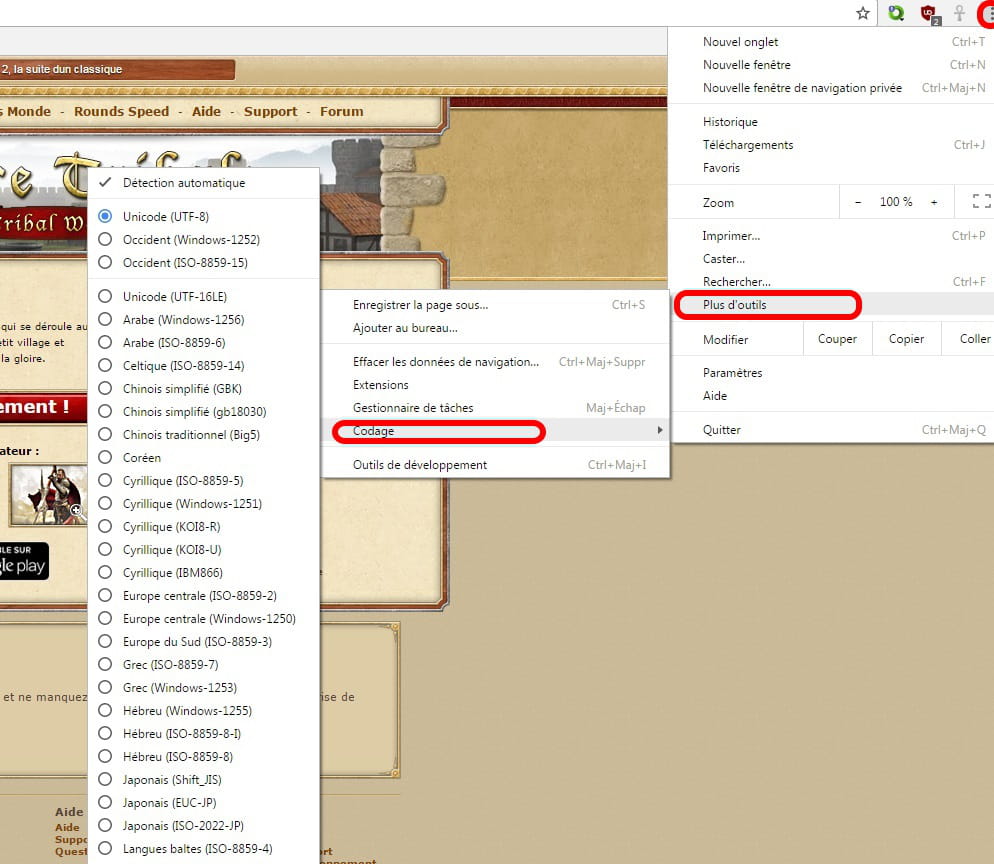
Web page display issue.
Solved
mk51
Posted messages
20
Registration date
Status
Member
Last intervention
-
mk51 Posted messages 20 Registration date Status Member Last intervention -
mk51 Posted messages 20 Registration date Status Member Last intervention -
Good evening,
I have a problem displaying a web page that I haven't been able to resolve since last night.
I cleared the cache and cookies, but the issue persists anyway. I tested in private browsing mode and it's the same thing.
My configuration is:
Windows 10 (X64) 1607
Intel Core i3 3120M Clocked at 2.50 GHz
SAMSUNG ELECTRONICS CO., LTD. NP350E7C-S0DFR BOARD REVISION 00
AMD Radeon HD 7600M Series
Intel(R) HD Graphics 4000
TOSHIBA MQ01ABD100 hard drive with 931.51 GB SATA II
Intel Corporation 7 Series/C210 Series Chipset Family High Definition Audio Controller
Realtek Semiconductor Co., Ltd. RTL8111/8168/8411 PCI Express Gigabit Ethernet Controller
Can you help me?
I have a problem displaying a web page that I haven't been able to resolve since last night.
I cleared the cache and cookies, but the issue persists anyway. I tested in private browsing mode and it's the same thing.
My configuration is:
Windows 10 (X64) 1607
Intel Core i3 3120M Clocked at 2.50 GHz
SAMSUNG ELECTRONICS CO., LTD. NP350E7C-S0DFR BOARD REVISION 00
AMD Radeon HD 7600M Series
Intel(R) HD Graphics 4000
TOSHIBA MQ01ABD100 hard drive with 931.51 GB SATA II
Intel Corporation 7 Series/C210 Series Chipset Family High Definition Audio Controller
Realtek Semiconductor Co., Ltd. RTL8111/8168/8411 PCI Express Gigabit Ethernet Controller
Can you help me?
4 answers
-
Hello,
In your address bar type chrome://settings/
Press Enter.
At the bottom of the page, click on "Show advanced settings...".
At the bottom of the page, in the System category.
Uncheck "Use hardware acceleration when available"
Restart Google Chrome.
Try your site.
Just in case.....
--
Sincerely
The courage of the drop of water is that it dares to fall into the desert.