Transparent typography with background image / Indesign
Solved
Hello,
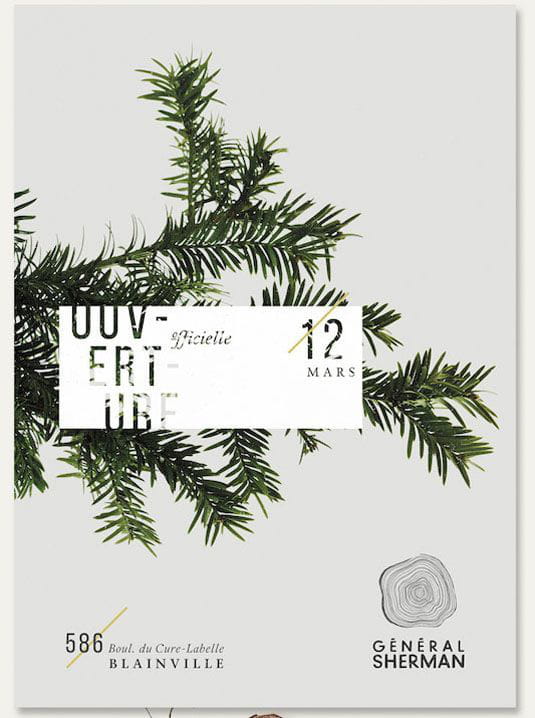
I would like to achieve this effect in InDesign on the typography, so that the background image stands out on the font; I haven't found any tutorials that correspond exactly to this effect.
Can you help me?
Thank you in advance

I would like to achieve this effect in InDesign on the typography, so that the background image stands out on the font; I haven't found any tutorials that correspond exactly to this effect.
Can you help me?
Thank you in advance
5 answers
-
ContributorHello,
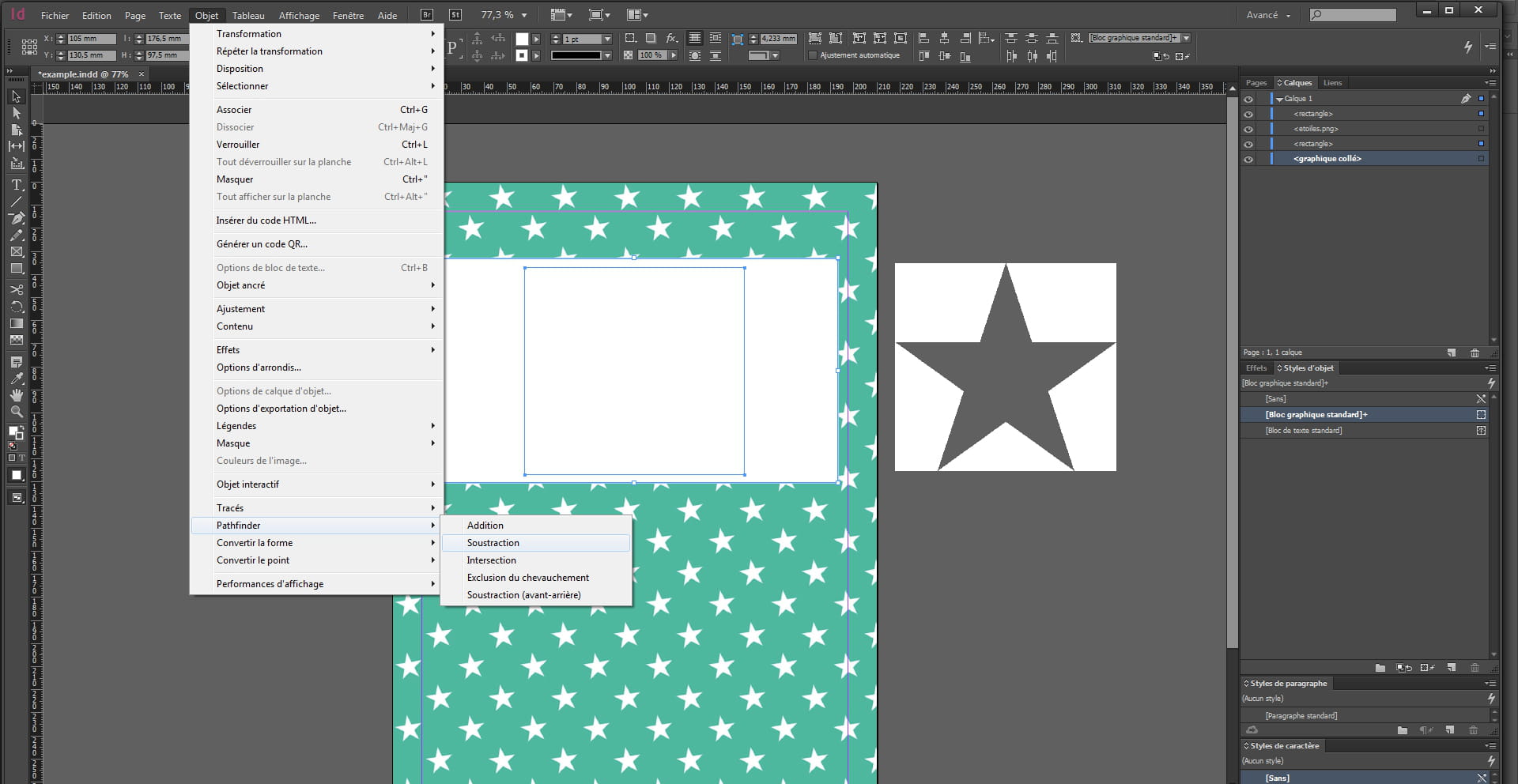
In InDesign, you first draw a white image frame.
Then a frame for your text (black text or another color).
Dropdown menu ---->Text----->Convert to Outlines.
Then you select the text frame + the white frame.
Dropdown menu----->Object---->Pathfinder---->Subtract.

-
-
-
Contributor@mashiga5Hello,
For the second one, it's Bliss.
For the first illustration, I would say a Garamond (or Trajan) + Bliss (or something similar). -
-