
Unable to print from my smartphone.
Hello everyone
It has been at least 2 months that I’m trying in vain to print with my Samsung Galaxy without success!
In fact before I had no problems but since FREE changed my network key and password WITHOUT WARNING I can’t print from my mobile anymore.
Indeed, when I enter my CANON 3650 MG on the Play Store app on my mobile and it tells me it is installed, however it is noted that I cannot open it with this application: moreover when I enter the IP address (I’ve tried several, even the one indicated on my box) nothing works.
Even though I’ve watched tutorials on YouTube, nothing works!!!
If anyone can help me, thank you in advance.
5 answers
-
Moderator
Hello,
I’m repeating already what you wrote:
FREE changed the network key and the password
Free does not change the network key unless there has been a change of box.
Which password are you talking about? (Free does not change passwords).Can you enable the Wi-Fi connection on the smartphone and thus connect to the box to use Internet and the other services?
If not, that’s the first point to resolve before thinking about printing.
You can find the network key by going to Freebox OS(Freebox settings > wifi > network configuration).
-----------------------------
Regarding printing from the smartphone, you need to install 2 apps (from Google Play store):
Canon Print and Canon Print Service.
And that’s all. Then you don’t touch the Play Store anymore, which is of no use for printing.On the smartphone, you must enable the Wifi connection if you want to print.
To print a text or an image, you can either start the print directly, or click on the share icon and share with Canon Print.
What is well conceived is clearly expressed,
And the words to say it come easily.
(Boileau) -
Hello,
And thank you for your responses; unfortunately it still doesn’t work.
What if FREE changed my SSID and network key password without changing the box? For the record, FREE handed me back the two “passwords” I had in 2019!
I followed your advice; my printer is indeed installed from the Play Store, but I’m told it isn’t possible from the CANON PRINT and CANON PRINT SERVICE app.
Well, I don’t want to bother you any more, but honestly this is getting on my nerves.
Best regards (CDT) -
Good evening,
And with a computer, are you able to print over Wi-Fi?
Make sure the printer is on the same Wi-Fi network as the smartphone.
-
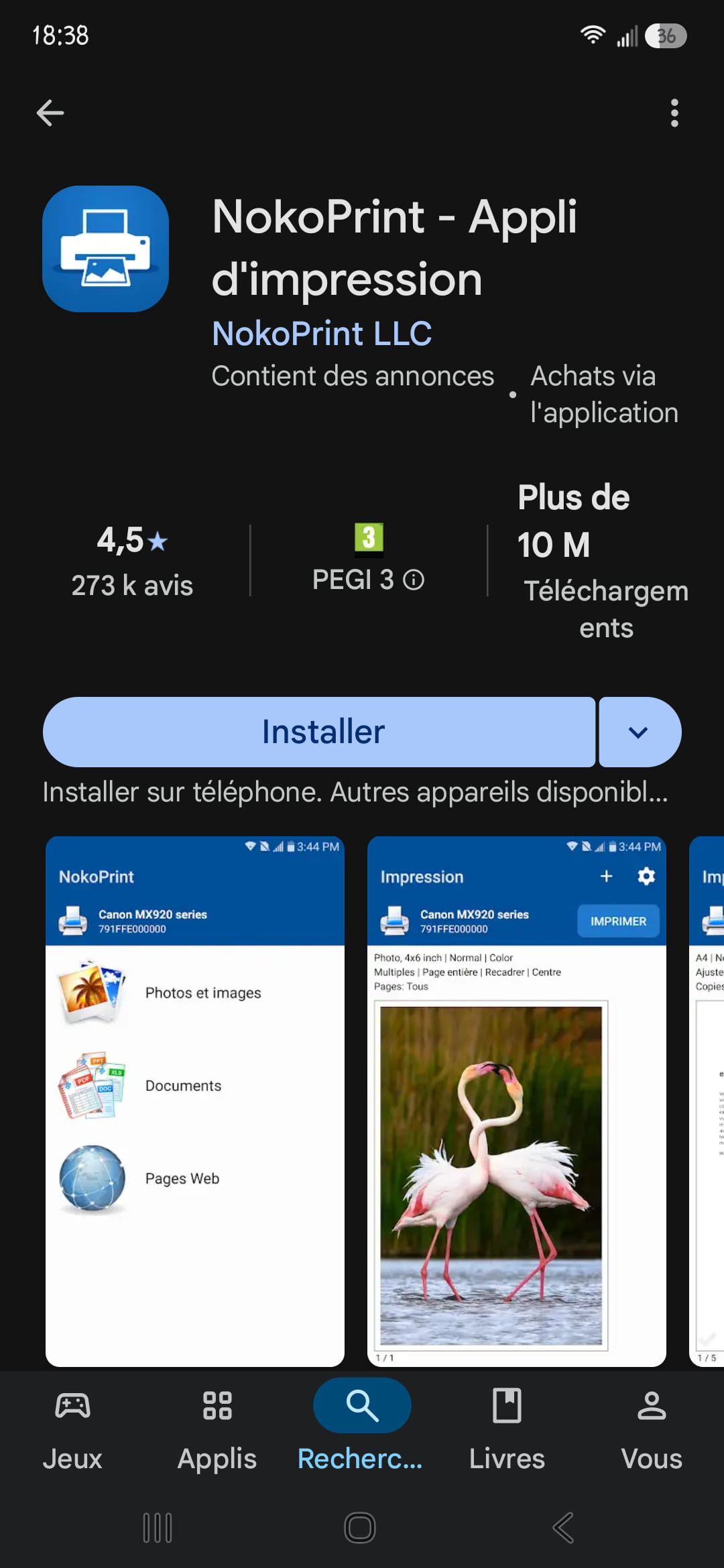
Why not try with another application than Canon? It costs nothing to try.
For example, nokoprint to install from the Play Store.
If this application finds your printer, it means the Wi-Fi is working correctly.
-
Hello, I use this app downloaded from the Play Store which works for many printers and I’ve never had any issues:
Mopria Print

