How to change the target of a Windows 10 shortcut
Solved
goteixxl
Posted messages
6
Registration date
Status
Member
Last intervention
-
BRRG Posted messages 9 Registration date Status Member Last intervention -
BRRG Posted messages 9 Registration date Status Member Last intervention -
Good evening,
I know that on Windows 7, you just needed to right-click and select properties to change the target of a shortcut, but on Windows 10, I can't find the option or even the field. Does anyone know where to find it? Thank you very much.
I know that on Windows 7, you just needed to right-click and select properties to change the target of a shortcut, but on Windows 10, I can't find the option or even the field. Does anyone know where to find it? Thank you very much.
8 answers
-
Good evening,
To do this you need to right-click "Shortcut" and "file location," this will open a window and allow you to select the source of your file, there you go :)
Best regards, Alex-16 -
Good evening!
... are you sure it's a shortcut?! I have shortcuts on my desktop (Windows 10 OS, obviously), and to access the target: right-click, properties... target. It works for all my shortcuts.
A small screenshot would help clarify things a bit ^^
Have a good evening!
Luc
The 3 biggest lies of developers: 1. The docs? We'll do it later... 2. The program has been tested and contains no bugs... 3. The technical specifications are coming... -
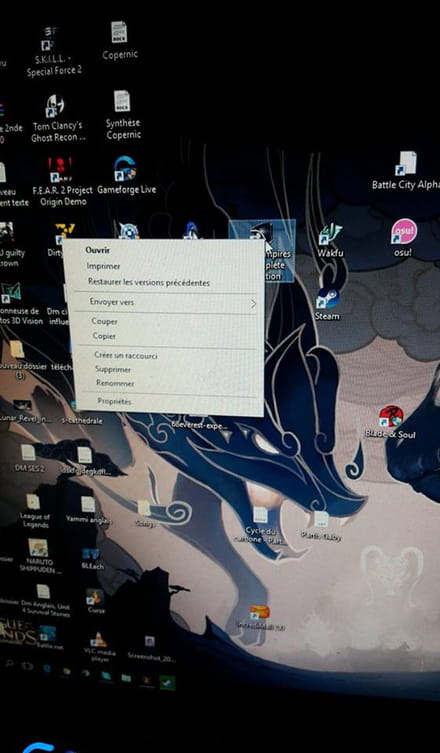
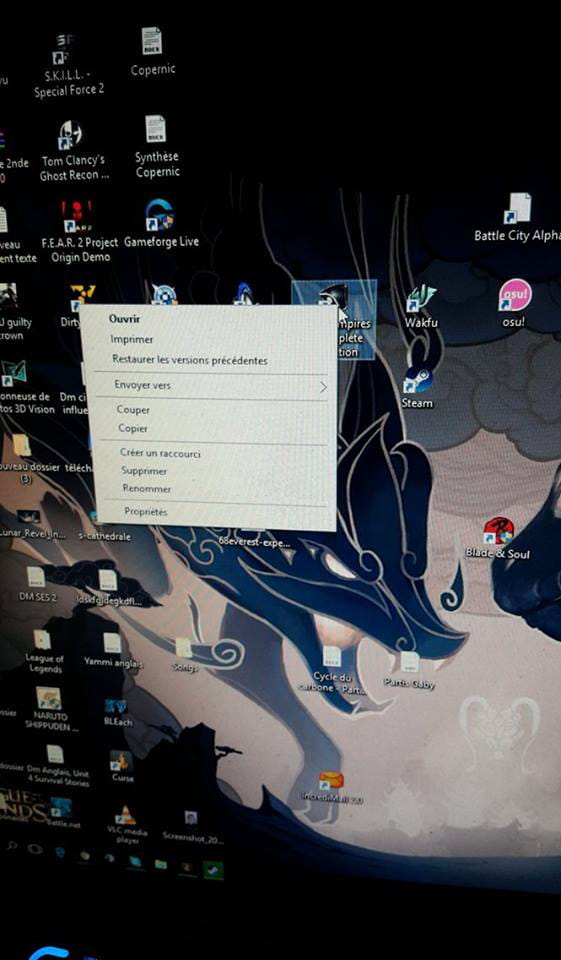
Thank you for responding, but it doesn't work :/
I asked my sister to take a screenshot (she doesn't know the print screen key x) and I should specify that it's a shortcut from Steam. -
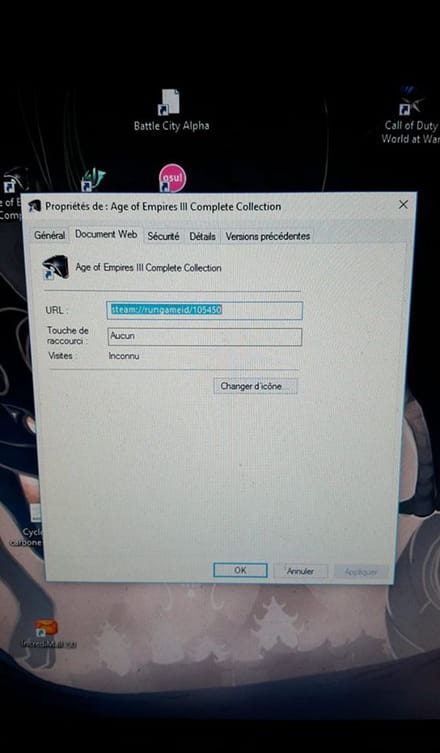
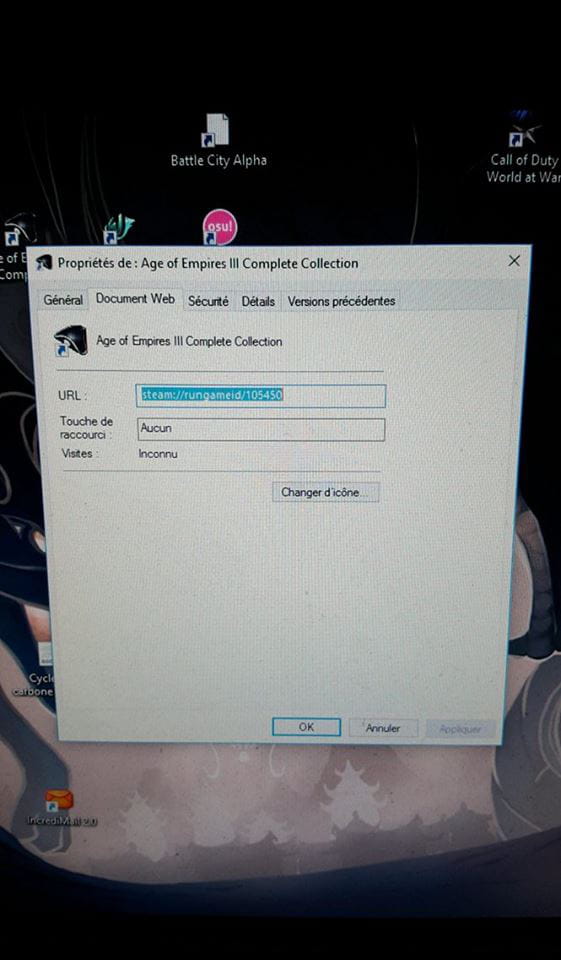
Here is what I find in the properties tab. -
Thank you very much :D! But is there a way to turn the URL into a target?
-
Hi :)
@luckydu43
Very good answer.
I would like to add one thing as a supplement.
As you said:Steam games, complete (but not movable without the proper license file, which will be reinstalled during the configuration of Steam) are located in the following directory: C:\Program Files (x86)\Steam\steamapps\common
He can therefore create a direct shortcut himself.
- He goes to the game folder in question (for example: C:\Program Files (x86)\Steam\steamapps\common\rocketleague)
- He locates the executable (here: C:\Program Files (x86)\Steam\steamapps\common\rocketleague\Binaries\Win32\rocketleague.exe)
From there, to create a shortcut on the desktop:
-> right-click > send to > desktop (create shortcut)
If he wants to create a shortcut elsewhere:
-> Drag and drop the file onto the desktop with the right click: Windows will suggest creating a shortcut.
++ -
Good evening
If you post your messages in chronological order, it would help to keep the thread of the subject.
Kind regards
Computing is just a tool, like a paintbrush or a pencil.
Avoid those so-called free repair software; they have no major use. The best companions are DOS and PowerShell.. -
It is, in fact, a web shortcut.
When clicked, the shortcut will launch the Steam application (hence the steam://)
which will start the game (with the option rungameid/) corresponding to the number 105450.
This is a shortcut that does not point to a directory.
Note:
Steam games are indeed present on the C: drive, but it is the Steam application that will read this directory and then launch the executable (the famous .exe) corresponding to the game.
All of this is technical, of course, but this is, in detail, what actually happens when you click on the shortcut.
Steam games, complete (but not movable without the corresponding license file, which will be reinstalled during the Steam setup) are present in the following directory: C:\Program Files (x86)\Steam\steamapps\common
This is useful only for backing up your games to an external drive to prevent a system disk failure (and thus the loss of existing data).
Good evening!
Luc
The 3 biggest lies of the dev: 1. The documentation? We'll do it later... 2. The program has been tested and has no bugs... 3. The technical specifications are coming...