PC stuck on Aptio setup utility.
Solved/Closed
-
Hello,
When I start my PC, the following blue screen appears:


I managed to restart it twice by setting legacy instead of UEFI and hard disk as the first option, but that no longer works...
Do you have a solution to resolve this issue?
I am working on an MSI PC with Windows 7 64-bit.
Thank you in advance!
François
When I start my PC, the following blue screen appears:


I managed to restart it twice by setting legacy instead of UEFI and hard disk as the first option, but that no longer works...
Do you have a solution to resolve this issue?
I am working on an MSI PC with Windows 7 64-bit.
Thank you in advance!
François
1 answer
-
ModeratorHello,
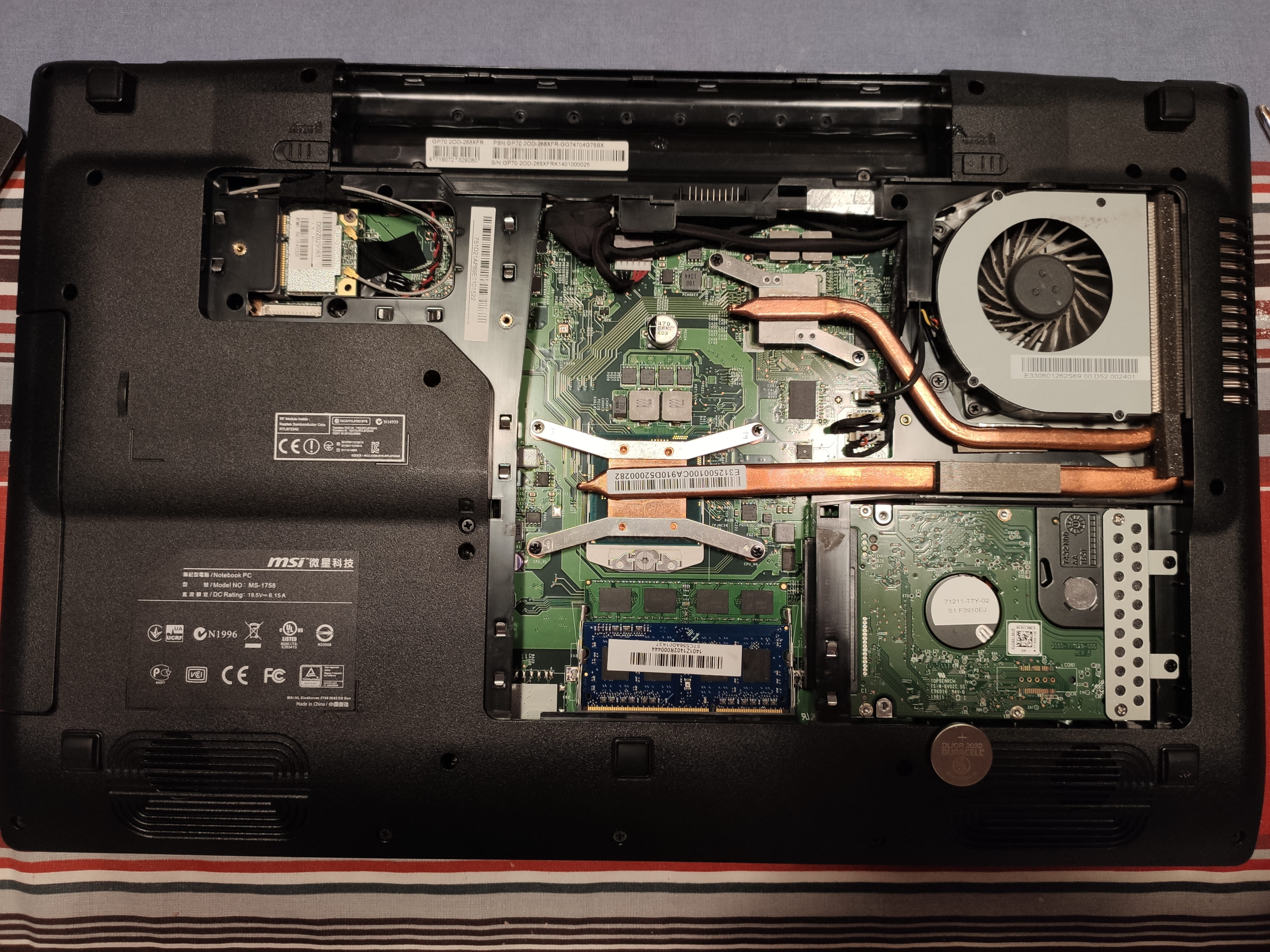
In the first photo, we can see that your BIOS is not set to the correct date and time (05/08/2058). Please set it to the correct date and change the CR2032 battery on the motherboard, as it keeps the BIOS information, including the date/time.
bazfile
Moderator/Contributor security.
click here-
-
Moderator@FrancoisBdxWe can't see it, for now just set the BIOS to the correct date to see if your PC starts.
-
@bazfileI tried to set the date correctly; I can change the month and the year, but the date is stuck between 1 and 12.
I restarted on the date of 12/12/2019, but I returned to the blue page with Aptio...
Do you have another solution?
Thank you. -
Moderator@FrancoisBdx
but the date is locked between 1 and 12.
No, it’s not locked; it’s the month because the BIOS is in English and the English do everything backward, you have the month/date/year. -
-