Black scans on Windows 11

Rascasse2000
Posted messages
1
Registration date
Status
Member
Last intervention
-
Kori-Kori Posted messages 2433 Registration date Status Member Last intervention -
Kori-Kori Posted messages 2433 Registration date Status Member Last intervention -
Hello,
I’ve changed my PC and I’m now on Windows 11.
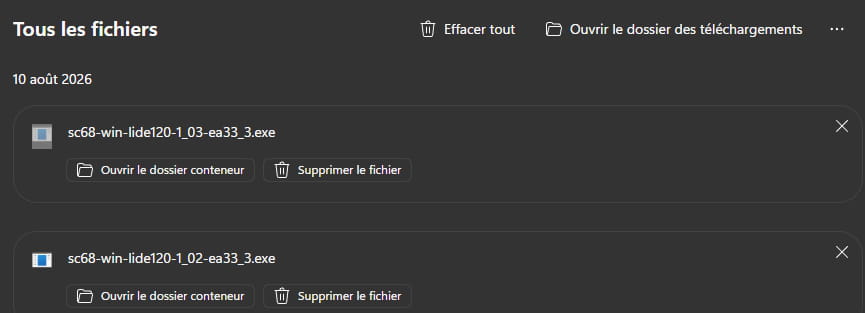
My scanner is a Canon LiDE 120 which worked perfectly until now.
I installed its driver, but depending on the software, when I scan the image is either completely black, or it only scans the beginning of the document and becomes black (and the size of the said part is random). The scanner seems to be functioning during the scan.
When I scan from my newer printer, everything is normal.
Thank you very much in advance if you have any ideas!
I’ve changed my PC and I’m now on Windows 11.
My scanner is a Canon LiDE 120 which worked perfectly until now.
I installed its driver, but depending on the software, when I scan the image is either completely black, or it only scans the beginning of the document and becomes black (and the size of the said part is random). The scanner seems to be functioning during the scan.
When I scan from my newer printer, everything is normal.
Thank you very much in advance if you have any ideas!