TotalAV in my inbox like a mail message
Solved
Jojoduhavre
Posted messages
5
Registration date
Status
Member
Last intervention
-
Jojoduhavre Posted messages 5 Registration date Status Member Last intervention -
Jojoduhavre Posted messages 5 Registration date Status Member Last intervention -
Hello,
I have TotalAV in my mailbox. I can't delete it. No trash bin visible. In the square on the left, if I click it, TotalAV opens. How can I delete it? Thank you
4 answers
-
TotalAV has reappeared when I click in the squares to the left of TotalAV or above; it opens the message to download supposed antivirus so that I download it. Which I did not do.
-
Hello
@Jojoduhavre
StatusMember.
Uninstall TotalAV with UNINSTALR.
If it fails, do the following:
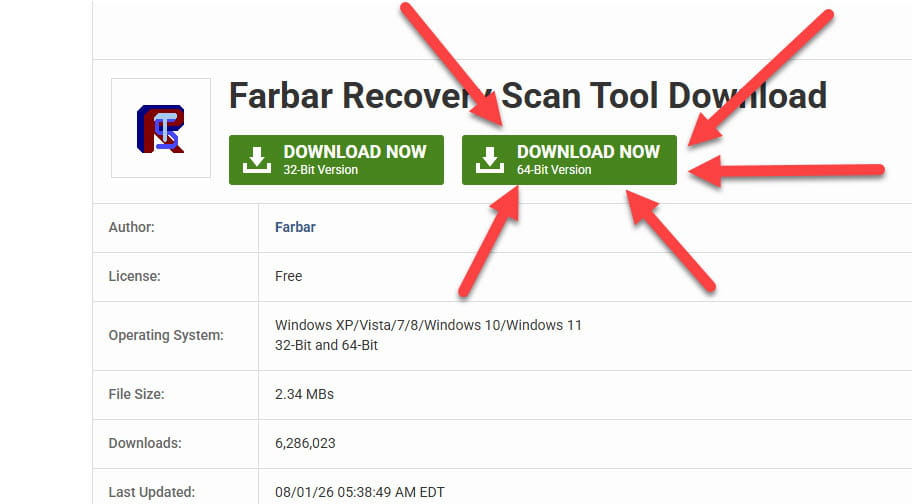
Download .
Once downloaded save FRST to the desktop then right-click FRST and choose Run as administrator which gives this view:
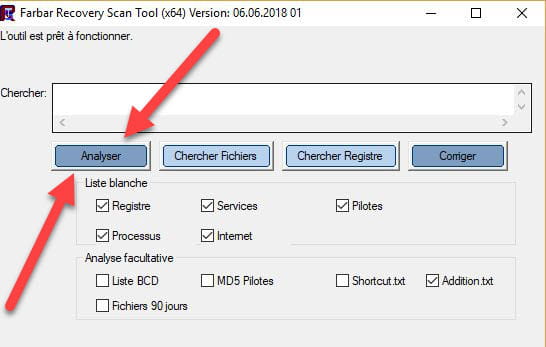


Wait for the message the tool is ready to operate to appear, then click Analyze.
Attention, wait for messages saying the analysis is finished to appear.
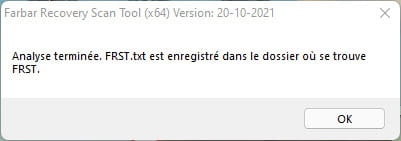

At the end of the analysis the two reports FRST and ADDITION will be on the desktop.

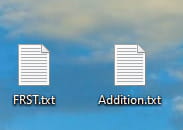

Send FRST and ADDITION reports to https://pjjoint.malekal.com/ .
Then attach the two links generated by https://pjjoint.malekal.com/ in your reply.
For information:

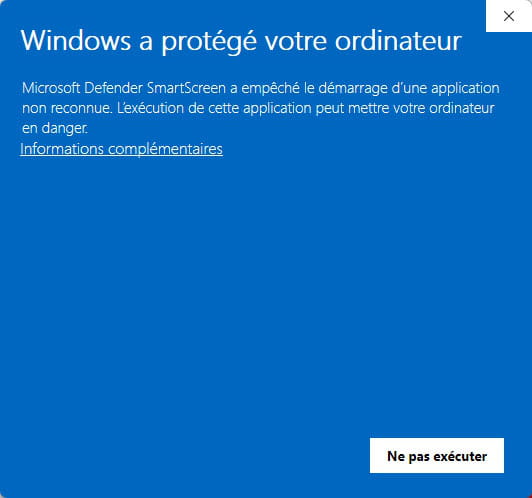
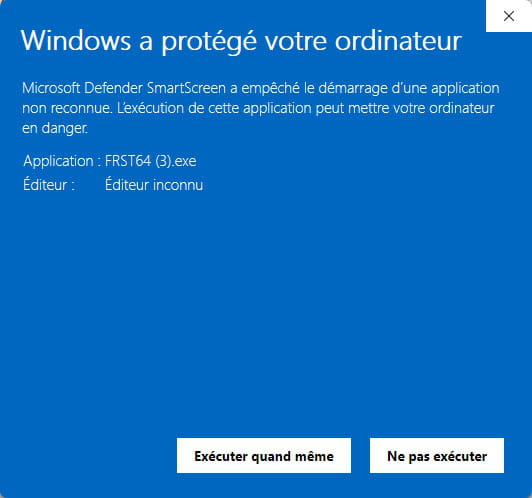
If opening FRST triggers a Microsoft Defender alert, do not worry; click on More information then Run anyway, see below.


End of signature. -
Hello
I can't use FRST. A window opened telling me that the software was not 64-bit. Then the TotalAV email disappeared. So I clicked on resolved. I was too hopeful, it came back. I don't know what to do anymore. If you have another solution, thank you.
-
hello.
sorry, for the moment TotalAV does not appear in the emails. As soon as it appears I will take a screenshot and send it to you. The presence of this (email) is more bothersome than anything. I don’t know in the long term what it might do. Thank you for following up with me.