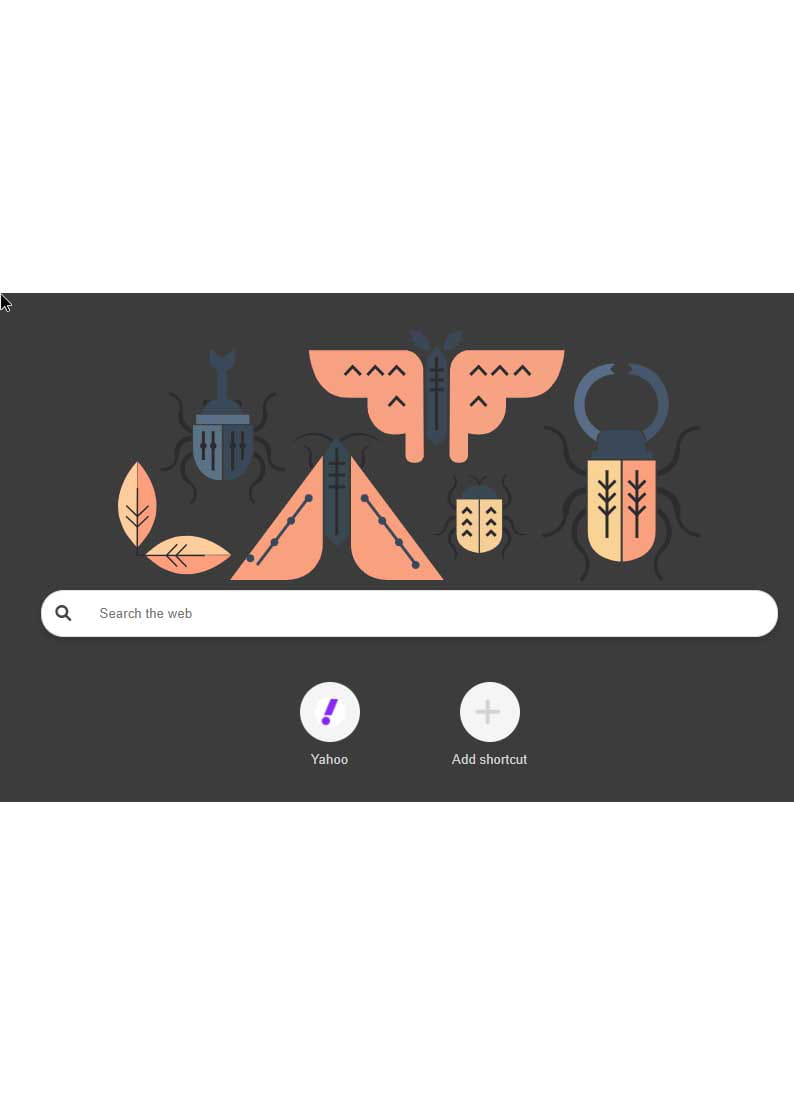
Chrome newtab installed without my consent.
SolvedMPMP10 Posted messages 47608 Registration date Status Member Last intervention -
Hello,
I have the same problem as the previous person: here are the links to the reports:
https://pjjoint.malekal.com/files.php?read=FRST_20250816_b11d14e8b14i6
https://pjjoint.malekal.com/files.php?id=20250816_l12i6s5h12i14
5 answers
-
-
When in doubt, consult ResetBrowser.
Precaution: Save Firefox and Chrome Bookmarks
Although favorites are retained, it is always better for safety to have a copy.
https://www.commentcamarche.net/telecharger/utilitaires/19335-resetbrowser/
-
-
Hello,
Buy a license on Rakuten or Cdiscount, reinstall Windows cleanly, and you will solve the problem.
-
-
Hello,
Uh... newtab means "new tab".... maybe check the homepage that is set to "new tab"... right? The basics....
-
Hello,
Certainly, but when people come to complain, it's not because the browser opens to a blank tab (that can be a deliberate choice) but because a Newtab browser hijack (intrusive extension, bundled installation of a PUA with software, virus...) automatically redirects to an unwanted search engine and/or web addresses.
-
-
Hello,
You need to check the Chrome Extensions by opening Chrome > Menu > Extensions (chrome extensions).
Uninstall any unknown or suspicious extension, especially one named:
NewTab or similar.
Also, by resetting Chrome, go to Settings > Reset and clean up > Restore settings to their original defaults; this will remove unwanted changes without deleting your bookmarks.
Scan your PC with Windows Defender Antivirus, which is linked to Microsoft, along with the Malwarebytes tool (free) to detect unwanted software.
Check the installed programs by going to Control Panel > Programs and Features and then uninstall any unknown or recently installed programs.
The startup settings should also be checked; press Ctrl + Shift + Esc to open the Task Manager, then on the Startup tab, disable any suspicious items.
Clean the browser with Chrome Cleanup Tool; to do this, type chrome://settings/cleanup in the address bar.
Click on Search to detect harmful software.
Only download software from official sites, and decline bundled installations that are often offered when installing free software.
Enable protection against malicious extensions in Chrome.
Perform updates for your system and browser to maintain solid stability.
Also, watch this fabulous tutorial which provides great advice and assistance: