Replace function in Access multiple mode
zanys Posted messages 50 Status Member -
Hello,
I am working in Access 2007-2016 using queries.
I have built a query that gives me the table below:
Field1
20
21
22
23
....
...
and I need to transform the values from Field1 into another column, Field2
20 --> 60
22 --> 62
24 --> 64
23 --> 63
....
etc
I was thinking of using nested SQL replace...
like: Replace(Replace(Field1, '20', '60'), '21', '61') AS Field2
but I have 16 modifications to make (16 nested replaces) and as a result, I get a nice error message telling me that since I exceed 1024 characters it cannot work in design mode... well, if I understood correctly... so I lose all my fields after Field1 when I switch to design mode...
Is there another way to use the replace function without nesting and avoid this overflow message?
Thank you for your valuable help.
Best regards,
Zanys
7 answers
-
Hello,
I recommend this method.
Create a mapping table
Create a TableCorrespondence table with two columns:OldValue (20, 21, 22, 23, 24...)
NewValue (60, 61, 62, 63, 64...)Then use a join:
SELECT t1.champ1, Nz(tc.NewValue, t1.champ1) AS champ2 FROM your_table t1 LEFT JOIN TableCorrespondence tc ON t1.champ1 = tc.OldValue
-
Well actually, I did it like this..
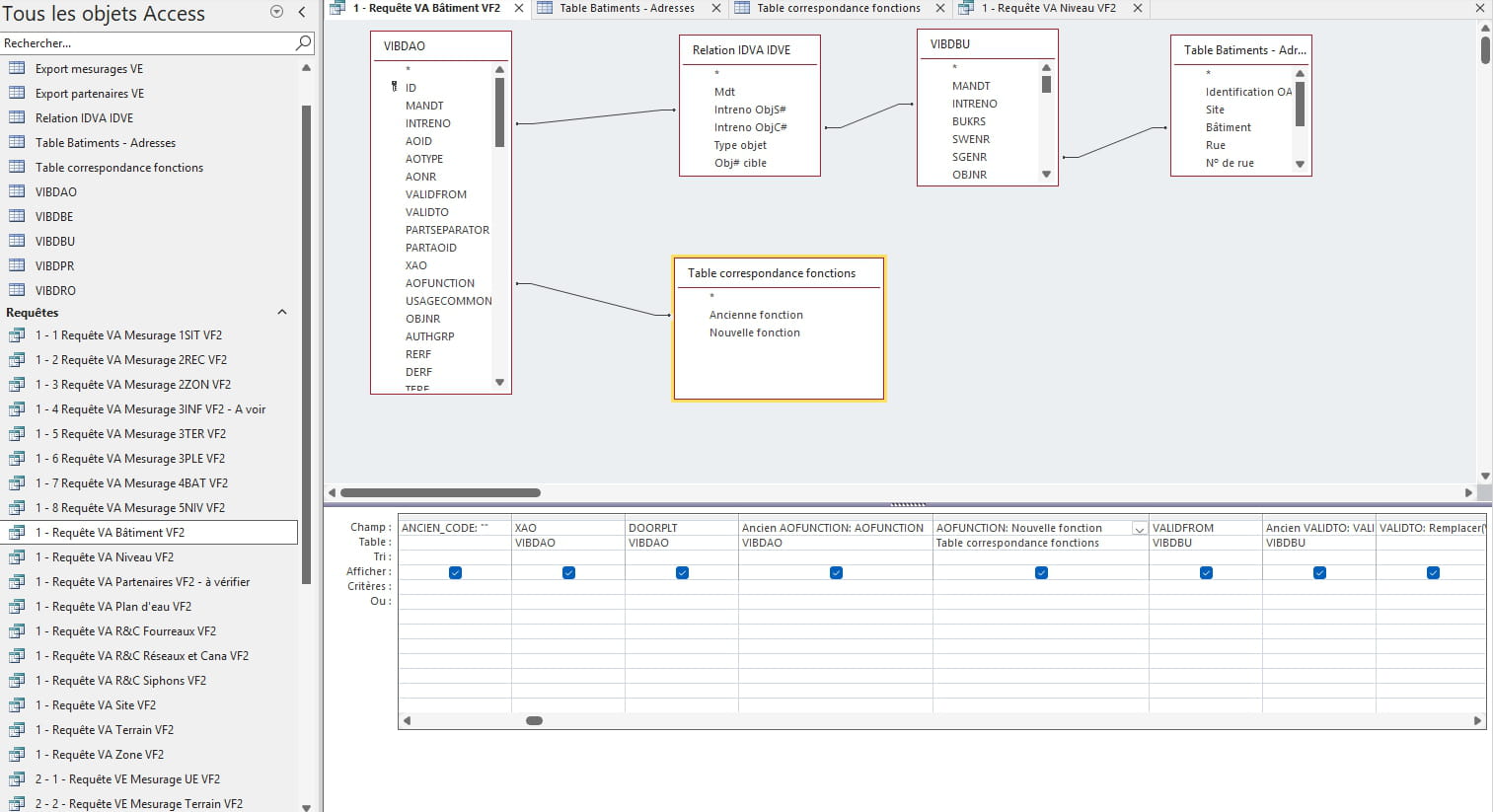
My project is a bit more complex...
but I still created a correspondence table...
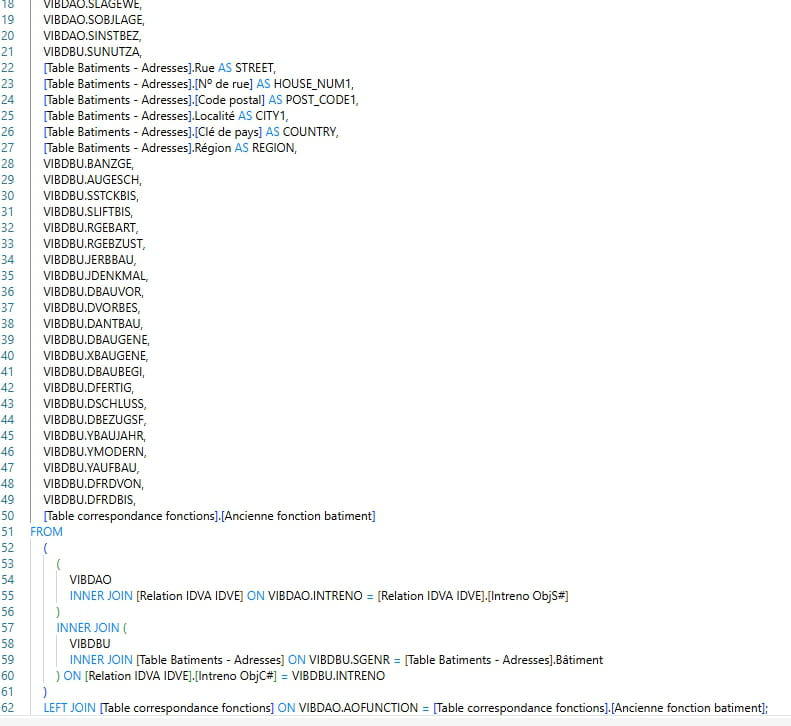
I linked the old value (AOFUNCTION from the VIBDAO table) to the old value included in my correspondence table... and I extract the new associated value from the correspondence table...
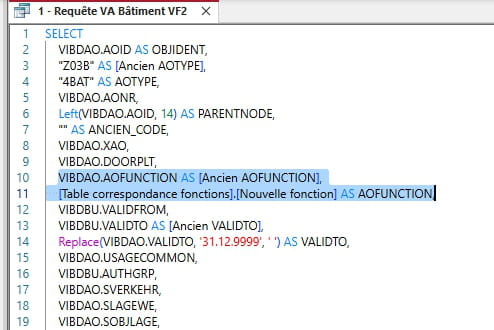
which gives me in SQL:
with in the end:
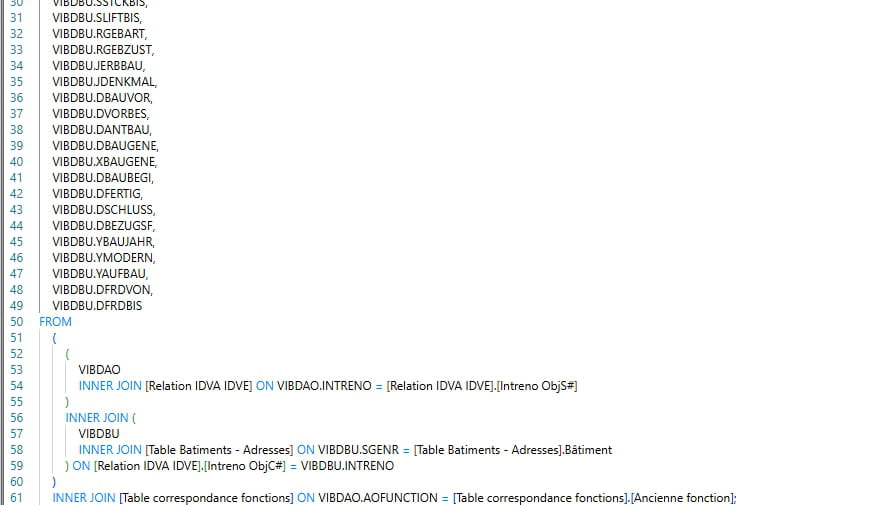
It works quite well, except that I have old values (AOFUNCTION) that are empty... and in this case, the complete row is not displayed, and I would like it to be displayed... with old value empty and new value empty...
I tried to create two empty cells for old and new value in my correspondence table, but it doesn't work...
It's not very understandable I think, but oh well....
I'm continuing my research...
(What is Nz for)
-
Perfect! I see exactly what your problem is. You are using an INNER JOIN that excludes rows where AOFUNCTION is empty/null, while you want to keep those.
Solution: Replace INNER JOIN with LEFT JOIN
Here’s what you need to modify in your query:
Instead of:INNER JOIN [Function correspondence table] ON VIBDAO.AOFUNCTION = [Function correspondence table].[Old function]
Use:
LEFT JOIN [Function correspondence table] ON VIBDAO.AOFUNCTION = [Function correspondence table].[Old function]
Explanation of joins
INNER JOIN: Returns only the rows where there is a match in both tables
LEFT JOIN: Returns ALL the rows from the left table (VIBDAO), even if there is no match in the right tableAbout the Nz() function
The Nz() function (Null to Zero) replaces null values with a default value:-- Nz syntax(expression, value_if_null) -- Example Nz([New function], "") AS AOFUNCTION
This will give you:
If AOFUNCTION has a match → displays the new value
If AOFUNCTION is empty/null → displays an empty string ""Your modified query should look like:
SELECT VIBDAO.AOID AS OBJIDENT, "Z038" AS [Old AOTYPE], "4BAT" AS AOTYPE, VIBDAO.AONR, Left(VIBDAO.AOID, 14) AS PARENTNODE, "" AS OLD_CODE, VIBDAO.XAO, VIBDAO.DOORPLT, Nz([Function correspondence table].[New function], "") AS AOFUNCTION FROM VIBDAO LEFT JOIN [Function correspondence table] ON VIBDAO.AOFUNCTION = [Function correspondence table].[Old function]
This should solve your problem and display all the rows, even those with empty AOFUNCTION!
-
Ohhhh…. What can I say… a huge thank you for taking the time to explain the solution to me…
I admit I’m on vacation, but as soon as I return to work on July 21, I will test it… but I’m sure it will work.
Really, a huge thank you for the solution and the explanations, it’s very kind!
-
Hello,
back at my work, I tested...
I feel like I need to change all the INNER JOIN to LEFT JOIN? Is that the case?
-
-
On the other hand, I have another issue with the same project...
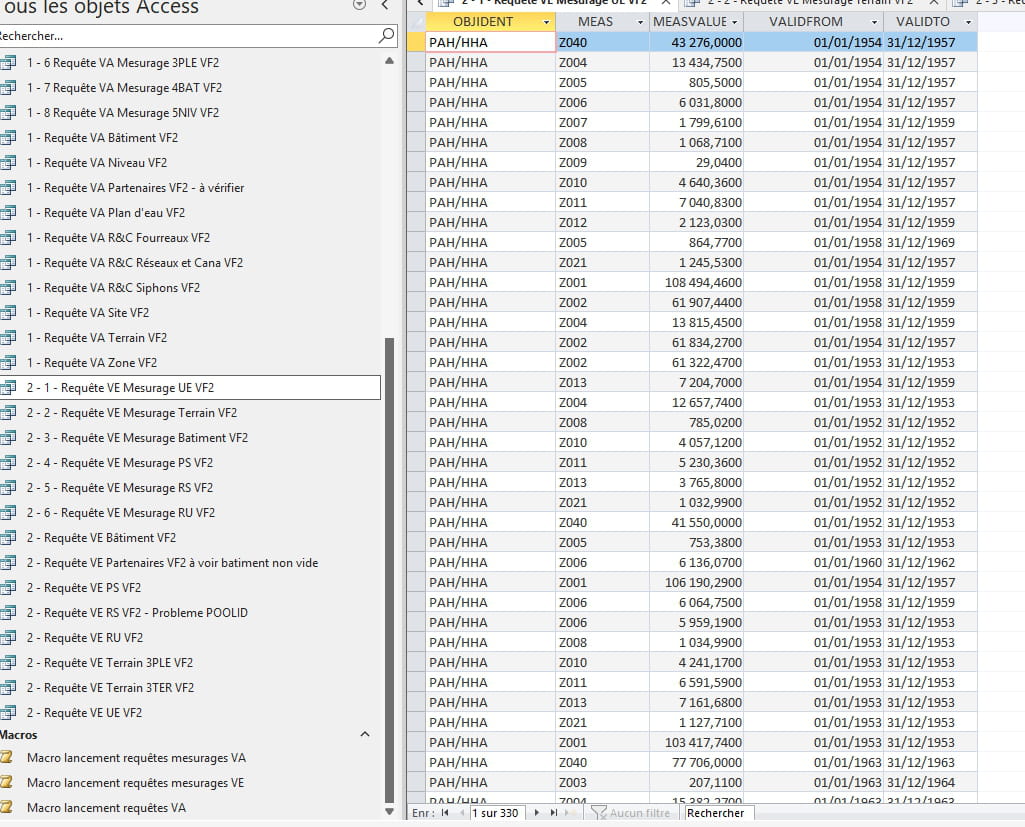
I created 6 queries 2-1 2-2 2-3 .... etc that, with a macro, automatically give me 6 distinct Excel files as a result...
I would like a macro to run these 6 queries but in the end, automatically put the content of these 6 queries into a single Excel file... Is that possible?