PB Edenwood, how to reset?
Solved/ClosedMPMP10 Posted messages 47331 Registration date Status Member Last intervention -
Hello,
I recently bought an Edenwood television but two problems have come up.
Since yesterday, it has been indicating that there is no internet connection and is prompting me to check the settings.
I checked the connection, changed the HDMI cable, and I turned off and rebooted both the TV and the box as well.
But nothing works, I can’t seem to get it to connect.
I wanted to reset the TV, but I don’t have the settings menu at the top.

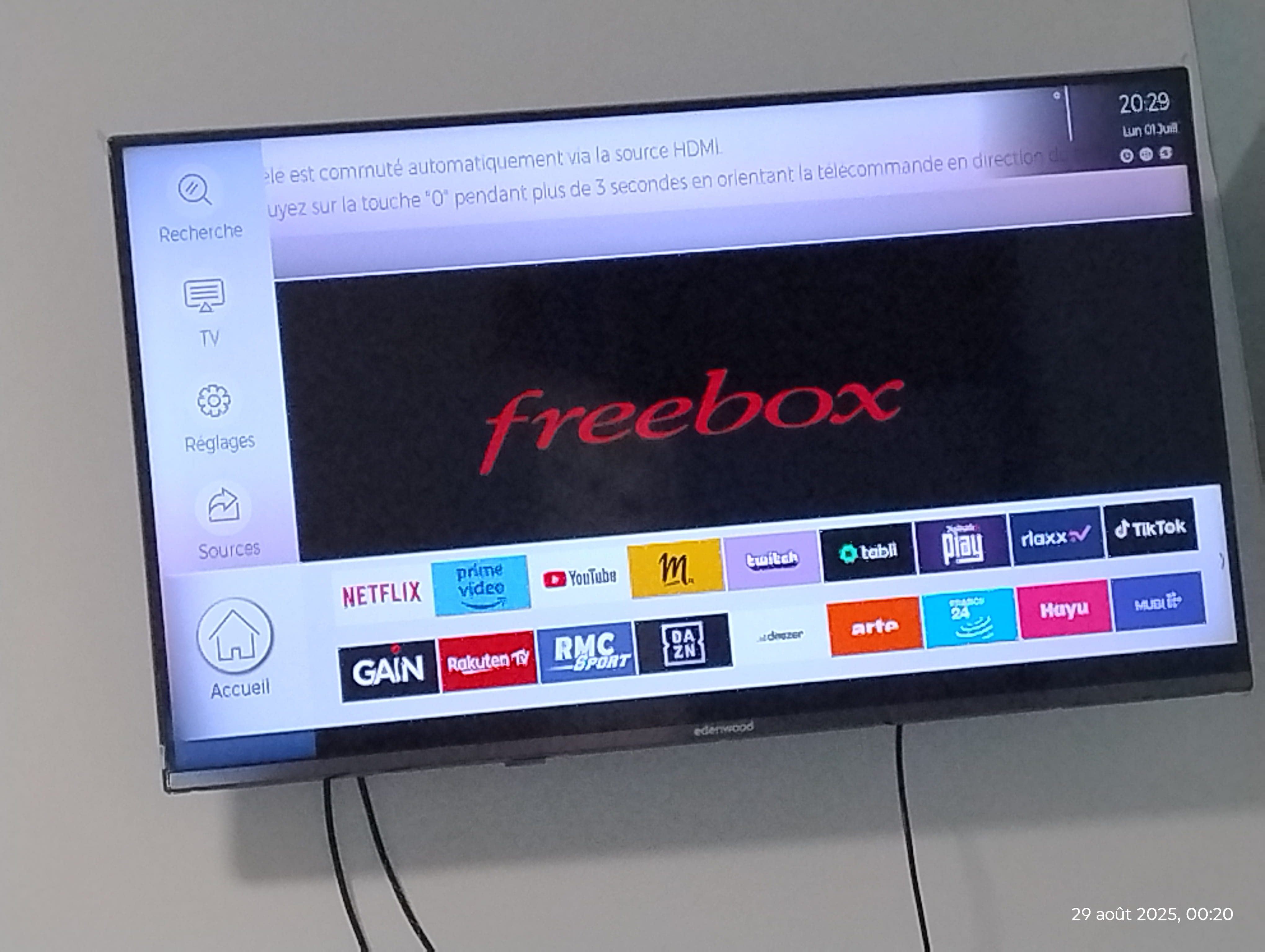
I press the Home button, and the remote takes me to the news banners! (Highlighted red banner see photo)
The buttons have strange shortcuts.
For example: the txt in a square leads me to profile creation, but the green and blue shortcut buttons also take me to profile creation...
The G in a square doesn’t seem to correspond to anything.
As for exit, it toggles between two channels; for instance, here I’m on channel 6, if I press exit it takes me to channel 7, and if I press exit again, it goes back to channel 6.
It seems that we can update and rebalance the remote, but without a connection, it’s impossible.
I do have internet network, and I also reset my box with no success.
What should I do, do you have any solutions?
Thank you
12 answers
-
Hello,
What is the model of this Edenwood television?
In your screenshot, you are in the Music section, there is a strong chance that the reset option is in the Settings section.
To access Settings, you need to navigate using your remote control.
It is very difficult to catch a black cat in a dark room.
Especially when it's not there... -
Hello everyone
So here's the thing ... I literally forgot about my post.
I'm getting back to you with 2 issues, so I'm not going to create a new topic. First of all,
I noticed that it's my box (Freebox Revolution) that is connected to the internet and not my TV, so that's where my "not connected" message comes from.
So I want to fix that; I've watched some videos, but the problem is that every time they say to go to settings from the home menu....
But I don't have a home menu that shows up, when I turn it on I directly see: settings, apps, music, TV, video on demand, etc....
Then it's the same for my TV, I wanted to cast Android screen to the TV via wireless display, but again it goes through the TV menu (a menu that shows a bar on the left and at the bottom with various settings to do)
The problem is that I also can't get that TV menu to display
So could you help me access the home screen and the settings screen of my TV please?
Thank you
-
So to better understand my question, here is the menu that I can't display long enough
Indeed, I have to restart my Freebox, then turn my TV back on, it displays for 15 seconds and then it says it has automatically switched to HDMI and then it goes back to this Freebox screen.
So I can't make any adjustments.
What should I do?
Then similarly, I have seen people who have this screen on their Edenwood, where they go through the settings for additional adjustments and I do not have this home screen (see the photo from the first topic message)
https://img-19.ccm2.net/-KqYERxGsZg3vXaV_KPLj0F9u64=/9bf4201f00044c45b252ec00e80b1994/ccm-ugc/Screenshot_20250829-002841.Chrome.png
-
Hello,
We still don't have the exact reference for this television that was requested since April 19, 2024.
To be sure (it's quite confusing for me…), what type of screen do you currently have, the one from April or another type of screen when you turn it on?
If not, try this: unplug the television from the power outlet (for at least 60 seconds…). Then, make sure to disconnect all cables that are connected to the television (no devices should be connected to the television, whether by cable or via Wi-Fi…) turn off the box (or by turning off the Wi-Fi using the button on the box), then plug the power cord back in and restart the television to see.
Also, remove the remote control batteries for a few seconds to see.
To be sure, have you checked "Settings" present in the screenshot from April?
-
-
Hello mpmp10, thanks for stopping by and for your help.
I must admit that I don’t know what my model is since I can't remember where I put the manual. I had adapted back then, but now that I’ve had some recent issues, everything needs to be redone, and so I’m back here.
Where can I find my exact model now?
After searching yesterday, I finally managed to access my TV menu (photo 1). I had to disable cec using a remote shortcut, and now I have access to my settings.
But I am encountering connection issues.
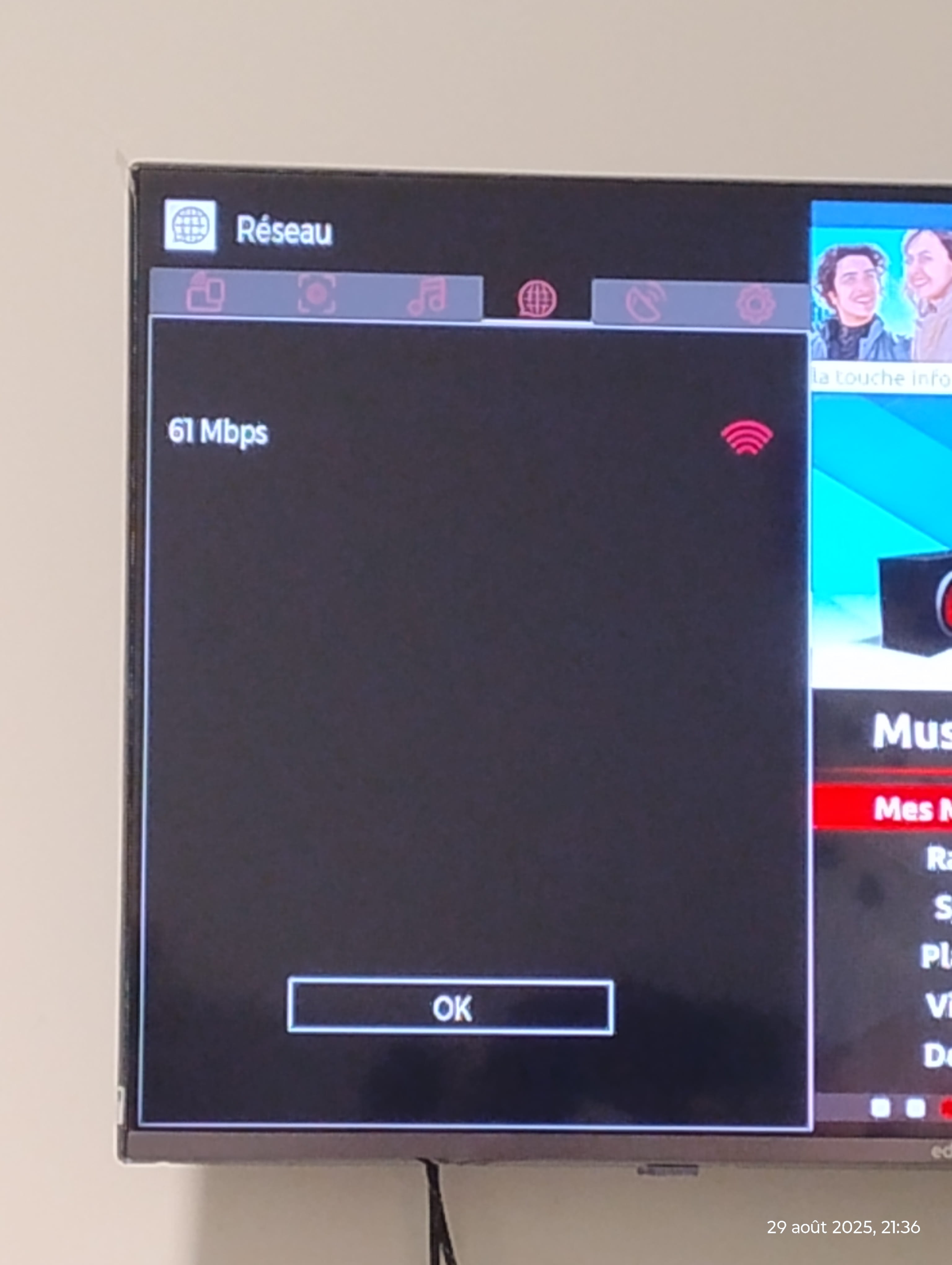
Let’s talk about Alexa. I installed the Edenwood skill, I’m connected to Wi-Fi on the TV, so it's a smart TV, connected to Amazon, the TV and voice assistant pairing has been done, yet she can’t detect it anymore. I am indeed on 2.4GHz.
I thought I’d see what Smart View can do, and the same issue arises. Before my problem, I could do it as well, but now it no longer sees my TV (wireless display activated).
Result:
My remaining issues are: can I get the menu from photo one for better simplicity, and how can I resolve my connection problem?
Knowing that I will do what you told me and come back to let you know.
Thank you.
-
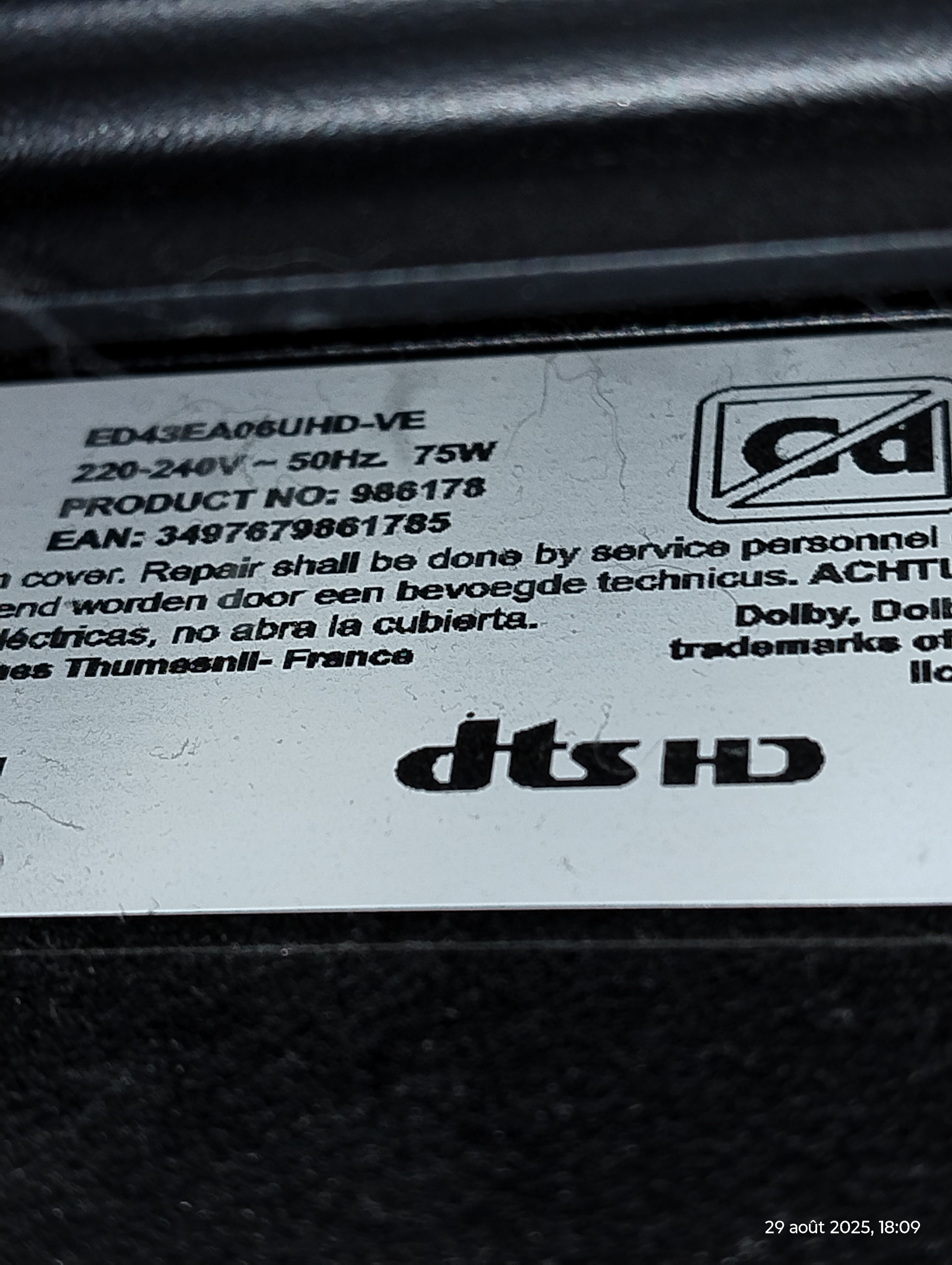
Yes, I have the stickers, the TV is from last year
even my connection is quite excellent
40m2 for the accommodation, fiber optic, devices less than 4m apart, I have access to my Google and I can play on mobile RPGs without latency.
Do you think it could just be the Wi-Fi connection between my TV and the box being weird? They are less than two meters apart and so far I haven't had any particular issues regarding connections.
No, I don't even have an RJ45 cable
I unplugged everything as you told me, every power strip etc... waited about 3 minutes to be sure, but it didn't change anything
Edit: edenwood
TV model
ed43a06uhd-ve
-
Are there no numbers on the sticker on the back?
Yes, but we still don't know if you've reset it or not, and we still don't have a reference, and we still don't have the latest requested screenshot!
We need to see if there is indeed an RJ45 port on the television in question; I can't determine that without the exact reference of the television!To find out if you have an RJ45 port, you would need to provide us with one or more screenshots of the different connections on your television.
As for the RJ45 cable, you just need to buy it!
-
-
-
You will (unless mistaken...) be able to connect an RJ45 cable.
An example here.
Is this the number you want? The sticker is hard to reach because of the TV stand in front of it.
I was looking for how to do the reset, but I can't find anything in my menu that allows a factory reset, at least nothing that is labeled as such.
3 HDMI, a square LAN port, 2 USB, some kind of optical LED gut, and an ANT connection.
Sorry for the last one, I can't manage to post these last two photos.
-
See the answer <13> here regarding the RJ45 cable.
https://forums.commentcamarche.net/forum/affich-38033987-pb-edenwood-comment-reinitialiser#p38224887
The user manual is in the answer <13>.
I will do this as soon as possible, unfortunately not tomorrow as I will be absent.
However, what is the exact role of this cable since I already have Wi-Fi on my TV?
-
Your original problem is:
<<I recently bought an Edenwood television but two problems have arisen.
Since yesterday, it has been indicating that there is no internet connection, prompting me to check the settings.>>
In my response <8>:
<<Do you have the possibility to connect it with an RJ45 cable for ethernet?
The connection would be more stable with a cable.>>
There is always a loss of speed when using wifi, it is preferable to use an RJ45 cable for a more stable communication between the box and
the television over a distance of about two meters.
The idea is to see if it works better with the cable rather than over wifi, it is quite likely that this will resolve the issue of unstable or nonexistent connection at times between the box and the television.
So a little post, at this time no more wifi on my phone!
I reset bluetooth and network via settings and nothing changes, the wifi is detected but no longer connects.
Overall, only the TV works as it's connected via fiber.
I think at this stage, it would rather be a problem with my box, especially since the display is now slightly distorted (overlay of the time display with the menu text of the box for example or weaker green pixels in certain areas).
I will contact Free as soon as possible.
Hello mpmp10,
Someone lent me an RJ45 cable, I've connected my TV to the box (one of the slots named Ethernet).
In the settings, I switched the Wi-Fi to wired device mode.
Then I tested SmartView and Alexa and it remains the same, I can't detect my television.
Another option? I haven't seen how to reset my TV.
To date, I suspect the TV; a relative tested the detection, with or without a cable, without success.
I managed to detect my relative's TV, so Android is ruled out.
Free notices no particular problem with my box.
Do you think it could be the Wi-Fi card in my TV?
Free intervened, it was a box issue and not a TV problem, everything has returned to order. Thank you
-