
My laptop doesn't recognize the SIM cards.
georges97 Posted messages 14659 Registration date Status Contributor Last intervention -
Hello,
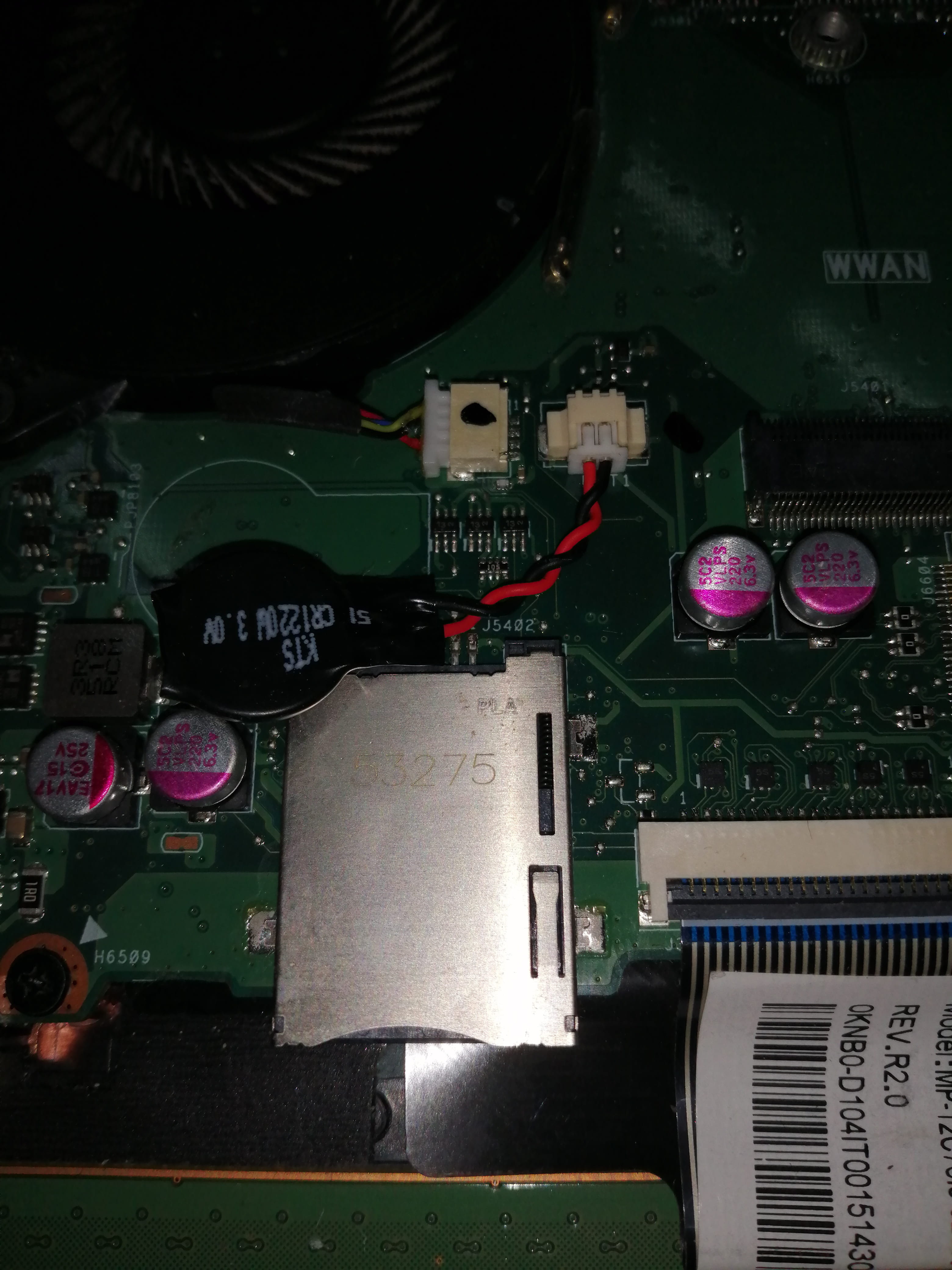
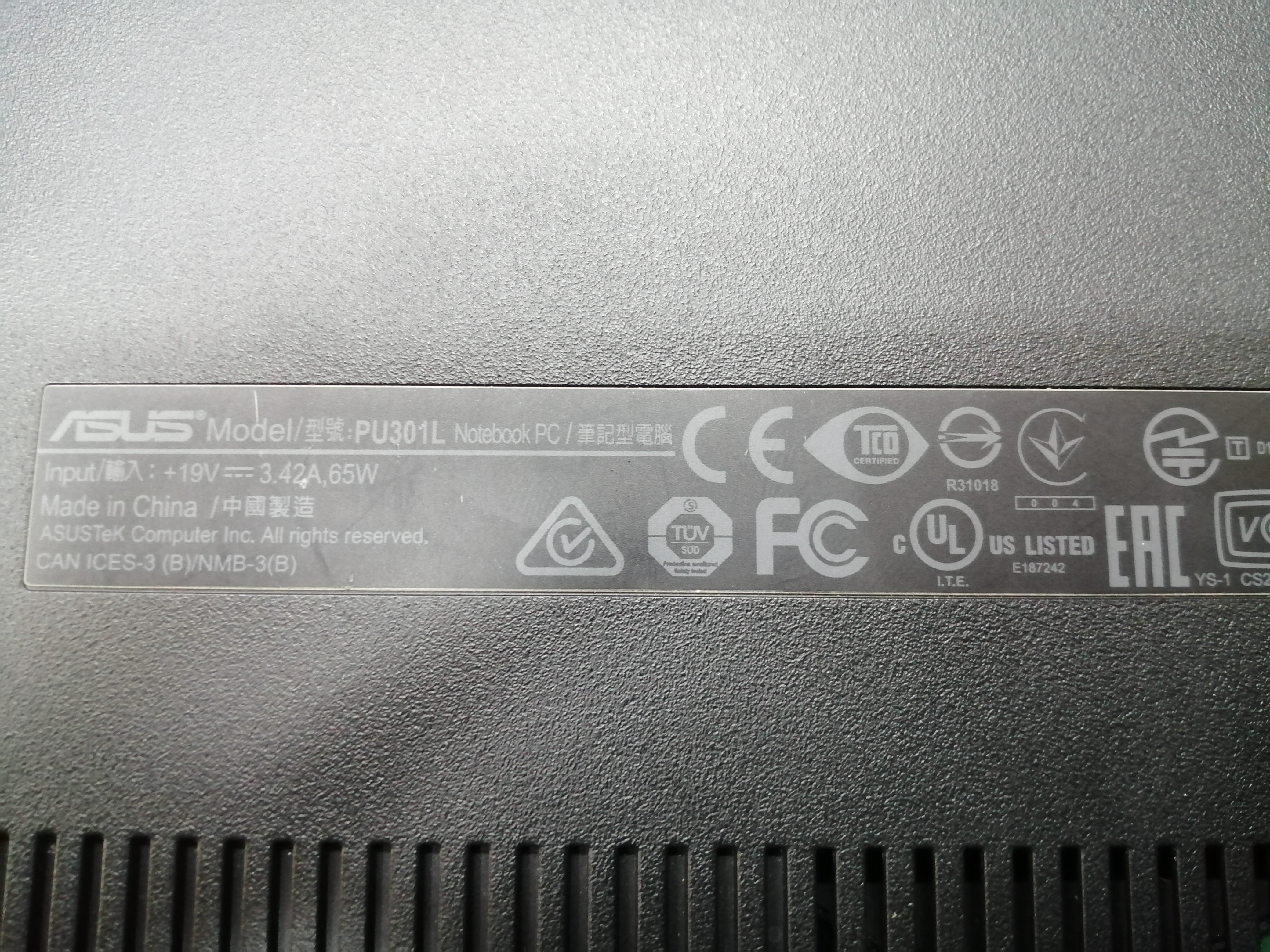
Please, I have an "ASUSPRO PU301L Notebook" laptop that has a "SIM" card reader located under the battery compartment as shown in the attached pictures. The problem is that when I insert any "SIM" card, it is neither detected nor recognized. It seems to me that a driver is missing, but unfortunately, the official ASUS website does not provide the driver for the "SIM" reader.
I opened the laptop cover to see if there are any references on the "SIM" reader; I only found the mentions "PLA" and "53275" (see the attached photo) :(
If you have any ideas to solve this problem, I would be very grateful.
Here are the system information:
- Windows 10 Professional;
- Intel(R) Core(TM) i7-4510U CPU @ 2.00GHz 2.60 GHz;
- 64-bit operating system, x64 processor.
Thank you.

2 answers
-
Hello,
can you check in the device manager if there is a problem? Otherwise, one of the issues could be if the SIM card is protected by a PIN code; it may need to be disabled for it to be recognized by the PC.
++
-
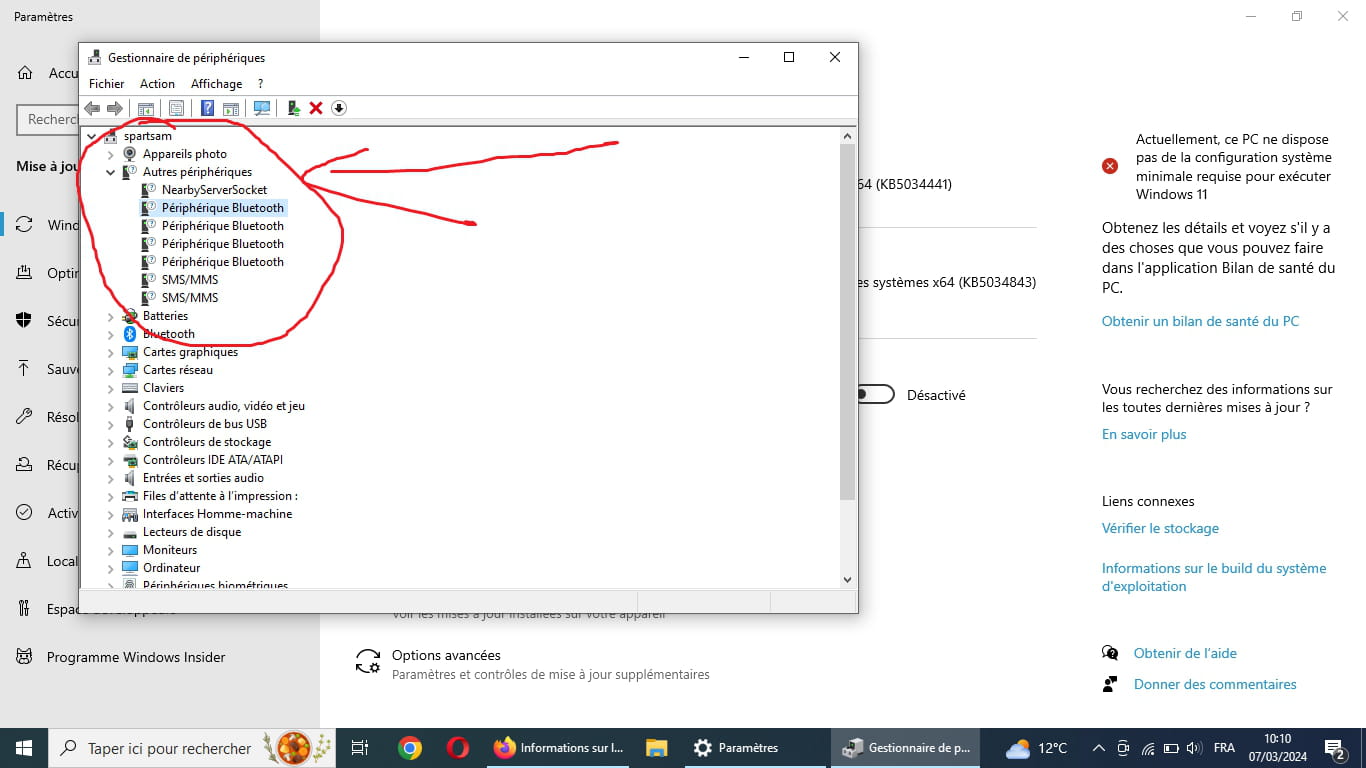
Thank you for the response, I just checked the device manager and noticed question marks on several (see the photo). Unfortunately, it's impossible to update them :( how can I install them knowing that I have already downloaded all the drivers from the official ASUS site?
As for the SIM cards I tested, none are protected by a PIN code.
You can try using a driver update utility; personally, I use the following one: https://www.snappy-driver-installer.org
It's free and I've never had any issues with it.
One of the problems you might encounter is that your PC is quite old, and it was probably originally intended for Windows 7 or 8; it's possible that the drivers haven't been updated for version 10.
Hello,
I find it surprising that a manufacturer as reputable as Asus does not provide a driver for an internal device. Moreover, it would be uneconomical to integrate unusable circuits.
Either it is included in the pre-installed drivers or it is not designed for the European market, or even France, but Asus would be taking the risk of providing a non-compliant product if the description mentions this hardware extension.
Unless I am mistaken, no SIM interface is mentioned in the technical sheet of the cited reference:
https://www.asus.com/fr/commercial-laptops/asuspro_essential_pu301la/specifications/
The question I am asking is: what is the purpose of this SIM interface: either it allows the PC to be used as a phone (rare use but would be announced and thus made possible by Asus), or it is intended for other applications (SMS, alarms, or others).
This implies telecommunication applications on this PC (rather unusual originally).
In any case, lacking this knowledge, the management of Asus France would do well to inform themselves in order to better assist their customers.
As for the technical designation, while it may be useful for replacing a circuit, it is not necessary since the functionality relies on the existence of a driver written by the manufacturer of the PC for the motherboard and the current operating system.
-
The SIM cards in laptops primarily, if not exclusively, serve as mobile modems, thus providing internet access via 3/4/5...G.
Hello MaxGix,
Thank you for the helpful clarification. I must admit that, although I own several Asus devices, I have never had in my hands a model with SIM, but I don't doubt that it exists.
As I mentioned, it is not noted in the technical specifications, maybe an oversight or a special model. That said, it would be helpful to indicate to the requester where they can find a driver.
On their site, it doesn't seem very documented:
https://www.asus.com/fr/support/faq/1010441/
I will therefore leave the floor to the specialists.
-
