Duplicate bookmarks
Solved
Hello,
Is there a solution other than manual to get rid of duplicate bookmarks in Firefox version 101? Thank you in advance for the help provided.
Is there a solution other than manual to get rid of duplicate bookmarks in Firefox version 101? Thank you in advance for the help provided.
2 answers
-
Hello,
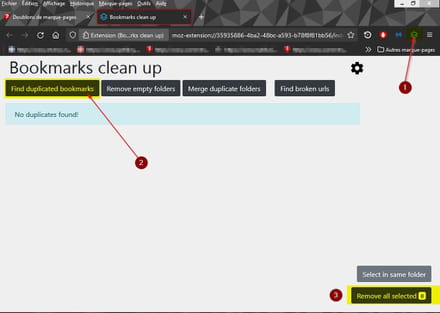
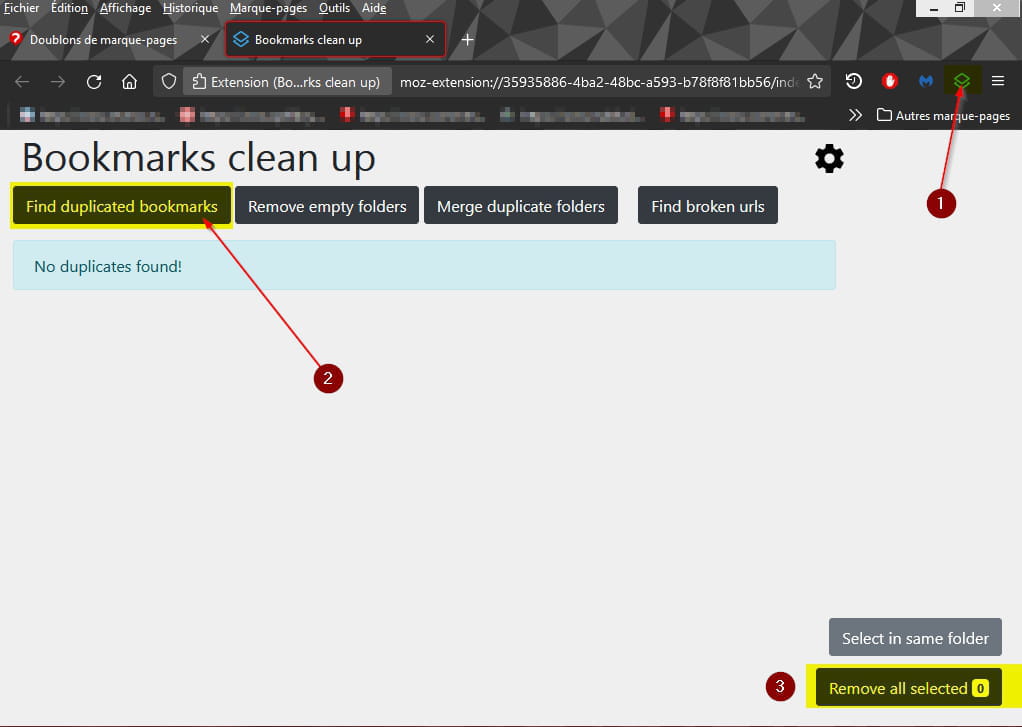
https://addons.mozilla.org/fr/firefox/addon/bookmarks-clean-up/
You can also search for the button "Find broken urls" to remove broken links (pages that no longer exist..).
Note, it is advisable to back up your bookmarks before performing this type of cleanup.
-
-
-
@brucineI always and regularly export my bookmarks, and I have so many that it would be very time-consuming to delete them manually. Thank you anyway for your response.
-
@axel_8410You're welcome.
Just so you know, I've modified my response, so it would be good to refresh the page of this topic in Firefox. -
-
-
Well, this is the third analysis I've had done for the broken links, and it finds more of them, and I have the impression that there are links I had already deleted that are reappearing. I'm going to uninstall the extension, so please disregard my other response where I said I recommend this extension; don't install it for the moment, it's not fully developed enough.
-
-
@MPMP10Are you using Windows?
-
@axel_8410Yes...
-
@MPMP10I am on a Mac.
-
-