Magix software: the cursor won't move anymore
Solved
australie
Posted messages
993
Status
Member
-
australie Posted messages 993 Status Member -
australie Posted messages 993 Status Member -
Hello,
I use Magix and usually when I play a video on the timeline, the orange cursor moves along the video on the timeline: now it doesn't move anymore, do you know why? Thanks.
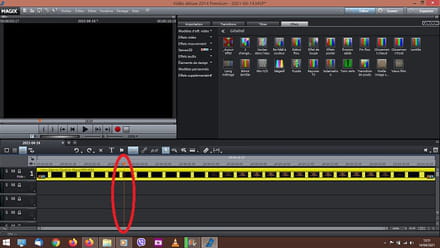
Configuration: Windows / Firefox 85.0
I use Magix and usually when I play a video on the timeline, the orange cursor moves along the video on the timeline: now it doesn't move anymore, do you know why? Thanks.
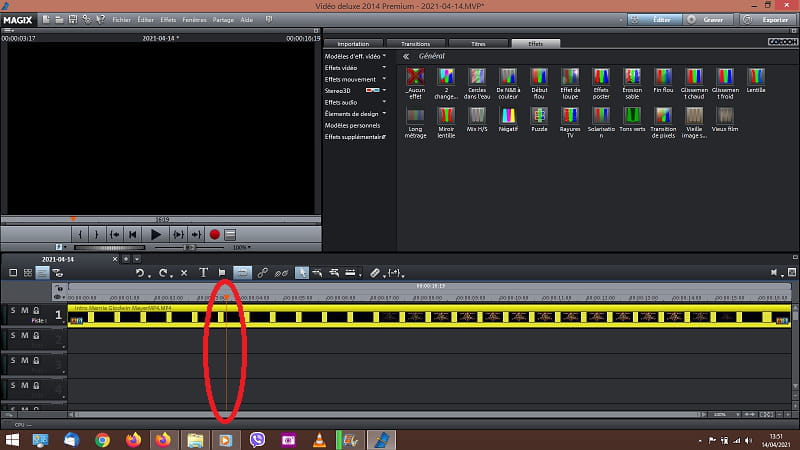
Configuration: Windows / Firefox 85.0
2 answers
-
Hello, the first simple thing to do
before messing up your computer at the slightest incident, like "properly" uninstalling software, is a delicate operation. If you encounter a persistent bug, consider performing a "system restore to a previous date" before the bug—this is the term used by Windows. This operation allows you to revert your system to the state it was in before the chosen date.
Press the Windows key + the pause key (top right) for System Protection, then System Restore in the box that appears, and follow the guide.
A second way is to go to This PC, Control Panel, System, Security, System, and on the left: System Protection, System Properties, Restore.
It’s completely risk-free and often beneficial; you can cancel the operation by choosing to return to the current date.
You may risk losing only the ongoing virtual project for the video, but not the files.
Create a restore point before installing or modifying any software
in "System Properties" "System Protection, type Create "give it a name including the date and time" ok.
"Donkeys change their minds, idiots don't."
Remember to mark your message as "resolved" if that is the case. -
Good evening, okay I'll see, but I will thoroughly study the changes I might encounter if I restore to an earlier date, and if I go too far back, I might lose data or software that I've installed since, and I didn't make a list....