Problem: Unable to create a resolution
Terrale
-
Nzo_19 -
Nzo_19 -
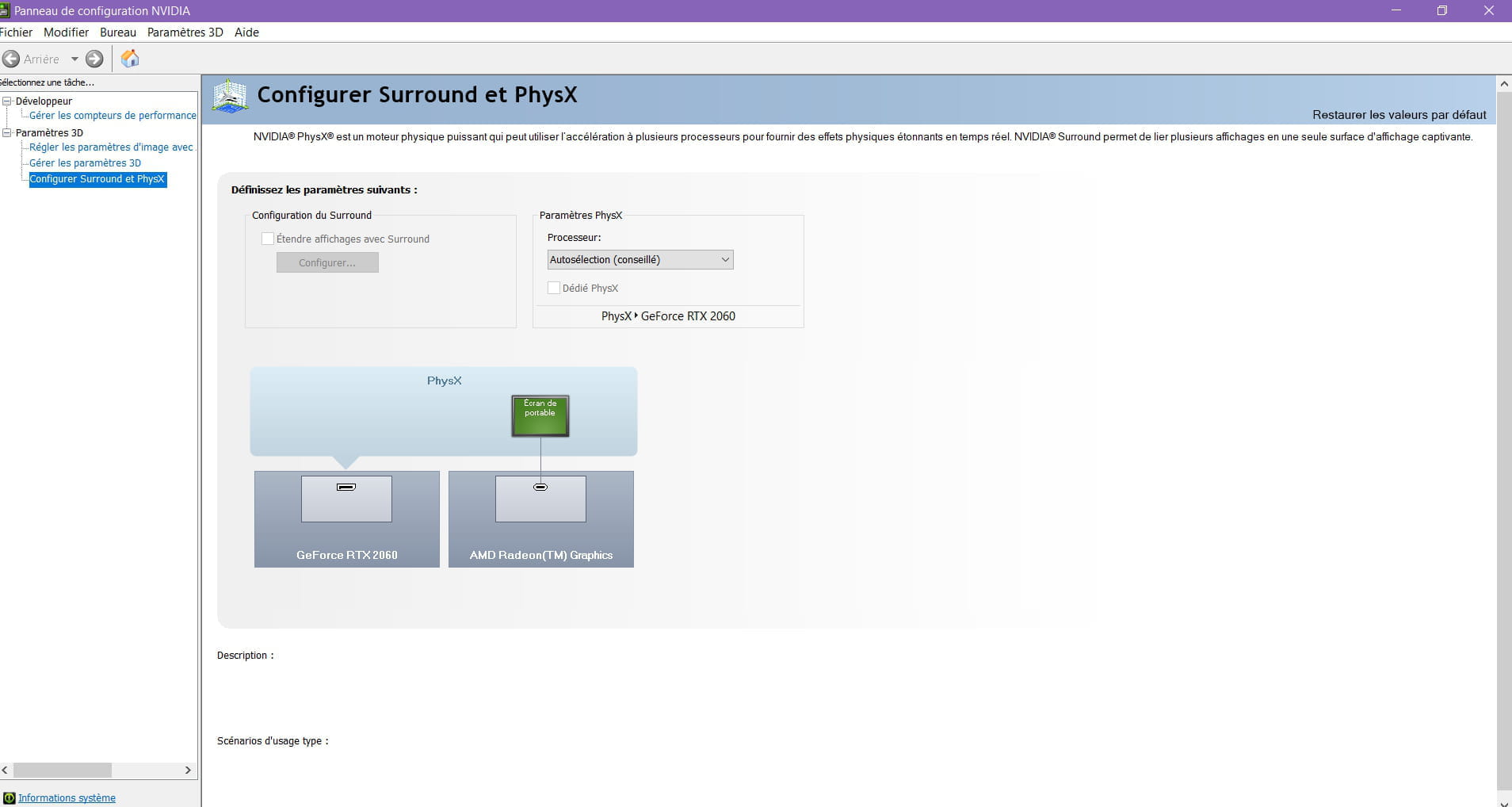
Hello, I've been trying for a long time to create a resolution on my laptop, but it’s impossible because I have an AMD processor and an NVIDIA graphics card.
I feel like my screen is using the processor's graphics card and thus preventing me from accessing the NVIDIA display settings.
I also have the software from AMD, but there’s no way to change my resolution either.
If you can help me, thank you.
I feel like my screen is using the processor's graphics card and thus preventing me from accessing the NVIDIA display settings.
I also have the software from AMD, but there’s no way to change my resolution either.
If you can help me, thank you.
7 answers
-
Hello, the resolution can be changed by right-clicking on the desktop => display settings or via the NVIDIA control panel in the section => change resolution.
To select the graphics card used as a priority, go to the NVIDIA control panel, in the section "manage 3D settings"; in the global settings, go to "graphics processors" and select your graphics card then apply.
=> The resolution is linked to the graphics card and therefore cannot be changed via the AMD software for managing the processor. -
Hello,

Best regards
--
He who doesn't please upon arrival, always does so when leaving.
Oh Breizh my country, let me love my country! -
Here is the reference for the laptop: Asus TUF Gaming A15 566IV-AL155T 15" Ryzen 7 2.9 GHz - SSD 512 GB - 16 GB - NVIDIA GeForce RTX 2060 AZERTY
For the moment, I don't have the option to change the resolution in either the NVIDIA panel or the AMD panel.
My drivers are up to date.

-
There must be a continuation to the mobile reference, this continuation starts with FA, followed by a series of numbers and again letters.
461.92/461.92-desktop-win10-64bit-international-dch-whql.exe, driver offered by Nvidia
@+
-
-
I just found it, I think: FA506I
I installed this driver and still can't change the resolution. -
Yes, I have access to it, but I don't have all the sections available like I can have on another computer, including the one for resolutions.
-
Yes, exactly the same, but there are normally many more, am I wrong?
-
Normally, there are many more sections than what I want to have, look: