Blocked in the BIOS
Solved
Gzo01
Posted messages
15
Status
Member
-
Gzo01 Posted messages 15 Status Member -
Gzo01 Posted messages 15 Status Member -
Hello everyone.
So I recently wanted to upgrade my old computer by buying a new motherboard, a processor, and a graphics card. (Which I’m still waiting for, of course.)
My motherboard is an “MSI MPG Z390 Gaming Plus”; I have an i9-9900K processor and a 750W power supply.
While waiting for the grail, my new graphics card, I tried to install my old one, which is an “ASUS GTX 770 DirectCU II.”
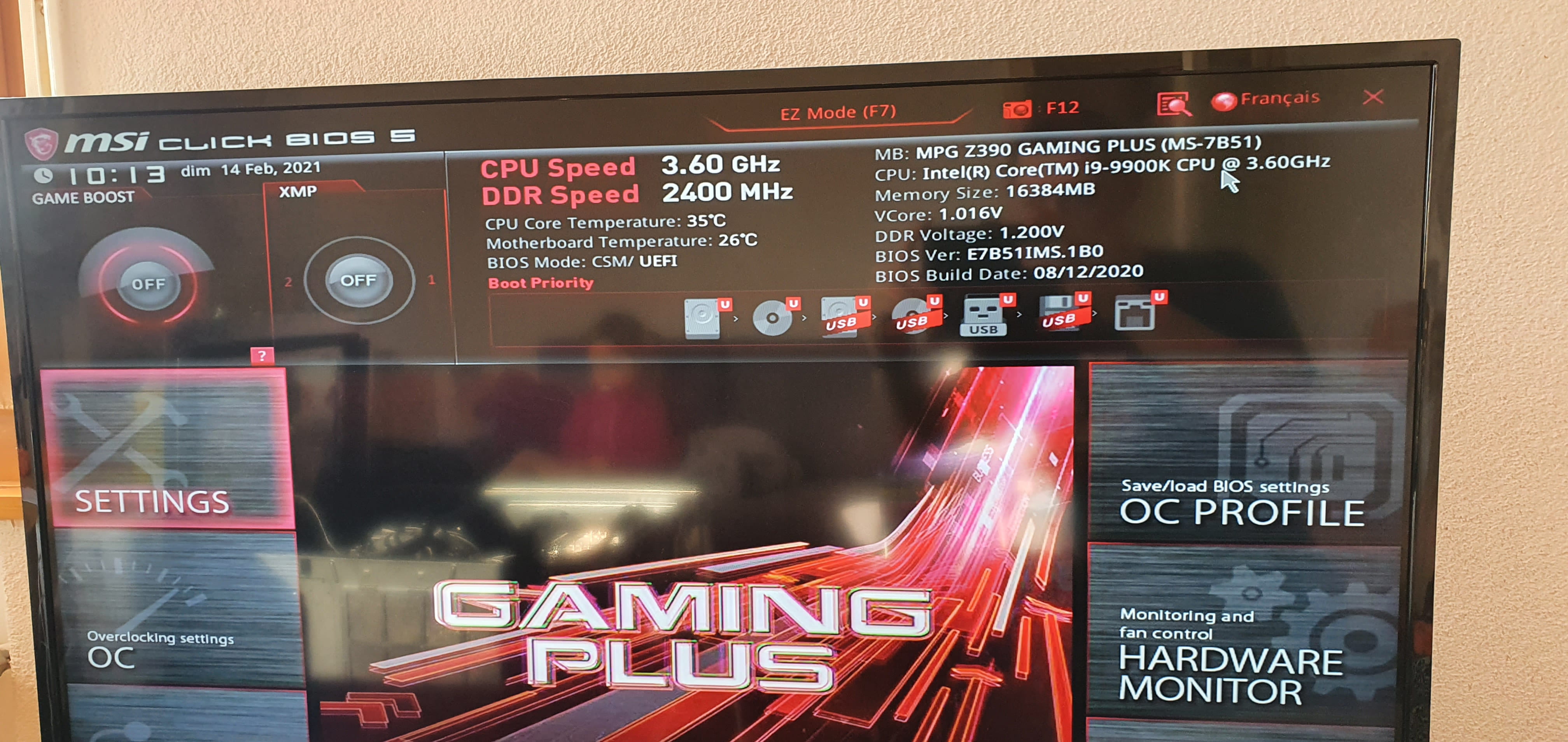
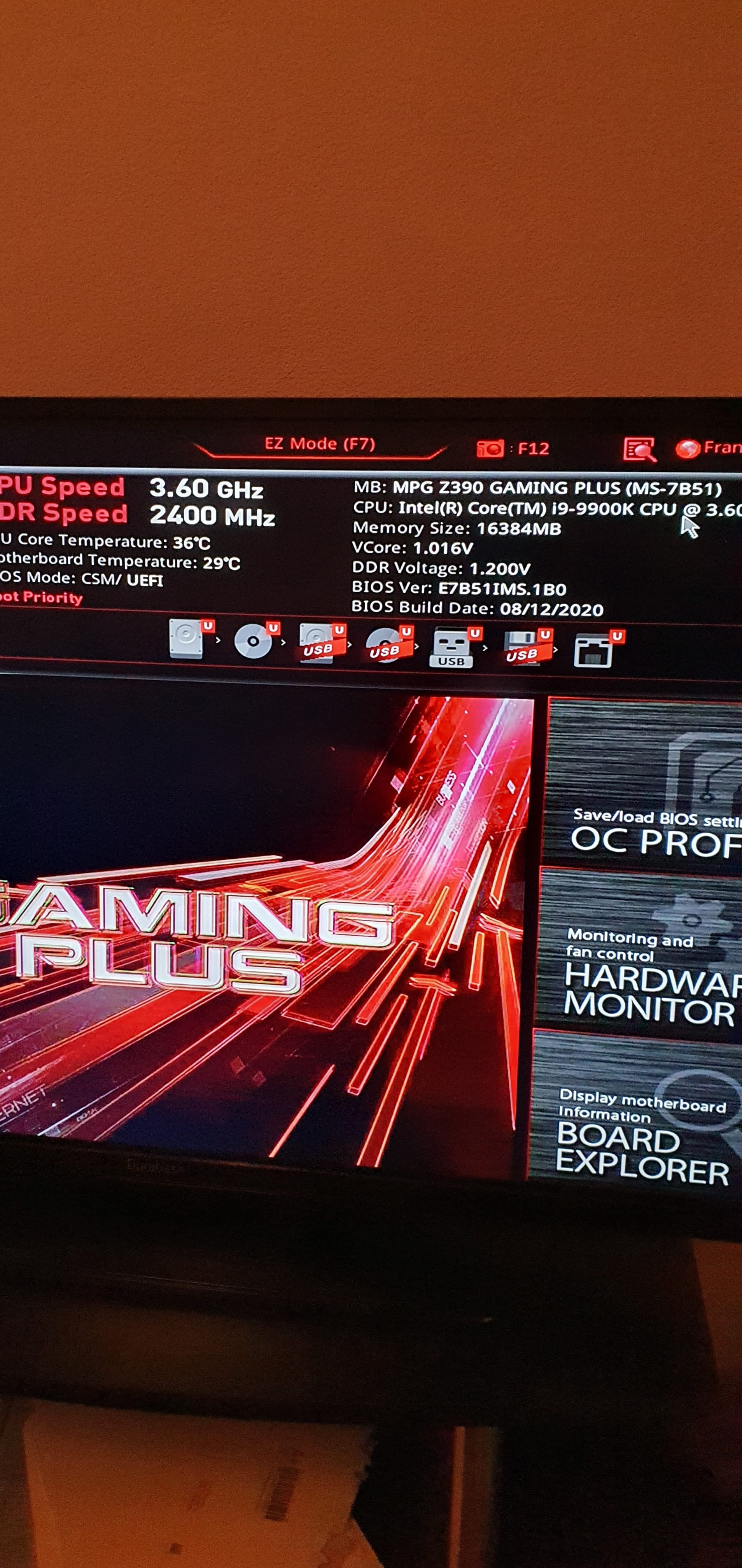
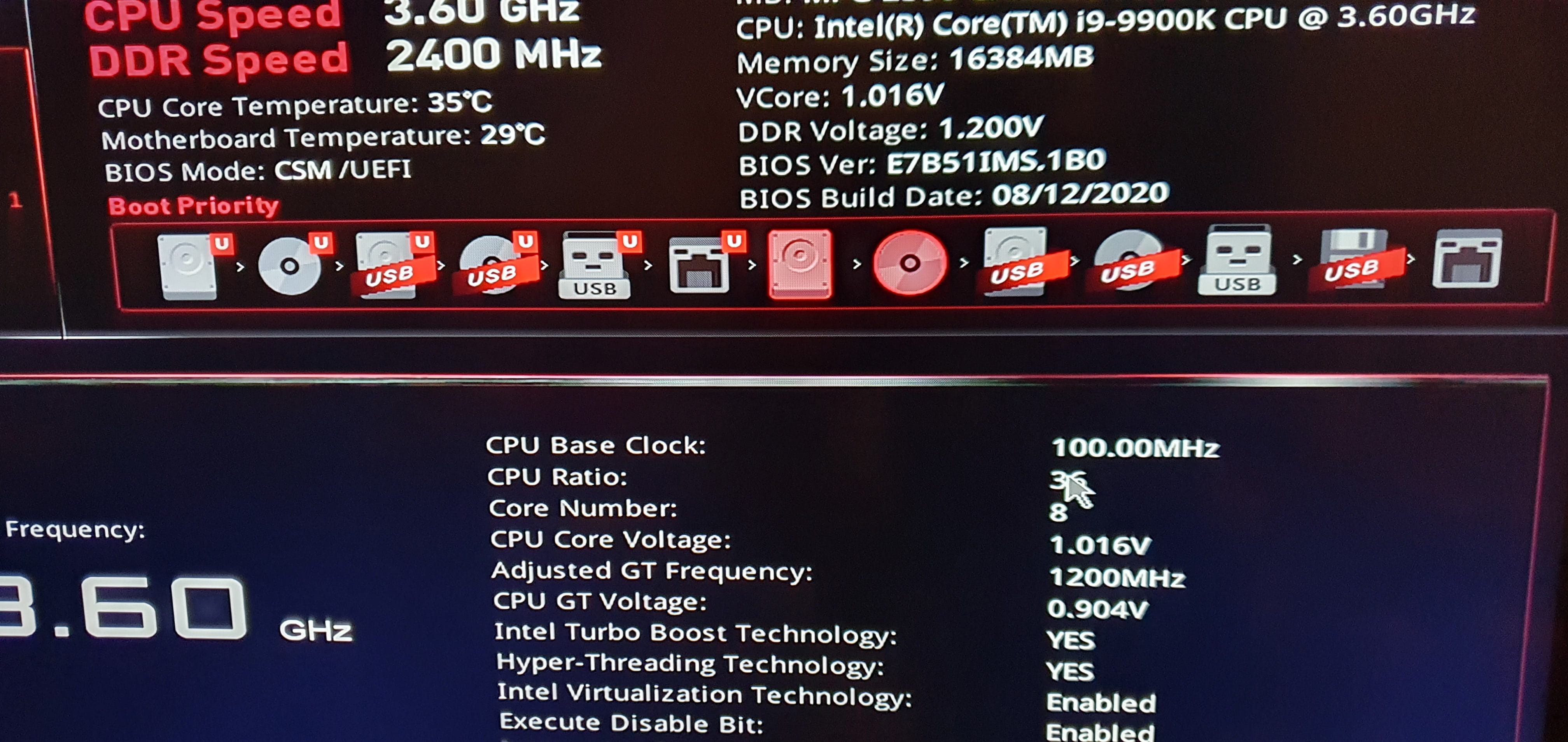
The problem is that when I plug in my graphics card I get stuck in the MSI BIOS. When I remove it, I can use my computer normally (except for gaming, obviously).
I’m a bit lost... Does anyone have a stroke of genius?
Thanks in advance.
So I recently wanted to upgrade my old computer by buying a new motherboard, a processor, and a graphics card. (Which I’m still waiting for, of course.)
My motherboard is an “MSI MPG Z390 Gaming Plus”; I have an i9-9900K processor and a 750W power supply.
While waiting for the grail, my new graphics card, I tried to install my old one, which is an “ASUS GTX 770 DirectCU II.”
The problem is that when I plug in my graphics card I get stuck in the MSI BIOS. When I remove it, I can use my computer normally (except for gaming, obviously).
I’m a bit lost... Does anyone have a stroke of genius?
Thanks in advance.