Open raw files directly in Gimp with Rawtherapee as a plugin
FanfanHibou
Posted messages
3
Status
Member
-
remilard -
remilard -
Hello,
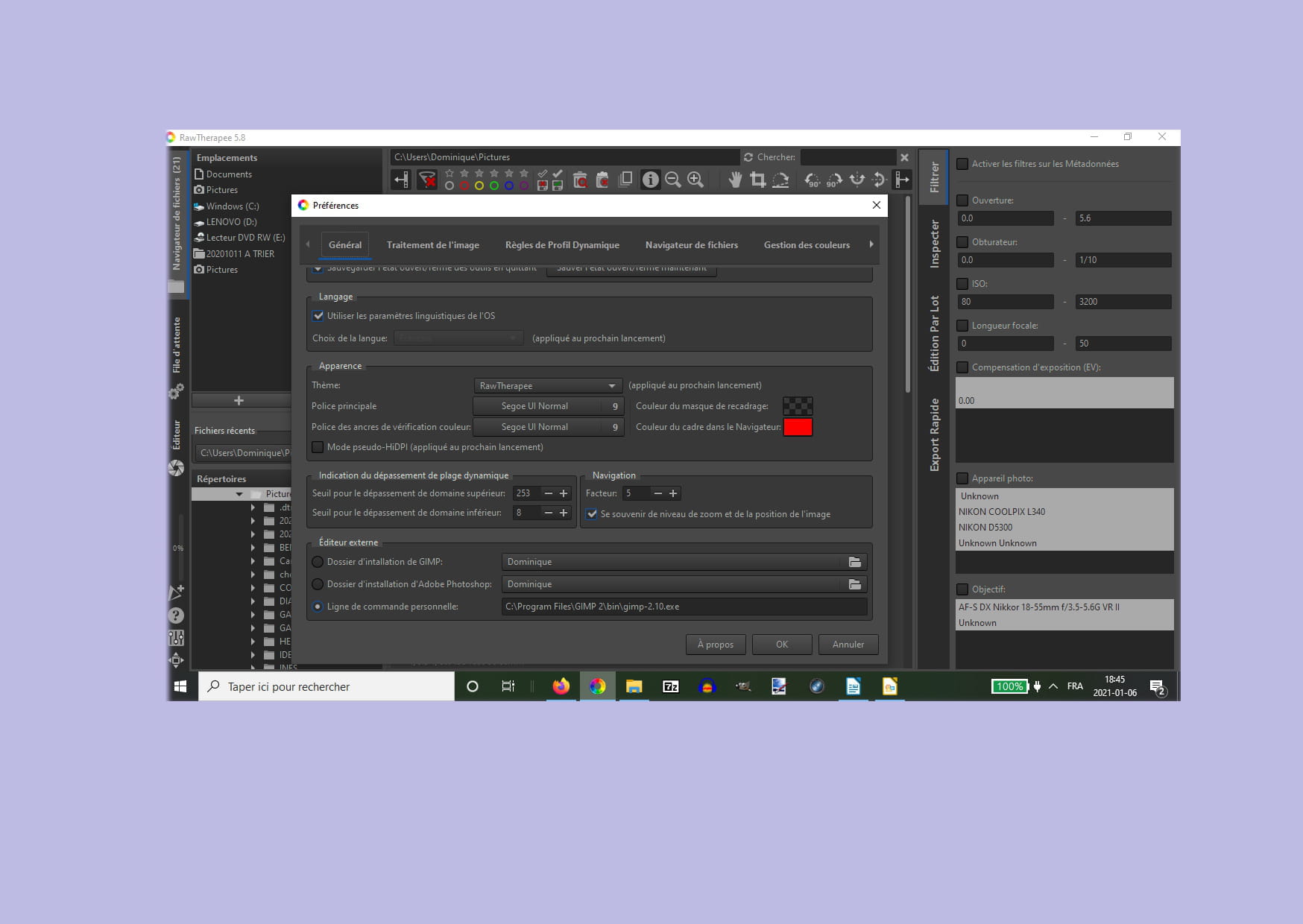
I use Rawtherapee to open my raw files and process the photos. I then send them to Gimp as an external editor. According to the documentation, it is possible to open a raw file directly in Gimp with Rawtherapee as a plugin. I have installed Rawtherapee and Gimp, I can use Gimp as an external editor from Rawtherapee, but I can't open the raw file directly with Gimp, even though the plugin is properly installed (automatically, without my intervention).
Can you help me? (Windows 10). Thank you!
Configuration: Windows / Firefox 83.0
I use Rawtherapee to open my raw files and process the photos. I then send them to Gimp as an external editor. According to the documentation, it is possible to open a raw file directly in Gimp with Rawtherapee as a plugin. I have installed Rawtherapee and Gimp, I can use Gimp as an external editor from Rawtherapee, but I can't open the raw file directly with Gimp, even though the plugin is properly installed (automatically, without my intervention).
Can you help me? (Windows 10). Thank you!
Configuration: Windows / Firefox 83.0
5 answers
-
-
-
if your GIMP file is in the "dominique" folder then it surely can.
But in this case, I cannot find a solution because I only use RawTherapee. -
It's not a blocking issue, so I think I'll let it sit for a while and maybe find the solution later. And I'll just use rawtherapee in the meantime. Thanks for the help anyway, best regards, Fanfan.
-
Hello,
The GIMP Plugin
You can open raw images with GIMP using RawTherapee as a plugin.
Requirements
RawTherapee 5.3
GIMP 2.9.6
The RawTherapee executable must be located in one of the paths declared in the $PATH environment variable. This is the case if you have installed the entire RawTherapee system.
Usage
Simply open a raw file from GIMP. A RawTherapee editor window should automatically open, allowing you to fine-tune the raw file. When you close the window, the image will be imported into GIMP.
https://rawpedia.rawtherapee.com/GIMP_Plugin/en